
Product Configurator
Every choice.
A clearer product.
Turn complex options into confident decisions. From the first selection to the next commercial step.
Model the product / Guide the buyer / Validate the handoff
Make a choice. See the consequence.
Choose a chassis. Explore a constraint. Carry a valid selection into pricing.
Your air-handling unit
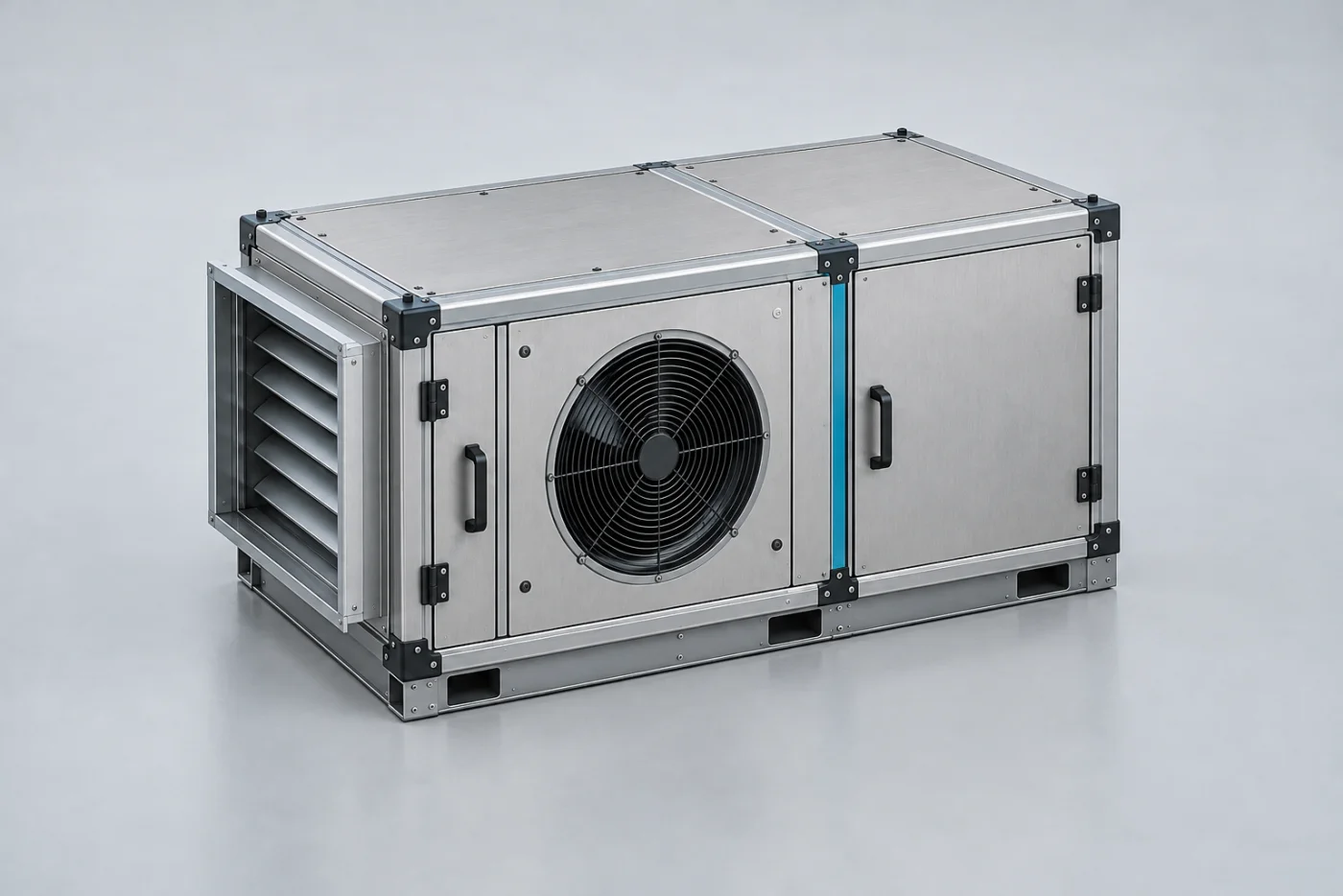
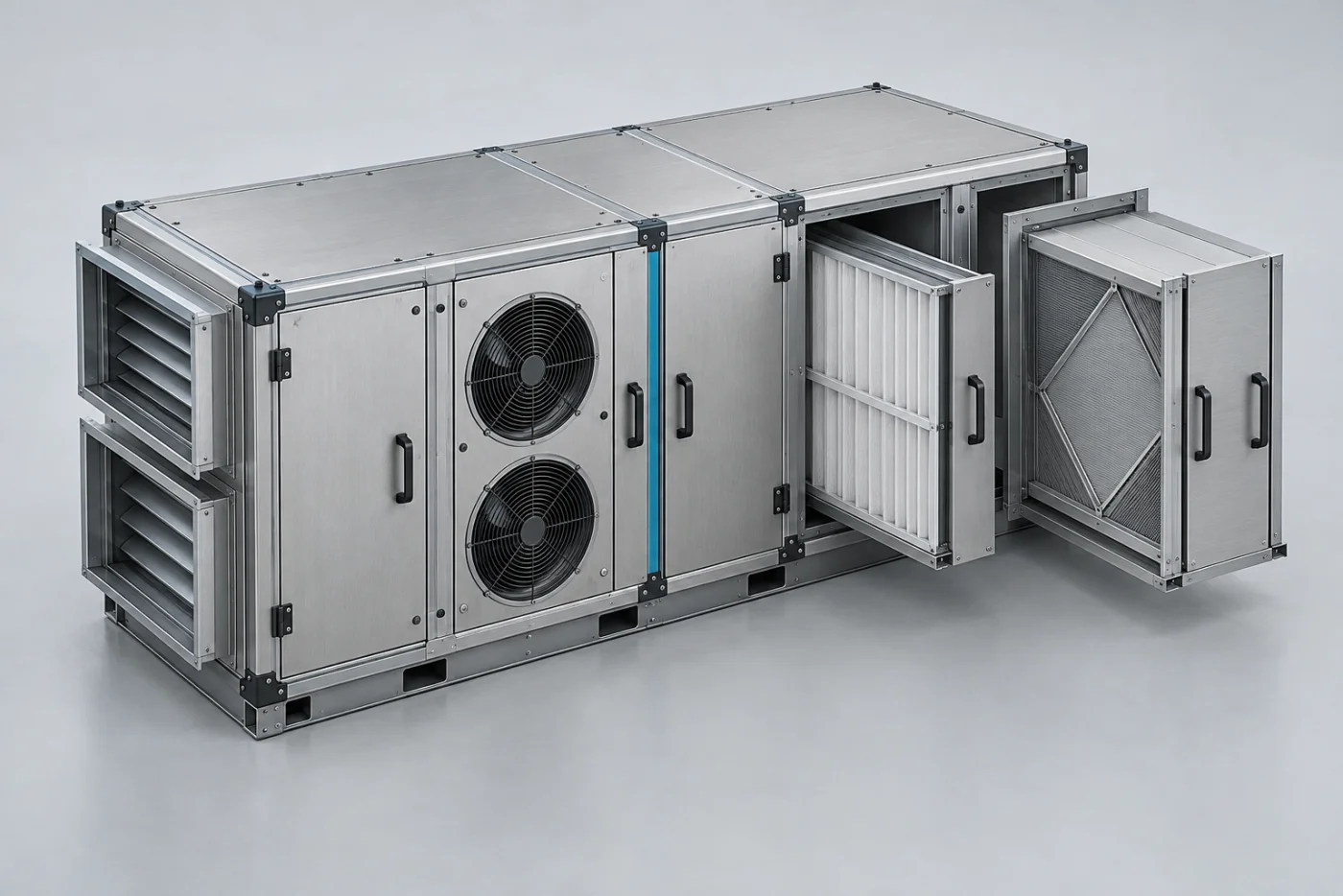
Generated chassis illustrations. Enclosure and recovery selections update the summary; this example does not render a live 3D scene.
Design the journey. Own the details.
The buyer sees a clear path. Your team controls the product knowledge behind it.
Make product knowledge approachable.
Arrange sections and attributes, connect a feature model, and choose the right control for each decision.
Explore the guide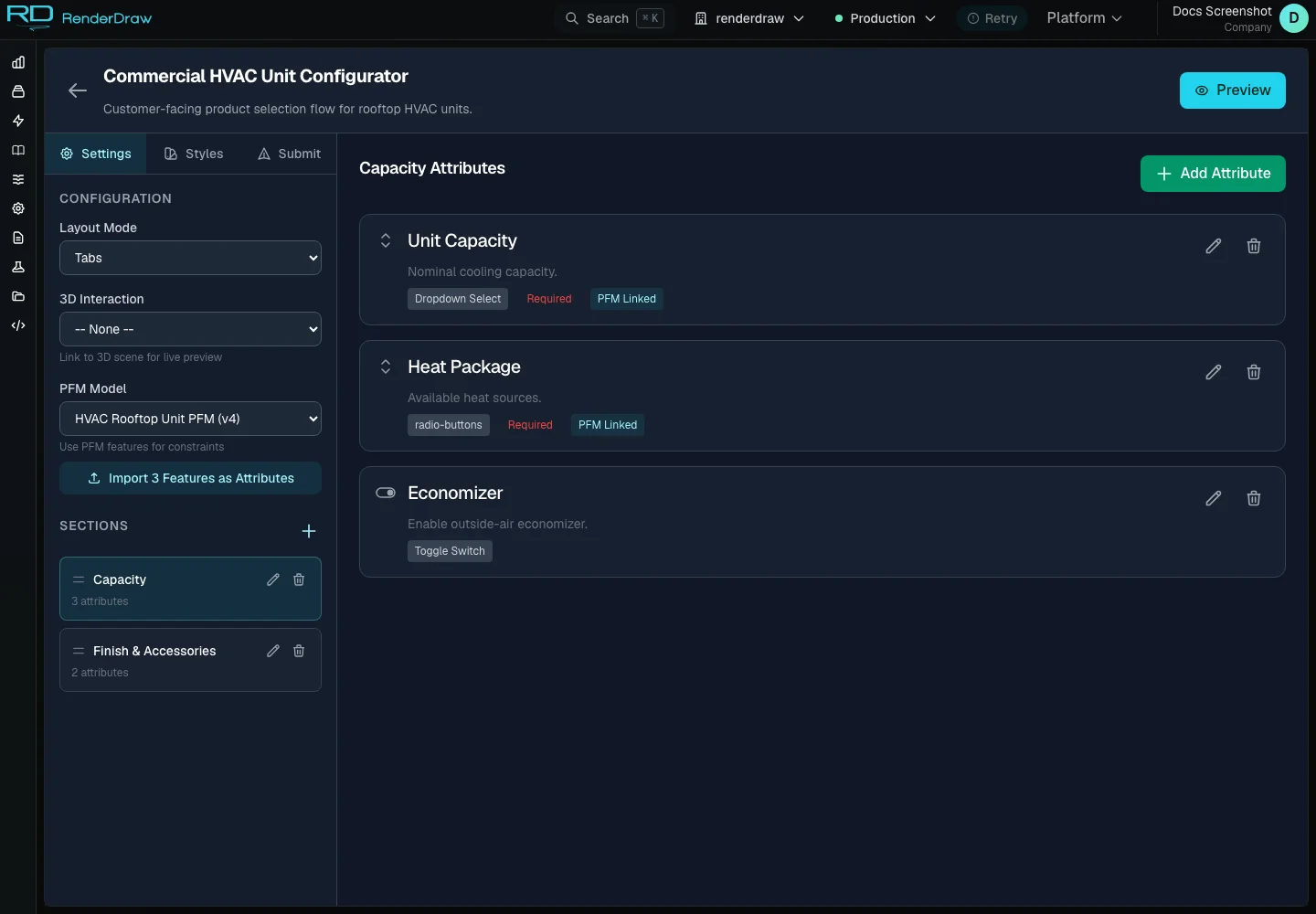
The right rules. The right owner.
A clear buying journey starts with clear responsibility behind the scenes.
Sections, controls, styling, completion messages, and the validated submission path.
The interface guides the decision. It does not need to own every commercial rule.
The commercial handoff
Good choices deserve a clear next step.
Carry a validated selection into pricing, then into the configured quote or proposal workflow.
Explore pricing- ProductUnderstand the choices
- ConfigurationResolve a valid selection
- PricingExplain the commercial result
- HandoffContinue the quote workflow
What is RenderDraw Product Configurator?
RenderDraw Product Configurator turns product attributes into a guided, embeddable buying experience. Teams arrange sections, choose input renderers, connect optional 3D interactions and Product Feature Models, style the runtime, and validate buyer submissions. Configuration choices become structured context for the next commercial workflow.
Explore the guideQuestions worth answering.
What is a visual product configurator?
A visual product configurator guides a buyer through product choices while connecting those choices to a visual experience and compatibility rules. RenderDraw combines configurable sections and attributes, optional 3D interactions, Product Feature Models, runtime styling, and a validated submission handoff.
Can I embed a RenderDraw configurator on my website?
Yes. A published Configurator UI has an embed runtime. The same configuration definition supports accordion, tabs, wizard, single-panel, and floorplan layouts. Preview the runtime, confirm its published state, and configure submission behavior before sharing it with buyers.
Who owns product compatibility and pricing rules?
Configurator UI owns presentation and submission. A linked Product Feature Model owns native feature options and constraints. An external CPQ can own its product-session rules and commercial logic. Pricing Studio owns RenderDraw price books and evaluation. Select rule ownership for the intended interaction and integration.
What happens when a buyer submits a configuration?
The runtime sends the selected configuration for server-side validation. A successful response can show a product code and completion message, trigger an optional signed webhook, or redirect the buyer. Validation errors preserve the configuration so the buyer can correct it.
Is the interactive example connected to RD Platform?
This page runs a browser-based demonstration with illustrative product choices and prices. It does not create a platform configuration, publish a price book, or submit a quote. Actual configurators use your tenant, product definitions, rules, and configured downstream integrations.