
Spatial Configurator
A better fit.
Before you build.
Bring product choices into the room. Plan the space, place the equipment, and see what belongs.
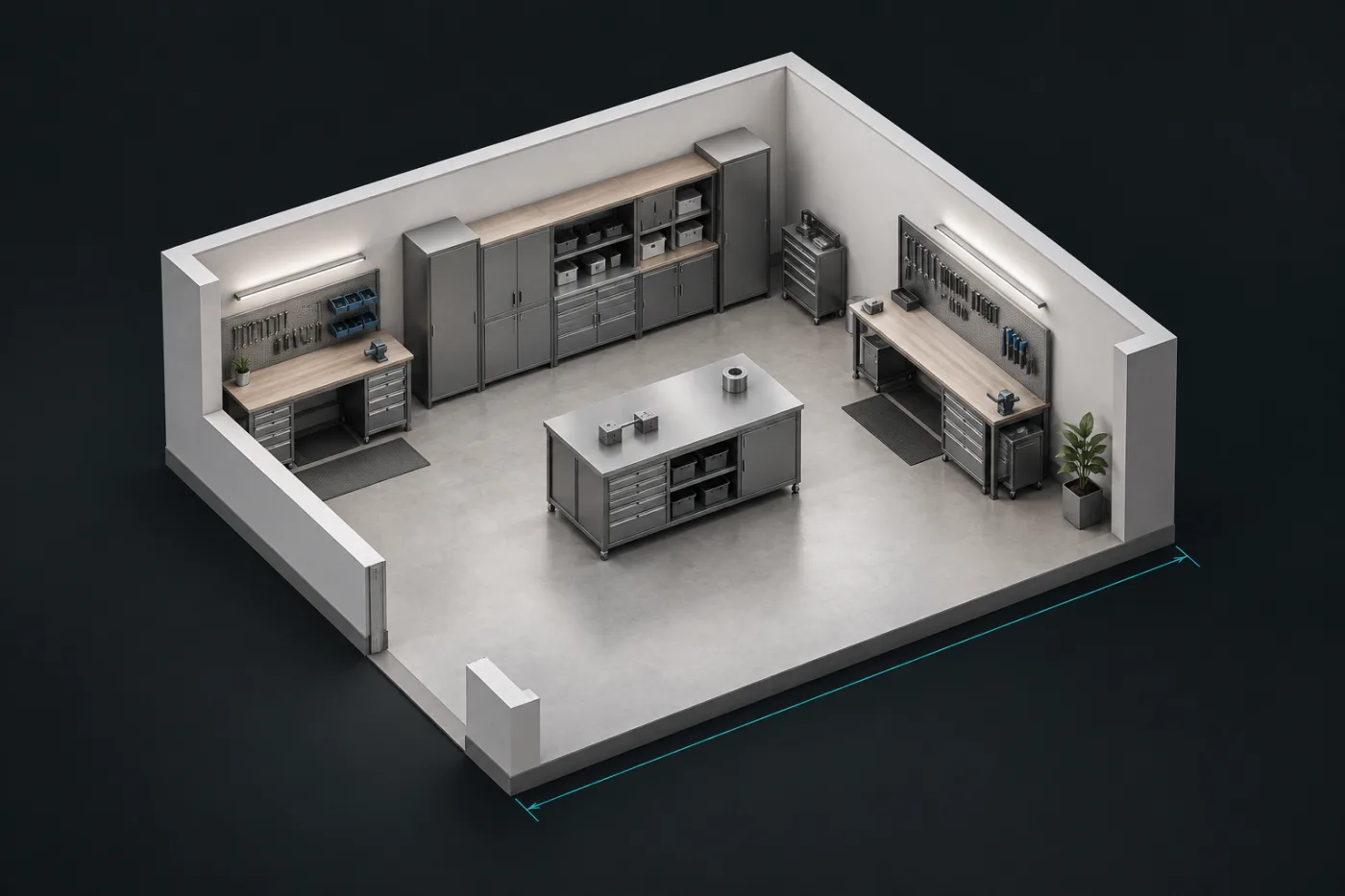
Define the space / Place the products / Review the layout
Start with the space.
Find the fit.
Draw walls, add openings, and inspect a building in the actual RD Platform floorplan editor.
Draw walls and floors, add another storey, and work with the room's dimensions.
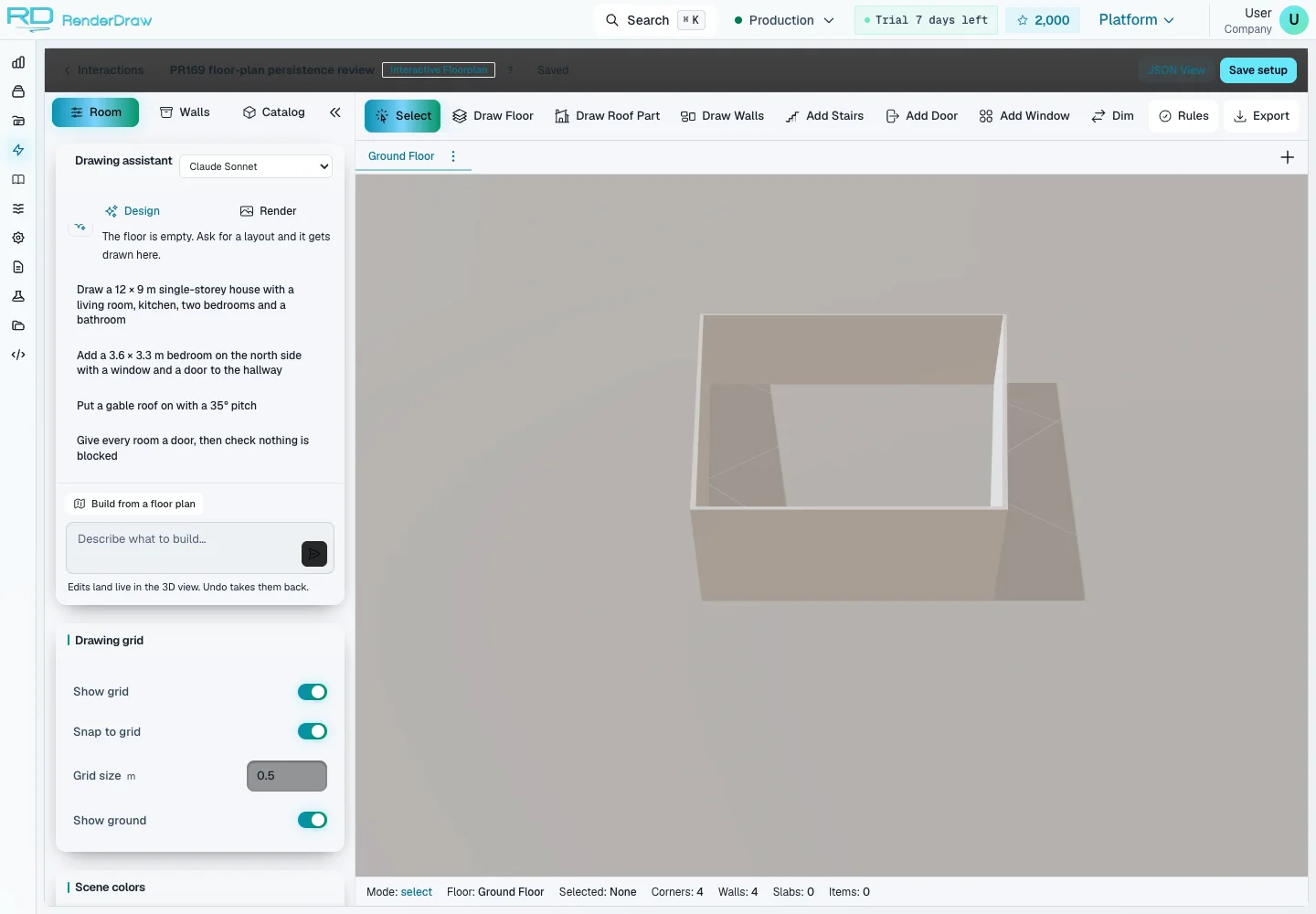
Your space.
Ready to shape.
Work in RenderDraw's actual floorplan editor. Explore the courtyard house or data centre. Inspect finishes, lift the roofs and reveal structural framing with X-ray.
Changes stay in this browser and do not overwrite the published layout.
Explore Courtyard house in the actual RD Platform floorplan editor. Choose Whole building to inspect every storey, then X-ray to reveal its structural framing. Changes stay in your browser. Illustrative layouts do not create a quote.
A floorplan becomes
a working model.
The platform editor brings room geometry and product placement together. Draw walls, add openings, inspect dimensions, and work with your catalog.
Give the space structure.
Walls, doors, windows, room dimensions and drawing defaults belong to one editable layout.
Place products with context.
Eligible catalog components retain their dimensions, rotation and configuration state.
Keep the detail useful.
Inspect configured placement policies and retain a layout for your commercial workflow.
The layout is the beginning.
A considered arrangement carries more useful context into the next decision.
Room geometry
Dimensions, walls, openings and the space around the product.
Placed configuration
Catalog provenance, position, rotation and product choices.
Configured handoff
Your pricing authority and downstream quote or proposal workflow.
Connected by design
The space changes.
Your workflow stays connected.
From the first product choice to the commercial handoff. Bring the layout into Salesforce, connect your pricing authority, and keep product data tied to its source.
Map your integration01SalesforceSales & revenue
The layout belongs with the quote.
Bring the floorplan editor into a configured Salesforce quote journey. Reps work with the space, review the layout, and return an accepted configuration and preview image to the connected host. Map Salesforce Product2 and PricebookEntry records so product identity stays consistent across the visual and commercial experience.
- 01
Start with the customer
Open the editor from your configured Salesforce experience with the quote and product context.
- 02
Configure the space
Edit the building, place eligible products, and review the layout before accepting it.
- 03
Return to the quote
The connected host saves the accepted layout and attaches its preview image to the quote.
Salesforce catalog sync works with standard product and price book records. Revenue Cloud adds its own configured commercial flows. Host setup, permissions and record mappings are required.
Explore Salesforce integration02CPQ & pricingRules & commercial logic
Keep your pricing authority in the loop.
Connect the visual journey to your configured product and pricing workflow. RD Platform includes integration paths for Salesforce Revenue Cloud, Logik and SAP Advanced Variant Configuration, alongside RenderDraw Pricing Studio. Map placed products and configuration choices to the selected provider; validation, pricing and quote capabilities follow that provider and your deployment.
- 01
Map the product
Match catalog identities and configuration choices to the selected CPQ or pricing connection.
- 02
Evaluate the choices
Use the configured authority for product rules and prices, with layout review as a separate step.
- 03
Carry the result forward
Pass the mapped product context into the configured quote or proposal workflow.
Provider capabilities differ. SAP AVC supplies configuration and pricing; it does not provide a native quote object through this adapter. Commercial writeback is verified for each deployment.
Explore the pricing engine03ERP & catalogProduct data & identity
Give every placed product a real identity.
Connect eligible products to the systems that own their data. RD Platform has NetSuite REST integration infrastructure and configurable REST data sources. Set up the connection and field mappings to supply catalog records, dimensions and stable product identifiers for the spatial journey.
- 01
Connect the source
Authenticate the data source and define the product records your experience needs.
- 02
Map the catalog
Map product identifiers, dimensions and eligible entries into the configured catalog.
- 03
Retain the provenance
Keep catalog identity and placed configuration context with the saved building.
An ERP connection does not automatically create an order. Destination records, write permissions and any order handoff are scoped and configured separately.
Explore catalog and layout setup04Websites & applicationsPortals & connected experiences
Meet buyers where they already work.
Use a published platform embed for a website or portal, or configure an authenticated host for a connected application. The host integration exchanges building state and an accepted layout snapshot. Connect the destination workflow through your configured APIs and record mappings.
- 01
Choose the entry point
Publish a browser demo or configure a connected application host and its allowed origin.
- 02
Run the visual journey
Load the RD Platform editor with the published interaction and the intended layout context.
- 03
Connect the next action
Map the accepted result into your application’s save, quote or proposal workflow.
The public demo on this page keeps changes in the browser. Persistent saves and commercial actions belong to an authenticated, configured application journey.
Discuss your integrationWhat is RenderDraw Spatial Configurator?
RenderDraw Spatial Configurator brings product choices into the context of a room or building. Its Interactive Floorplan / Room Builder editor supports walls and openings, catalog-backed components, dimension editing, configured placement constraints, and saved layouts. Teams can carry product and geometry context into their configured pricing and commercial workflows.
Explore the floorplan journeyQuestions worth answering.
What is a spatial configurator?
A spatial configurator lets buyers configure products in the context of a room or building. RenderDraw uses its Interactive Floorplan / Room Builder editor to author walls and openings, place catalog-backed components, inspect dimensions and configured placement constraints, and retain a layout for the next workflow.
How does the floorplan editor work?
Teams define room and wall defaults, connect a catalog, and configure component dimensions and placement policies. The editor supports wall drawing, numeric dimension editing, doors, windows, component placement, and floorplan and spatial views. Saved layouts retain wall, opening, catalog, position, rotation, and component configuration context.
Can I start from an existing floorplan?
The platform includes a floorplan import workflow that reads supported drawings into an editable building. Review the selected PDF page or image, reported scale, extracted geometry, and openings before relying on the result. Drawing quality and extraction behavior vary. The showcases start from curated residential or commercial layouts; import availability follows the demo configuration.
Does a layout automatically become a quote?
A layout provides geometry and product context for a configured commercial workflow. Pricing authority, product mappings, validation, and the destination quote or proposal must be set up for your deployment. A saved layout alone does not guarantee a published price or an approved quote.
Is this the full RD Platform floorplan editor?
Yes. Launching the demo loads the actual RD Platform floorplan editor from the platform, using its configured residential or commercial showcase. Demo changes stay in the browser and do not overwrite the saved layout. Tenant catalogs, drawing import, persistence and commercial handoff depend on the published configuration and your deployment.
How does the spatial configurator integrate with Salesforce?
A configured Salesforce host can open the platform floorplan editor, exchange building state, and save an accepted layout with a preview image in the quote workflow. Salesforce catalog sync maps Product2 and PricebookEntry records. Host setup, authentication, record mappings and the commercial workflow must be configured for your organization. The public demo does not write to Salesforce.
Which other systems can connect to the spatial journey?
RD Platform includes configuration and pricing integration paths for Logik and SAP AVC, plus NetSuite REST infrastructure and configurable REST data sources. A published embed can run on a website or portal; an authenticated host can exchange layouts and snapshots with a connected application. Catalog mappings, provider capabilities and destination actions are configured per deployment. Connecting a system does not automatically create a quote or order.