Structural steel · Salesforce
From steel plan set to Salesforce quote
RenderDraw proposes structural steel quantities from plan and design drawings, tied to the source sheet and member tag. Your estimator reviews flagged exceptions and approves the workbook. A configured Salesforce workflow can then map the approved lines into a quote.
Try it with your drawings
Who this is for
Steel fabricators, erectors, detailers and specialty subs who already run sales in Salesforce, but still do the takeoff in Bluebeam or Excel and then key it into a quote by hand. If your estimator and your sales rep are both typing the same beam list, this is the page.
What usually happens today
- The estimator marks up the PDF and builds a spreadsheet of members, lengths and weights.
- Somebody looks up prices and re-enters lines into Salesforce or CPQ.
- The quote and the takeoff drift apart the first time there's an addendum.
Most takeoff tools stop at a marked-up PDF or their own estimate screen. The quote still gets built somewhere else.
How the workflow runs
- Trigger. A new Opportunity or a stage change in Salesforce can start the workflow, or you upload the set yourself.
- Ingest. Upload PDFs, scans or CAD (DWG, DXF, IFC, Revit, STEP). RenderDraw builds a sheet index and scope map.
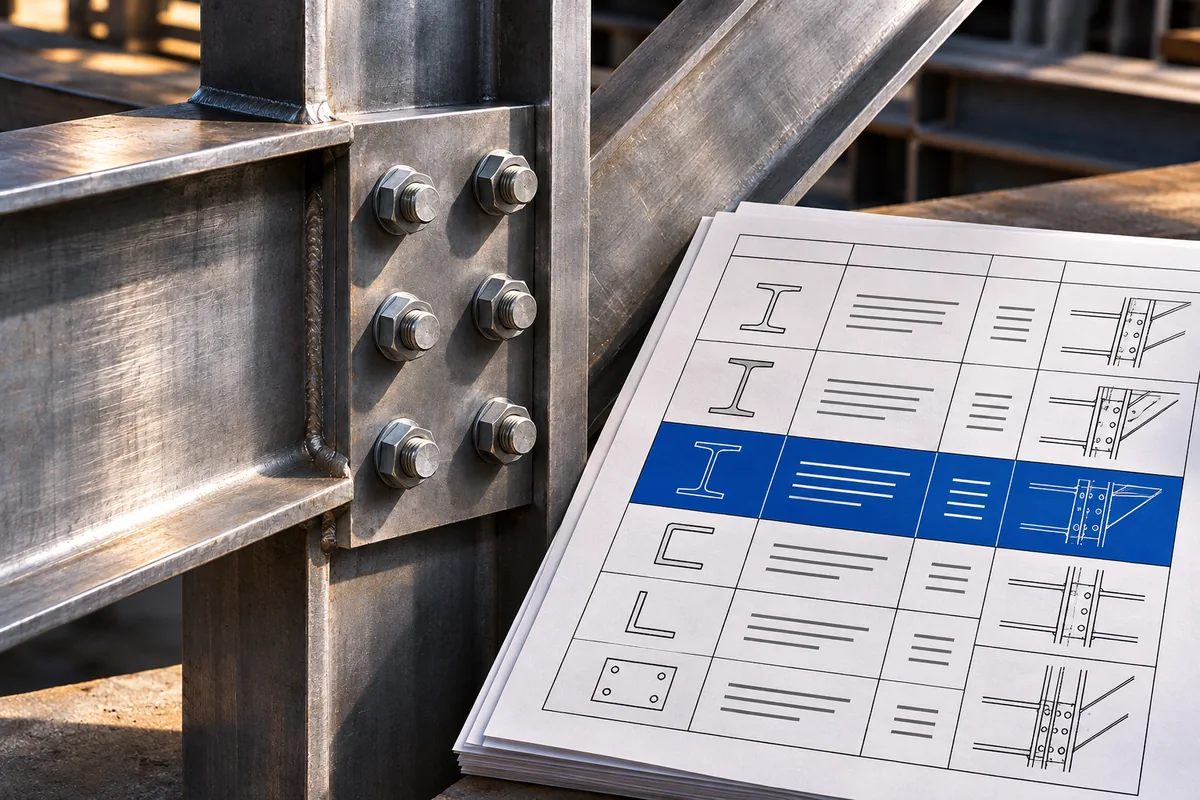
- Extract. Steel quantities come back with confidence and source coordinates, tied to sheet and tag on plan drawings.
- Review. Low-confidence items and odd scope go to the estimator. They review the exceptions, correct quantities as needed, and approve the takeoff. They can review any item before approval.
- Map and price. Approved rows map to your Salesforce product codes. CPQ pricing rules, volume tiers and contract pricing apply at run time.
- Quote. At the approval gate, RenderDraw creates or updates the Salesforce Quote with the approved line items, quantities and pricing. Confirm quote status and pricing in Salesforce.
What gets written to Salesforce
| Object | Read | Write |
|---|---|---|
| Opportunity | Name, stage, amount, close date, account | Stage, probability, custom fields |
| Product and Pricebook | Catalog, pricebook entries, list prices | None |
| Quote | Quote lines, pricing, discounts | Approved line items from the takeoff workbook |
| Custom objects | Configured objects accessible to the connected user | Supported fields |
Connection is OAuth 2.0 to your org. RenderDraw is listed on the Salesforce AppExchange.
Where the estimator stays in charge
Nothing goes to the quote until a person approves it. Quantity evidence, pricing and the final quote are separate steps with separate sign-off, so the estimator owns scope and sales owns the number.
Drawing and integration limits
- Tag reading works on plan and design drawings, not as-builts.
Frequently asked questions
Does the estimator still approve the steel takeoff?
Yes. RenderDraw flags low-confidence quantities and unusual scope. The estimator reviews those and approves before any pricing or quote is created.
Can pricing come from Salesforce CPQ?
Yes. It reads CPQ pricing rules, products and pricebook entries when the workflow runs, so you're not quoting off last month's export.
Does RenderDraw create the Salesforce Quote?
A configured Salesforce quote workflow can create or update the quote using the approved lines, subject to your org’s permissions and mapping.
What if my shop isn't on Salesforce?
Export the approved takeoff as CSV or XLSX and load it wherever you quote today.
Does it read piece marks?
On plan and design drawings, yes, lines tie to sheet and tag. Not on as-builts.