RenderDraw extracts quantities from PDF and CAD drawing sets, maps them to your estimating taxonomy, applies approved pricing, and creates a quote-ready workbook that estimators can review before bid submission.
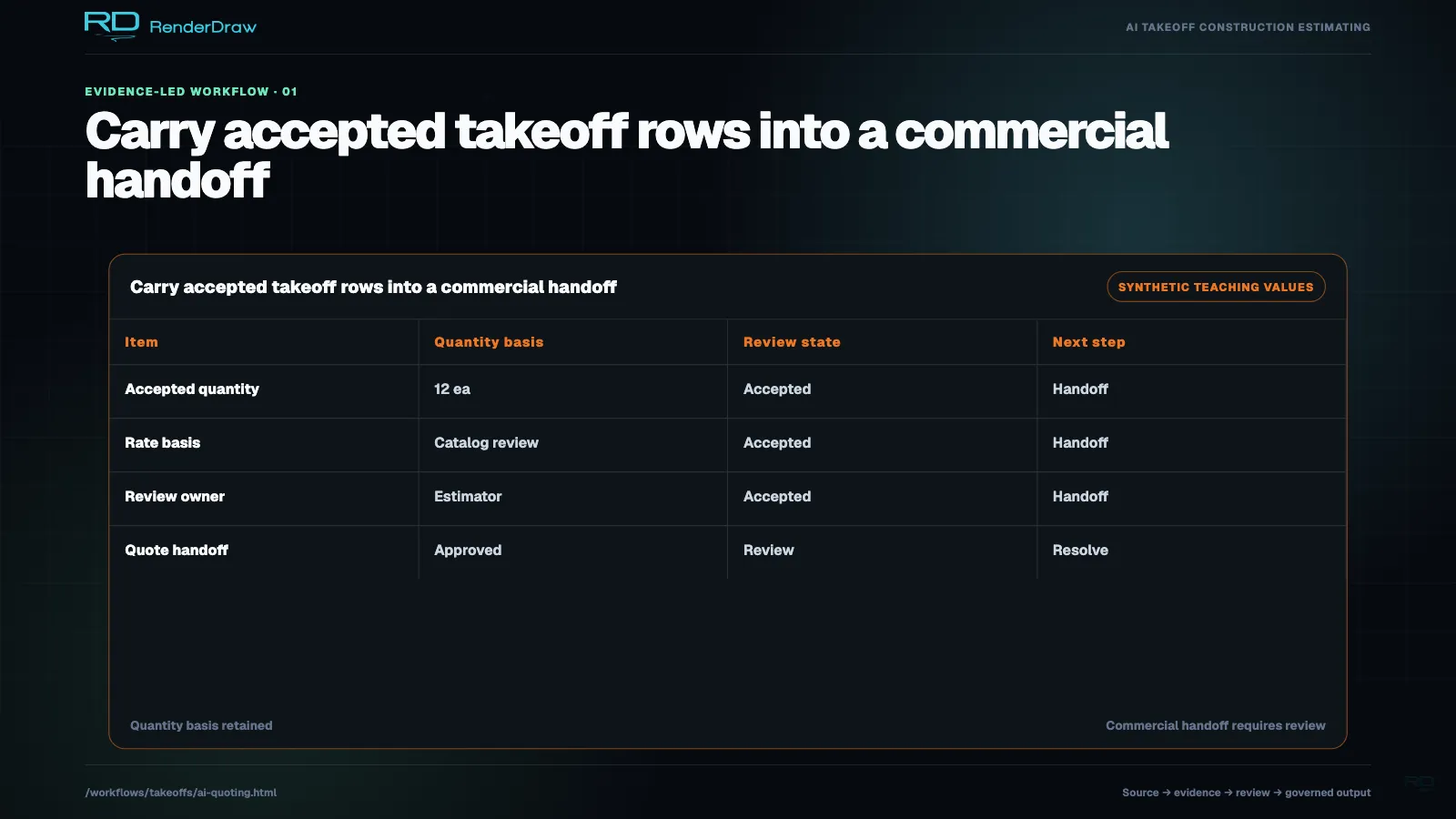
RenderDraw’s takeoff workflow reads construction drawings, proposes source-linked quantities, routes exceptions to estimators, matches approved quantities to governed pricing, and prepares a quote workbook for final review. AI vision, knowledgebases, workbooks, and human gates keep the result traceable without transferring scope responsibility away from the estimator.
Pricing knowledge often lives across spreadsheets, catalogs, ERP systems, CPQ tools, and estimator-maintained references. RenderDraw connects approved sources to the takeoff workflow so reviewers can trace where each price originated.
Last updated: August 3, 2026. Reviewed by RenderDraw workflow automation specialists.
| Stage | What RenderDraw Reads | What RenderDraw Produces |
|---|---|---|
| Ingest | PDFs, scans, DWG, DXF, IFC, Revit, STEP | Sheet index, scale detection, scope map |
| Extract | Plans, schedules, specs, symbols, dimensions | Quantities with confidence and source coordinates |
| Price | Supplier catalogs, labor rates, CPQ, ERP, workbooks | Unit costs, labor, lead times, margin notes |
| Review | Low-confidence items and quote exceptions | Estimator-approved quote workbook |
No. RenderDraw uses human approval gates for low-confidence quantities, unusual scope, pricing exceptions, and final quote approval.
Yes. RenderDraw can connect takeoff outputs to supplier catalogs, labor rate tables, workbooks, Salesforce CPQ, Logik, SAP, ERP data, and other approved pricing sources.