Multimodal AI models don't just see pixels — they understand the semantic structure of construction drawings: what a symbol means in context, how an annotation relates to the element it describes, and when a detail supersedes a plan view.
A multimodal AI model is one that can reason over multiple input types simultaneously — in this case, both images and text. When you submit a drawing sheet, the model receives the image of the drawing alongside text context: the sheet title, the project specification sections, notes from the knowledgebase, and any prior extractions from related sheets.
This is fundamentally different from earlier computer vision approaches (object detection, OCR, template matching) that treated each element in isolation. A multimodal model can understand that a circle on an electrical plan means something completely different than a circle on a structural plan, because it understands the context of the entire sheet — and the text that accompanies it.
For construction takeoffs, this contextual understanding is critical. A wall on a floor plan needs to be understood in relation to the wall type schedule, the partition legend, the detail drawings, and the specification section — all simultaneously. Multimodal AI can do this. Earlier single-modality vision systems could not.
Raw foundation models like Claude Sonnet and Claude are powerful but general-purpose. RenderDraw adds several construction-specific layers that dramatically improve accuracy on domain-specific tasks.
Each extraction task is prompted with detailed domain knowledge: what symbols look like in mechanical drawings vs. electrical drawings, how to interpret specific annotation conventions, how to handle conflicts between plan views and detail views.
These prompts are maintained and updated by RenderDraw's construction domain experts as drawing conventions evolve across CAD software versions and industry standards.
Your knowledgebase data is injected into the extraction context at runtime: your client's known symbol library, your project's specification sections, your historical examples of similar items. This dramatically boosts accuracy on project-specific conventions.
Context injection is selective — the system retrieves only the most relevant knowledgebase entries for each sheet type, keeping the context window efficient and focused.
Complex drawing sheets are processed in multiple passes: a first pass to identify the sheet type and overall structure, a second pass focused on quantity extraction, and a third pass for dimension and annotation extraction. Results are merged and reconciled.
Multi-pass processing costs more in compute but reduces missed items significantly compared to single-pass extraction.
Items extracted across multiple sheets are reconciled for consistency. Quantities stated on one sheet are checked against quantities implied by geometry on related sheets. Conflicts are flagged for human review rather than silently resolved.
This mirrors what a senior estimator does when they "read the whole set" — understanding each sheet in the context of all the others.
Large drawing sheets are segmented into overlapping tiles for high-resolution processing. The model processes each tile at full resolution, then results are aggregated. This preserves fine detail (thin line weights, small text, dense symbol areas) that would be lost at full-sheet resolution.
Symbols are recognized using a combination of visual pattern matching and contextual reasoning. The model considers: visual shape, size relative to surrounding elements, proximity to text annotations, position on the drawing relative to known symbol legend locations, and consistency with other symbols on the sheet.
Dimension strings (the annotated measurements on drawings) are extracted using OCR, then interpreted in context. The model understands common dimensioning conventions: continuous dimensions, overall dimensions, reference dimensions, and tolerance notes — and knows which to use for quantity calculations.
Specification sections submitted with the drawing set are read as structured text. The model identifies which specification applies to each extracted item and extracts relevant clauses: material standards (ASTM, AISC, AWS), finish requirements, substitution acceptability, and testing requirements.
Confidence is computed as a weighted combination of: visual recognition score, annotation clarity score, scale calibration confidence, knowledgebase match strength, and cross-sheet consistency score. Weights are tunable per workflow, allowing you to trade throughput for accuracy.
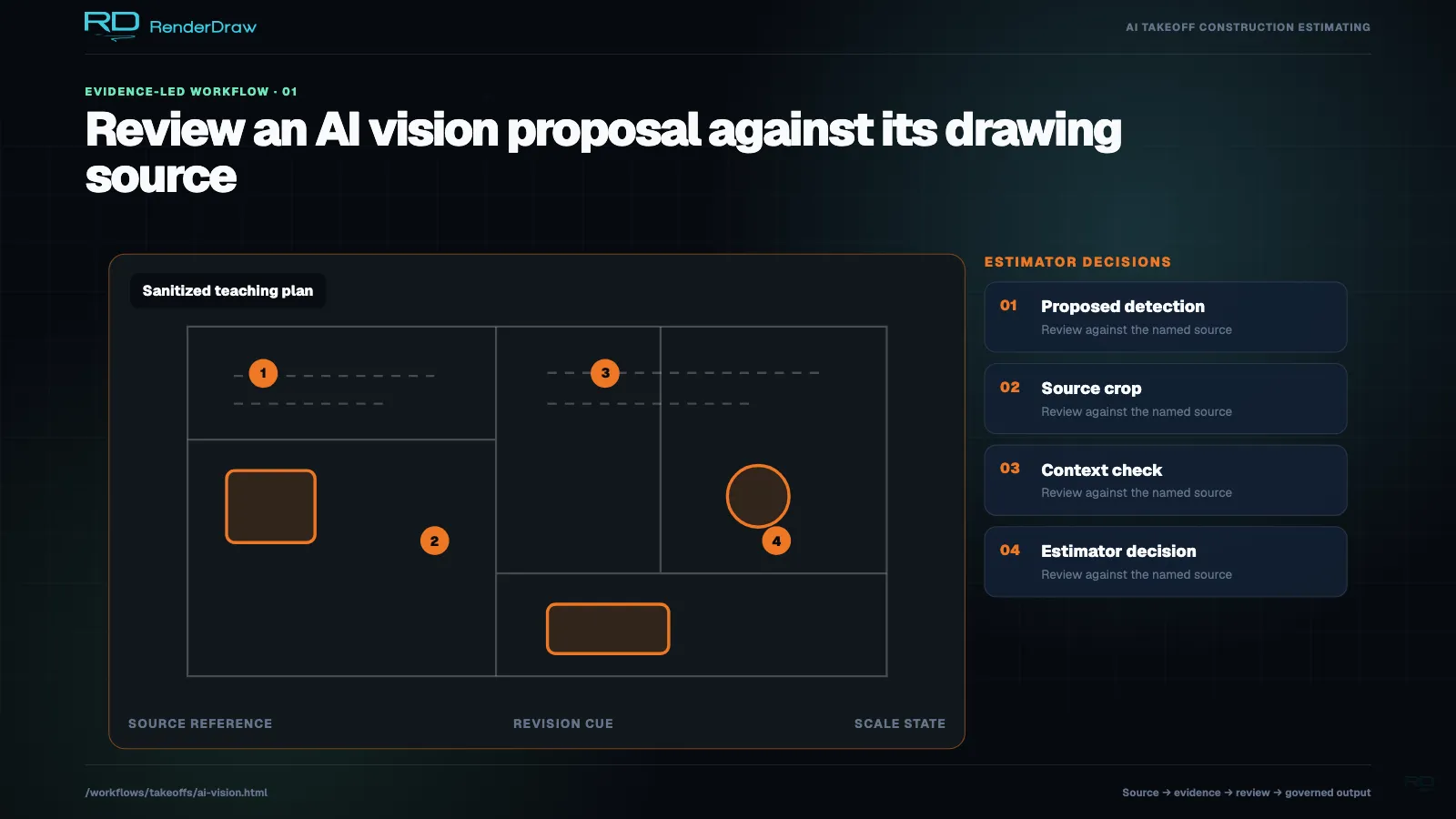
The review interface presents flagged items in order of uncertainty — lowest confidence first. Each item shows the source drawing tile with the AI's detection highlighted, the extracted values, and a simple confirmation/edit/reject action. Corrections feed back to improve future extractions.
RenderDraw supports both Claude Sonnet (OpenAI) and Claude 3.7 Sonnet (Anthropic) as extraction backends. You can configure which provider is used for each type of drawing, or use a hybrid approach where one provider handles initial extraction and another handles review.
Claude Sonnet's vision capabilities perform strongly on dense symbol-rich drawings — electrical single-lines, mechanical P&IDs, and plan sets with many repeating symbols. Its spatial reasoning handles complex layout patterns reliably.
Best for: Electrical and mechanical drawings, dense symbol sheets, drawings with standard symbol libraries.
Claude performs especially well on long-form specification extraction and complex annotation parsing. Its extended thinking capability is valuable for resolving conflicts between drawing views and cross-referencing specification clauses.
Best for: Specification-heavy scopes, complex annotation extraction, conflict resolution, multi-sheet reconciliation.
No lock-in to a single provider. RenderDraw's AI Context layer abstracts provider differences. You can swap providers without reconfiguring your workflow, and the system uses prompt caching to minimize cost when running the same drawing type repeatedly.
No AI system is perfect, and misleading you about limitations does nobody any good. Here is an honest account of where AI vision struggles on construction drawings, and how RenderDraw's workflow design compensates.
Drawings scanned at under 150 DPI, or with heavy toner bleed, creases through annotation areas, or faded ink lose detail the AI relies on. RenderDraw flags these sheets and prompts for a higher-quality scan or a digital original.
The first time your estimating team encounters a client who uses highly non-standard symbols, those symbols will be low-confidence. After one or two reviewed takeoffs with that client, the knowledgebase has enough examples to achieve high confidence going forward.
Some quantities are implied by the design rather than explicitly drawn — e.g., "all exposed fasteners to be stainless steel." AI can extract explicitly stated and drawn items reliably; implied quantities from specification language require a more sophisticated NLP pass that is flagged for human review.
Scope changes communicated verbally in meetings, by phone, or in email rather than reflected in revised drawings cannot be captured by drawing analysis. RenderDraw's RFI workflow handles these — but they are outside the scope of drawing-based takeoffs.
Run a free takeoff on one of your own drawing sets and see exactly what the AI extracts — and what it flags for review.