Takeoff Template

Takeoff Quote Workbook
Template for AI Estimating.

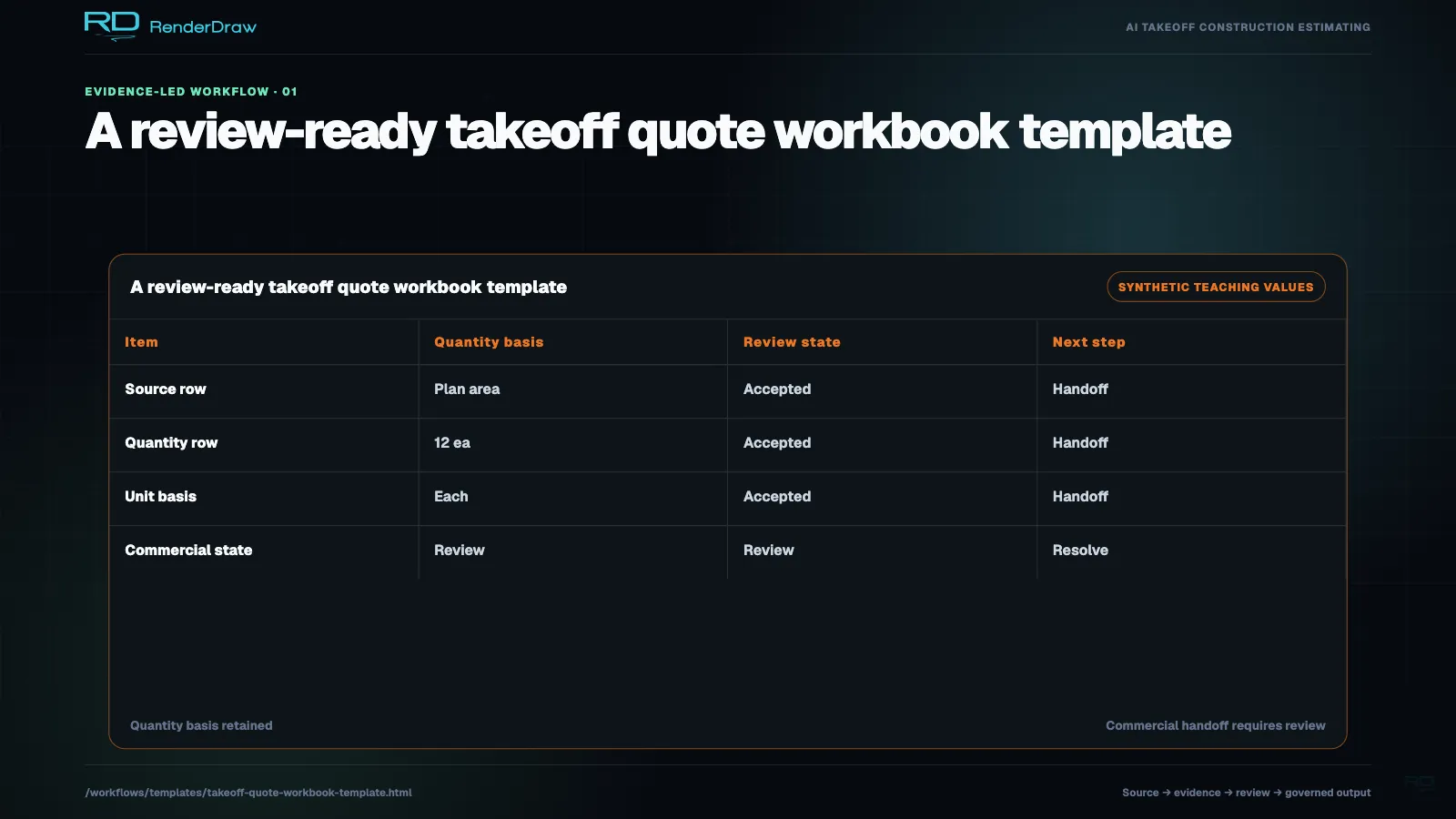
Use this workbook structure to turn AI-extracted drawing quantities into reviewable quote rows with source traceability, pricing logic, risk flags, and estimator approval.
Direct Answer

What Should a Takeoff Quote Workbook Include?

A takeoff quote workbook should connect each measured quantity to its drawing source, sheet, revision, measurement method, unit, confidence score, source coordinate, pricing rule, labor factor, waste factor, margin, risk flag, and approval status. This structure makes AI takeoff results usable for real bids.

RenderDraw uses this pattern to keep PDF, CAD, and BIM quantities tied to the pricing systems and estimator review steps that determine the final quote.

Last updated: July 1, 2026. Reviewed by RenderDraw workflow automation specialists.

Use This Template When

  • Quantities come from PDF, CAD, BIM, or scanned drawing sets.
  • Estimators need source traceability for every line item.
  • Pricing depends on assemblies, alternates, labor, or waste rules.
  • Low-confidence AI measurements need human review.
Copyable Workbook

Takeoff Quote Workbook Columns

ColumnPurposeExample
Drawing FileSource PDF, CAD, BIM, or scanA2.1-floor-plan-rev-c.pdf
Sheet and RevisionControls whether quantities match the current bid setA2.1 Rev C
Source CoordinateTraceability back to the drawing locationx: 1804, y: 944
Scope CategoryEstimating bucket or tradeLow voltage conduit
Measurement TypeCount, length, area, volume, assembly, or allowanceLength
Quantity and UnitNormalized takeoff value428 linear feet
ConfidenceAI extraction confidence and review priority0.82 - review
Pricing SourceCatalog, CPQ, ERP, workbook, or supplier quoteSalesforce CPQ price book
Unit Cost and LaborMaterial and labor basis for the quote$7.40 material, 0.08 hr/ft
Waste and MarginAdjustments applied before final bid total8% waste, 22% margin
Risk FlagOpen issue that can change scope or priceSpec conflict on conduit type
Approval StatusEstimator review stateApproved with note
AI Workflow

How RenderDraw Turns the Workbook into a Workflow

Read Drawings

RenderDraw ingests PDF sheets, scans, CAD files, BIM exports, schedules, symbols, dimensions, and specs before assigning quantities to workbook rows.

Apply Pricing

Quantities can connect to supplier catalogs, labor tables, Salesforce CPQ, ERP data, workbooks, or custom pricing rules.

Gate Review

Estimators review low-confidence rows, changed drawing revisions, scope gaps, pricing exceptions, alternates, exclusions, and final quote totals.

Related Takeoff Resources