
Takeoff software buyer guide
Compare AI takeoff software on your next project
Use the same documents, scope and revision to compare your shortlist. Measure the work your estimators must do before they can accept the quantities and price the bid.
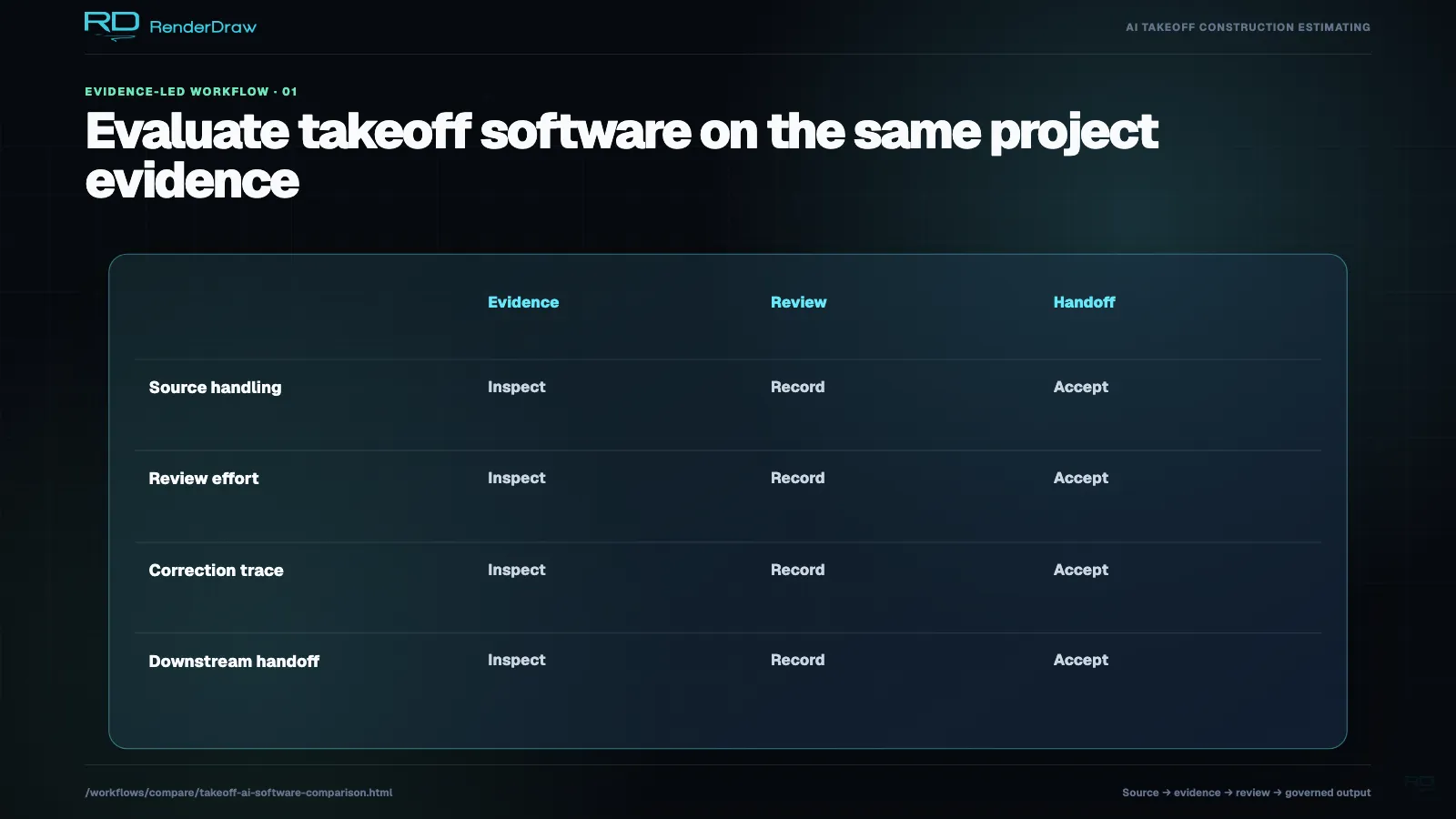
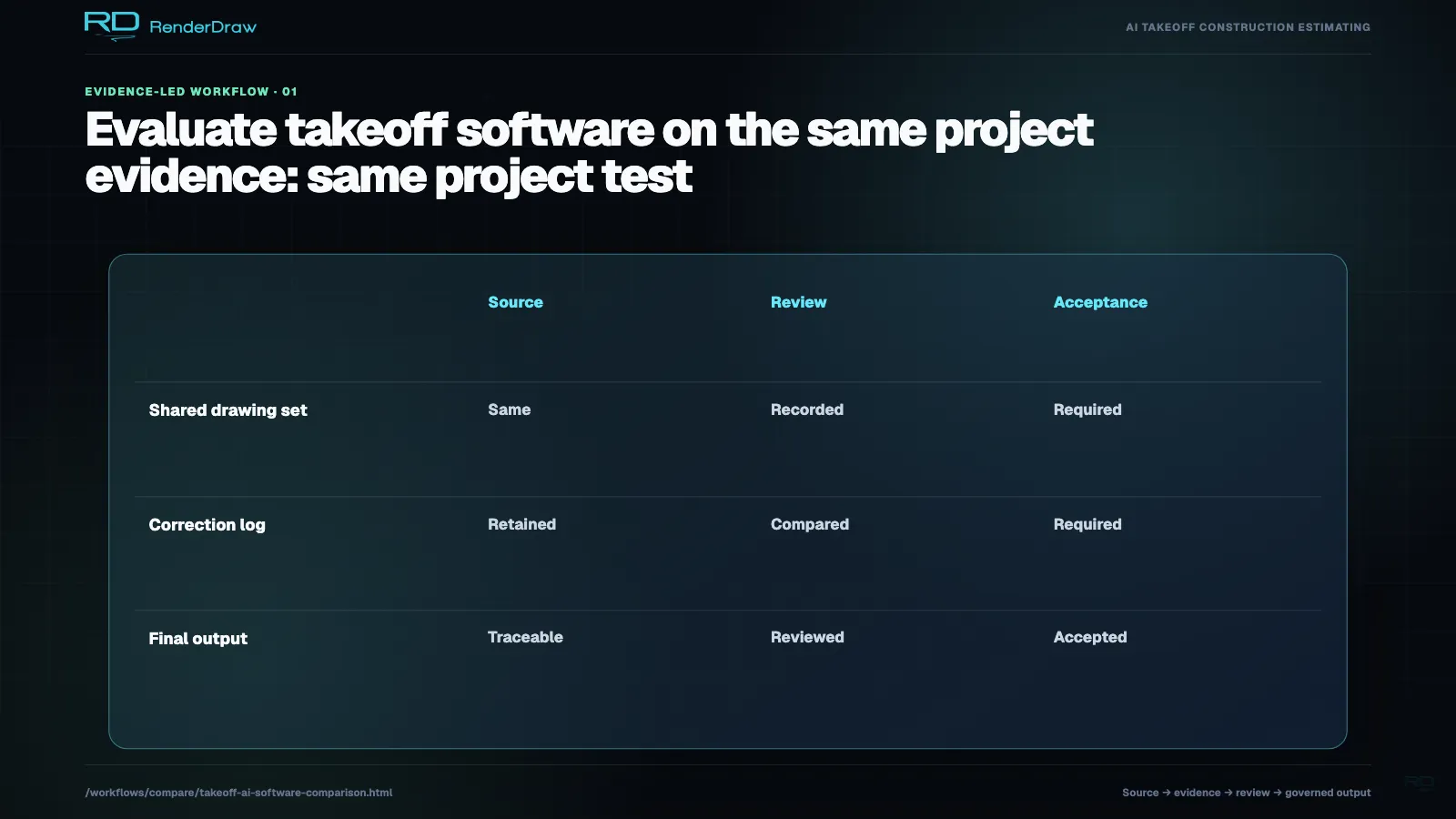
Choose takeoff software by testing the items you need to identify, the quantities you need to establish and the estimate or quote you need to produce. Include supporting schedules and details, then introduce an addendum. Track correction effort and handoff errors alongside the quantity result.
RenderDraw publishes this comparison from official vendor documentation. We have not run a comparative accuracy or speed benchmark. The product descriptions below summarize documented capabilities; the trial questions describe work for you to verify in the purchased configuration.
Choose the workflow you need
- Interactive measurement: Your estimators want help counting and measuring while keeping their estimating process.
- Reviewed delivery: You want a supplier to return a defined takeoff package. Agree on review responsibility and addendum turnaround.
- Takeoff and estimating together: Your team wants quantities, assemblies, rates and proposals in one workspace.
- Model and project coordination: Your scope combines 2D drawings, model quantities and shared project documents.
- A configured quantity-to-quote process: You need to reconcile documents, accept exceptions and map quantities into existing business systems.
Several vendors cover more than one of these needs. Compare the demonstrated workflow and subscription terms for your team.
Nine vendors to include in your shortlist
| Product | Documented workflow | Test before choosing |
|---|---|---|
| Togal.AI | Togal documents AI measurement and collaborative takeoff, plus cost formulas, 3D takeoff and an Assemblies add-on. Features; feature roundup. | Test your trade's identification tasks, corrections and estimating handoff. Confirm the included assemblies. RenderDraw vs. Togal.AI. |
| Beam AI | Beam offers a human-QA delivery path and self-service takeoff for selected trades. Its site describes self-service HVAC, plumbing and steel, plus Excel estimates and in-platform HVAC/plumbing estimating. Beam product overview. | Specify the delivery model, reviewer responsibility and included scope. Submit an addendum and track correction and delivery time. RenderDraw vs. Beam AI. |
| STACK | STACK documents cloud takeoff, measurement history and revision overlays. Estimators can use its items, assemblies and rates for estimates and proposals. Takeoff; estimating. | Take an existing cost-library item through measurement, revision and proposal creation. Confirm the subscription and AI add-ons in the demo. RenderDraw vs. STACK. |
| Kreo | Kreo describes AI-assisted measurement, drawing-linked reports, formulas, assemblies, drawing comparison and 3D review. Kreo product overview. | Correct an ambiguous item and inspect the linked report. Export it through your intended workflow and check the evidence you retain. RenderDraw vs. Kreo. |
| Bluebeam Revu / Max | Bluebeam documents PDF measurement and review, shared sessions and Excel Quantity Link. Max includes Smart Overlay and Smart Review features that its support team labels Preview. Estimator workflow; Smart Review FAQ. | Try the PDF/Excel process your estimators use. Check desktop/web differences, plan entitlements and the stated limits of the AI review features. |
| Autodesk Forma Takeoff | Autodesk combines 2D measurements and BIM-based 3D quantities with document version control. It describes unit-cost conceptual estimates. Forma Takeoff overview. | Identify the model-derived quantities, resolve overlap with 2D drawings and show the next step into detailed estimating. |
| Procore Estimating | Procore documents takeoff, estimating and cost catalogs inside its project environment, including Revit-based 3D takeoff. Estimating documentation. | Test quantity and model-property mapping within your existing Procore process, then inspect the estimate and required downstream output. |
| PlanSwift | PlanSwift describes Takeoff Boost AI tools and assemblies with material, waste and labor. PlanSwift product overview. | Use an assembly your team maintains. Compare setup, correction and spreadsheet work before deciding to migrate. |
| On-Screen Takeoff | ConstructConnect documents digital measurement, overlays and Quick Bid integration. Its Takeoff Boost suite includes AI-assisted quantity capture. On-Screen Takeoff overview. | Confirm the AI entitlement and the division of work between OST and Quick Bid. Include your existing tools and review habits in the trial. |
STACK's September 2026 announcement also describes STACK IQ, which connects conversational AI with project and estimating work. Include the current features in your comparison. STACK IQ announcement.
Keep your current software in the test. Your estimators may get more value from improving an existing library or handoff than from replacing the whole process.
Test the document types your industry uses
PDF support establishes a file format. It does not establish which objects the vendor can identify on your drawings or which relationships the reviewer can verify. A floor-plan demo leaves controls schematics, furniture BOMs and process matrices open for evaluation.
| Scope | Include this test |
|---|---|
| Electrical, HVAC, plumbing and fire protection | Match installed items to tags and schedules. Resolve repeated plan/riser references without losing unique in-scope components. |
| Roofing, flooring and interior fit-out | Inspect slopes, finish codes, openings and the distinction between measured and order quantities. |
| Controls and critical facilities | Separate physical assets from logical points, service requirements and repeated schedule entries. |
| Equipment, furniture and conveyors | Reconcile layout identities with kits, component BOMs and purchasing scope. |
| Process plants and semiconductor fabs | Distinguish installed equipment from P&ID references and utility-matrix requirements. Require dimensional sources for route lengths. |
Find the objects and demo exercise for your trade in the guide to all 20 current industry focuses.
Score the result, review effort and handoff
Give each vendor the same package, written inclusions and exclusions, and estimator-reviewed reference. Record product version, subscription, add-ons and vendor assistance. Choose acceptable tolerances before the test.
| Measure | Record |
|---|---|
| Scope errors | Missed installed items, duplicates, false detections and wrong classifications as separate counts. |
| Quantity differences | The reference and proposed quantities by item class and unit, with calibration or derivation. |
| Active estimator time | Preparation, verification, correction and revision work. Record vendor assistance. |
| Elapsed time | Time from submission to the output you can accept. Distinguish managed-service delivery from self-service processing. |
| Revision behavior | Added and removed items, changed attributes, unresolved questions and new review decisions. |
| Handoff errors | Lost item IDs, wrong units, duplicate rows, incorrect product mapping and work you must re-enter. |
Ask a second estimator to trace a sample of accepted quantities to the source. Use the takeoff quality checklist for scale, scope and revision checks.
Test RenderDraw from source quantity to quote
Evaluate RenderDraw for a workflow that connects quantity proposals, source evidence and estimator decisions with a product, assembly or explicit estimating basis. Bring your intended destination, such as a workbook, project estimate or quote process. Ask our team to demonstrate the configured handoff.
For a fixture example, designate the plan as the installed-count source and use the riser to check references and relationships. Count unique in-scope riser components under their own identities. Inspect a conflict, record the estimator's decision and follow the accepted item into the estimate.
Repeat that test with an item that matters to your team: a furniture kit and its component BOM, a process tool and its utility matrix, or a conveyor section and its drive package. Measure whether you reduce correction time or handoff errors. A source link or 3D view alone does not establish a result.
Our 20-industry task catalog defines development and evaluation scope. Confirm which identification tasks and document types we can demonstrate in your trial, plus any configuration your deployment needs.
Compare the cost of completing the work
Request a current quote for the configuration you tested. Include working and reviewer seats, AI modules, usage limits, managed-service scope and integrations. Add the setup and review effort you measured in the trial.
For a migration, include rebuilding assemblies, moving cost libraries and teaching estimators the new correction process. For an integration, define which fields move and who resolves failed updates. Compare the cost over the same project volume and time period.
- Record current subscription and service costs from the vendor quote.
- Price the internal hours needed for setup, review and correction.
- Include recurring integration work and addendum handling.
- Use the same acceptance criteria when you compare total cost.