Autodesk Takeoff Automation

Turn Autodesk Drawings and Models into
Reviewable Estimate Workbooks.

RenderDraw helps teams move from Autodesk Construction Cloud, BIM 360, Revit, DWG, IFC, PDFs, specifications, and revisions into AI-extracted quantities, pricing lookup, workbook rows, and estimator approval gates.
What Is Autodesk Takeoff Automation?

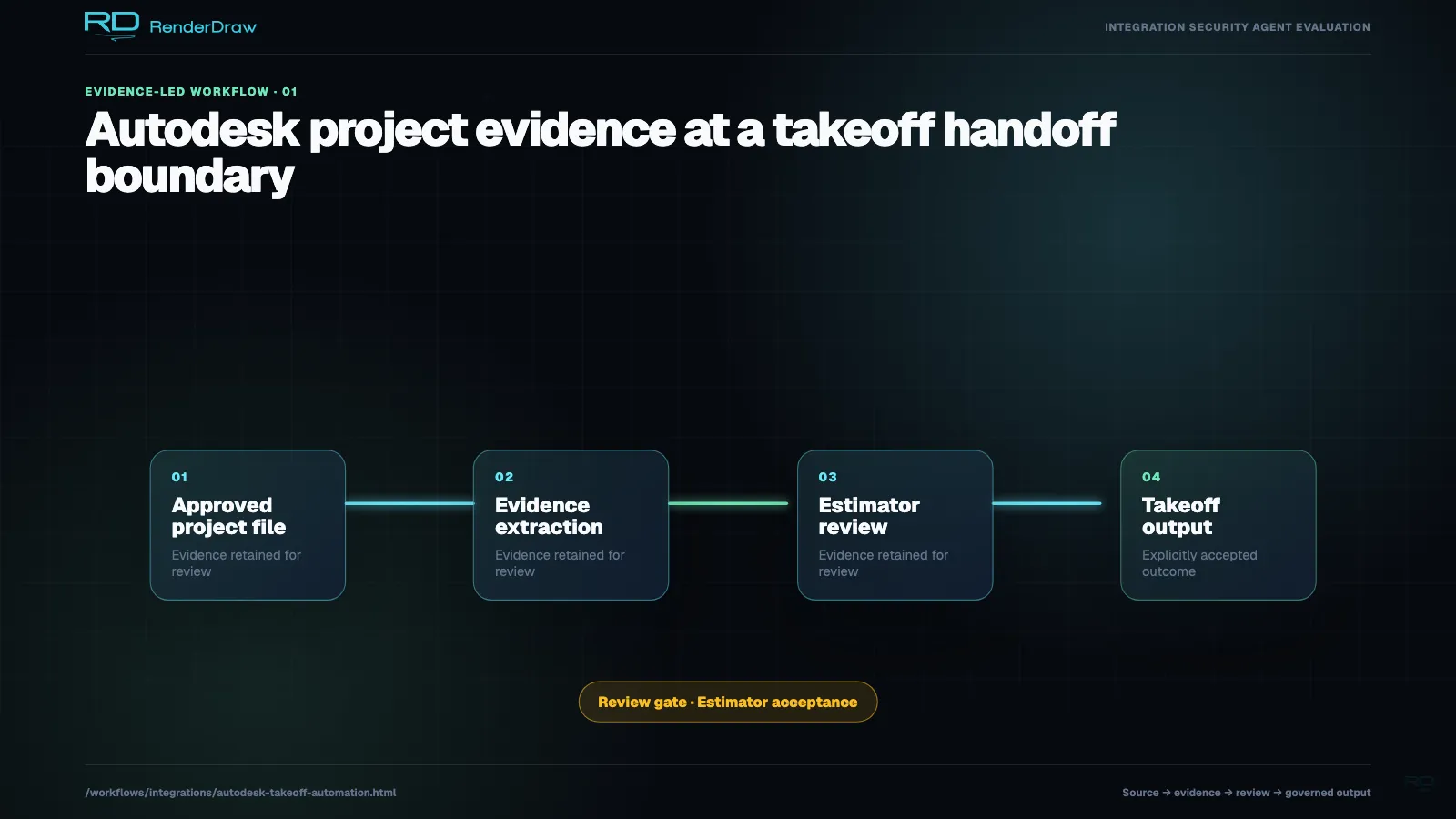
Autodesk takeoff automation connects Autodesk Construction Cloud, BIM 360, Revit, DWG, IFC, and exported drawing or model data to AI quantity extraction, pricing lookup, estimate workbook generation, and estimator review. RenderDraw is useful when design and project files live in Autodesk tools but the estimating workflow needs governed extraction, pricing, and bid-ready outputs.

From Autodesk File Set to Priced Estimate

StepWhat RenderDraw ReadsOutput
Project intakeACC files, BIM 360 documents, Revit exports, DWG drawings, IFC models, PDFs, specifications, revisions, and measurement exportsNormalized project, drawing, and model package
AI quantity extractionDimensions, counts, assemblies, areas, lengths, model properties, sheet notes, and source referencesStructured quantity rows with evidence
Estimate mappingTrade taxonomy, item codes, workbook template, supplier pricing, labor factors, waste, and margin rulesEstimate-ready workbook rows
Exception routingLow confidence, model conflicts, revision mismatches, missing units, missing pricing, and scope assumptionsEstimator review queue
Bid handoffApproved quantities, pricing, source evidence, reviewer notes, and model or sheet contextBid workbook or proposal-ready estimate

Where Autodesk Takeoff Automation Fits

Model-Based Estimating

Use Revit, IFC, or model export context to create structured quantity rows with source evidence and review status.

DWG and PDF Takeoffs

Extract dimensions, counts, areas, and lengths from drawings without losing sheet, revision, or coordinate context.

Bid Workbook Prep

Write approved quantities into a workbook with source references, pricing source, confidence, and estimator review status.

Manual Autodesk Takeoff Workflow vs Automation

TaskManual WorkflowRenderDraw Workflow
Drawing and model retrievalEstimator checks project folders, model exports, sheets, and revisions manuallyWorkflow inventories files, revisions, sheets, model properties, and missing context
Quantity extractionMeasurements and model properties are copied into workbooks by handAI extracts quantities and normalizes them into structured estimate rows
PricingPricing is looked up after the takeoff is completeRows connect to supplier catalogs, labor rates, ERP, CPQ, or workbook prices
ReviewReviewer hunts for drawing, model, or sheet evidenceEach row preserves source file, sheet or model reference, confidence, pricing source, and approval status

Autodesk Takeoff Automation FAQ

Does this replace Autodesk tools?

No. RenderDraw can sit downstream from Autodesk project files and exported data, then automate extraction, workbook creation, pricing lookup, and estimator review.

Can it use model properties?

Yes. Model properties, drawing geometry, sheet notes, specifications, and revision context can all feed the extraction and review workflow.

Can it create a priced estimate?

Yes, when approved pricing sources are connected. Extracted quantities can map to workbook rows, supplier prices, labor factors, waste, margin, and approval status.

What should estimators still review?

Estimators should review low-confidence quantities, model conflicts, scope assumptions, alternates, missing pricing, revision mismatches, and anything that affects bid risk.

Related Autodesk and Takeoff Resources