Choose RenderDraw when
The process must coordinate evidence, human gates, approved business data, and actions across several systems.AI takeoff and estimating comparison
RenderDraw vs. Kreo: AI Takeoff Workspace vs. Connected Bid Workflow
Kreo offers accessible self-serve takeoff and estimating tools plus a growing AI agent. RenderDraw coordinates governed work across documents, reviewers, and commercial systems.
The short answer
RenderDraw and Kreo solve different workflow boundaries.
Kreo is a cloud takeoff and estimating environment with manual measurement, AI Auto Measure, Auto Count, reporting, cost-planning tools, and Caddie, its plan-aware AI agent. Its published plans make it accessible to independent estimators and small teams, while API and enterprise agentic-workflow options extend the platform beyond basic floor-plan measurement.
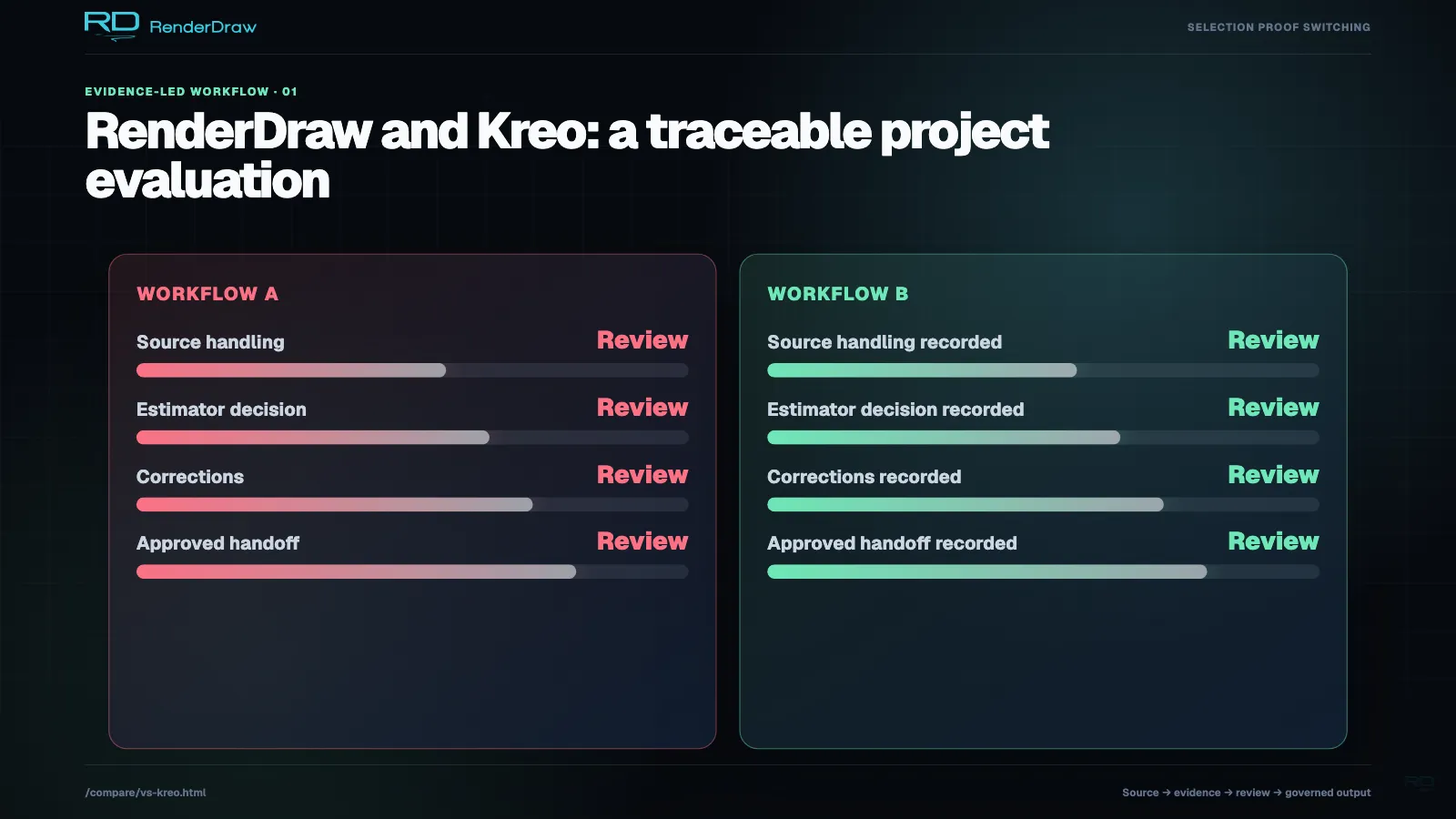
RenderDraw approaches the problem from a workflow-orchestration direction. Drawings, specifications, addenda, bid forms, workbooks, pricing sources, reviewers, and downstream systems can participate in one visible process. Quantity evidence and human decisions remain attached as the work moves toward a quote or bid.
Kreo is a strong fit when estimators want an affordable, feature-rich workspace they can operate directly. RenderDraw is the stronger candidate when the organization must connect takeoff work to controlled pricing, cross-functional approvals, Salesforce, CPQ, ERP, ServiceNow, or proposal delivery.
Choose Kreo when
Estimators want a self-serve cloud takeoff and estimating workspace with accessible plans, AI tools, reports, and optional APIs.Where Kreo is strong
Accessible measurement and estimating with a growing AI agent.
Kreo has moved beyond the narrow “chat with a clean floor plan” description in the original brief. Its current product includes a broader takeoff, reporting, cost-planning, API, and agentic-automation surface.
Self-serve takeoff workspace
Estimators can upload PDF, CAD, and image files, organize projects, measure, mark up, overlay plans, collaborate, and export reports. The interface is designed for people doing takeoff work directly.
Caddie AI
Kreo describes Caddie as an autonomous agent that understands drawings, detects zones, answers grounded questions, and can run measurements. Skills provide reusable playbooks for repeated estimator work.
AI measurement tools
Pro includes Auto Measure, One-Click Area, Auto Count, Caddie, smart-label recognition, and AI drawing organization. These tools address repetitive counting and area work without requiring a managed service.
Estimating and reporting
Kreo connects measurements to assemblies, calculations, cost plans, estimates, custom reports, and Excel import or export. Enterprise offerings add data migration, advanced permissions, APIs, and workflow automation.
Accessible public pricing
Kreo lists Lite at $35, Plus at $70, and Pro at $175 per user per month when billed annually in U.S. dollars. Enterprise pricing is custom. Buyers should confirm which AI tools and add-ons are included at checkout.
Where RenderDraw is strong
Connect takeoff judgment to the systems that own revenue.
RenderDraw is not positioned primarily as an estimator’s measurement interface. It is designed to automate and govern the full process that surrounds extraction, review, price application, and commercial delivery.
Opportunity-wide inputs
A workflow can reason across plan sheets, CAD, BIM exports, specifications, addenda, bid forms, scope notes, price catalogs, CRM context, and historical estimates instead of treating the drawing as the complete source.
Evidence that survives handoff
Rows can retain source documents, sheet and coordinate references, extraction confidence, reviewer decisions, and price provenance as they move into workbooks or external systems.
Cross-functional human gates
Estimator review can be one gate among engineering, pricing, sales, compliance, and executive approvals. The workflow can wait for long-running decisions and resume with a recorded outcome.
Provider-based system actions
Salesforce, ServiceNow, CPQ, ERP, catalogs, workbooks, proposal tools, and other providers can be invoked as workflow steps. Structured data moves directly instead of relying on someone to export and re-key it.
Trade and business-rule control
Electrical and MEP workflows can incorporate schedules, specifications, devices, feeders, panels, equipment, controls, labor mappings, cost codes, and customer-specific approval rules.
Side-by-side comparison
RenderDraw vs. Kreo
Public product information reviewed July 29, 2026. Confirm current pricing, packaging, and fit with each vendor before purchasing.
| Evaluation area | RenderDraw | Kreo |
|---|---|---|
| Core workflow | Governed extraction, review, pricing, and bid or revenue-system orchestration | Self-serve cloud takeoff, measurement, estimating, reporting, and AI-agent tools |
| Best fit | Organizations automating cross-system and cross-role quote workflows | Independent estimators and teams wanting accessible AI-assisted takeoff and cost planning |
| Estimator interaction | Assigned human gates, confidence exceptions, and approvals within a workflow graph | Direct takeoff workspace with Caddie, Auto Measure, Auto Count, and editing tools |
| Inputs | Drawings, CAD, BIM exports, specifications, addenda, forms, workbooks, prices, and system context | PDF, CAD, images, drawing text, project measurements, assemblies, and cost data |
| Estimating output | Structured rows connected to controlled pricing, workbooks, CRM, CPQ, ERP, and proposals | Reports, cost plans, estimates, calculations, and Excel import or export |
| Automation model | Typed workflow blocks spanning AI, human, data, and system actions | Self-serve AI tools plus API and enterprise agentic-workflow options |
| Source traceability | Quantity-level source, coordinate, confidence, review, and price provenance | Grounded drawing interaction is published; equivalent evidence across downstream external records is not publicly stated |
| Public pricing | Custom, workflow-scoped pricing based on volume, documents, integrations, knowledgebases, and controls | $35 Lite, $70 Plus, and $175 Pro per user per month, billed annually; Enterprise is custom |
| Integration | Configured providers for Salesforce, ServiceNow, CPQ, ERP, catalogs, workbooks, and proposals | API options and enterprise workflow automation are available; confirm plan and implementation scope |
Which one should you choose?
Choose around the handoff, not the feature checklist.
Kreo’s current product is broader than a budget measurement tool, so the decision should focus on where people work and how far the automation must travel. Compare the estimator’s workspace and the enterprise handoff separately.
A small team wants an affordable AI takeoff workspace
Kreo is the natural first evaluation.
Its public tiers, free trial, measurement tools, reports, and Pro AI features give estimators a direct way to improve daily takeoff work.
You want a plan-aware AI operator
Test Caddie on your repeated tasks.
Use representative drawings and evaluate measurement edits, context across sheets, skill setup, report output, and the time saved after review.
The workflow crosses departments and systems
RenderDraw is the stronger orchestration candidate.
It is designed to coordinate documents, specialist review, price sources, business approvals, and system actions beyond the estimator workspace.
You need an API-fed measurement engine
Evaluate Kreo’s API and enterprise options.
Confirm access, pricing, limits, supported formats, response structure, and how your team will validate returned measurements.
You need traceability through the submitted bid
Test RenderDraw from source to final record.
Select one line item and confirm that its drawing evidence, estimator decision, price source, approvals, and destination remain connected.
The RenderDraw difference
What “takeoff-to-bid” means in practice.
A faster takeoff helps. A governed workflow also protects the commercial decisions that come after the count.
Explore construction takeoff workflows-
1. Assemble more than the drawing
The workflow can combine plan files with specifications, addenda, forms, scope notes, workbooks, account context, and price sources before extraction starts.
-
2. Create structured evidence
AI turns source material into typed rows with quantities, units, classifications, coordinates, confidence, and exceptions that later steps can use.
-
3. Assign judgment explicitly
Estimators, engineers, pricing owners, sales, or executives receive the decisions relevant to their role. Approval and correction history remains part of the workflow.
-
4. Apply business-owned data
Reviewed quantities can connect to supplier prices, labor rules, cost codes, CRM, CPQ, ERP, catalogs, or historical estimates with a known source.
-
5. Deliver and synchronize
The approved result can populate a workbook, proposal, quote, Salesforce record, ServiceNow flow, CPQ transaction, or ERP object and continue into the next process.
Buyer checklist
Questions to use in a live evaluation.
- Will estimators spend most of their time in the takeoff product or in connected business systems?
- Which Caddie, Auto Measure, reporting, API, and enterprise features are included in the quoted plan?
- How does the system handle degraded scans, custom symbols, schedules, and multi-document scope?
- Can measurements and corrections be traced after export?
- Where do prices, labor rates, assemblies, and cost codes come from?
- Which approvals must occur before output becomes a bid?
- Does the total price include users, AI usage, integrations, setup, data migration, and support?
Frequently asked questions
RenderDraw vs. Kreo FAQ
Is RenderDraw an alternative to Kreo?
Yes when the requirement extends beyond the estimator’s takeoff workspace. Kreo provides self-serve measurement, AI, estimating, reporting, API, and enterprise automation options. RenderDraw focuses on governed workflows connecting source evidence, human approvals, pricing, CRM, CPQ, ERP, ServiceNow, and proposals.
Is RenderDraw more expensive than Kreo?
Kreo publishes per-user tiers, including Pro at $175 per user per month billed annually as reviewed July 29, 2026. RenderDraw uses custom, workflow-scoped pricing based on documents, volume, AI usage, integrations, knowledgebases, review controls, and implementation. A price comparison requires a defined workflow and user model.
Does RenderDraw handle electrical and MEP takeoffs better than Kreo?
No universal public benchmark establishes that. RenderDraw can configure electrical and MEP workflows around devices, schedules, panels, feeders, equipment, controls, specifications, labor units, evidence, and approvals. Kreo provides AI measurement and broader estimating tools. Test both on the same trade-specific drawing package.
Can a small contractor use RenderDraw?
A small contractor can use RenderDraw, but its strongest fit is a workflow with meaningful document complexity, review controls, pricing connections, or system handoffs. Kreo’s public self-serve tiers may be simpler when an individual estimator mainly needs takeoff and reporting.
Sources and methodology
Built from current first-party product information.
This comparison was reviewed on July 29, 2026. Vendor capabilities and pricing change. We link the primary pages used, distinguish self-reported claims, and avoid filling undocumented gaps with assumptions. RenderDraw publishes custom, workflow-scoped pricing rather than a flat takeoff-software price.
- Kreo AI takeoff Official description of AI features and U.S. plan pricing reviewed July 29, 2026.
- Kreo product overview Official description of Caddie, Skills, measurement, and estimating capabilities.
- Kreo API Official API documentation for AI Search and platform access.
- RenderDraw takeoff workflows Official explanation of source evidence, review, pricing, and system handoff.
- RenderDraw workflow pricing Official explanation of custom, workflow-scoped pricing.
Test the workflow, not the promise
Bring one real drawing package.
See how RenderDraw extracts quantities, preserves the source, routes estimator review, applies pricing, and carries approved work into your bid process.
Continue comparing