Construction Takeoff Software

Turn Construction Drawings into
Bid-Ready Quantities.

RenderDraw connects PDF plans, CAD files, BIM exports, specifications, addenda, source-backed quantities, estimator review, pricing, quote workbooks, RFP responses, and proposal packages in one takeoff workflow.
What Is Construction Takeoff Software?

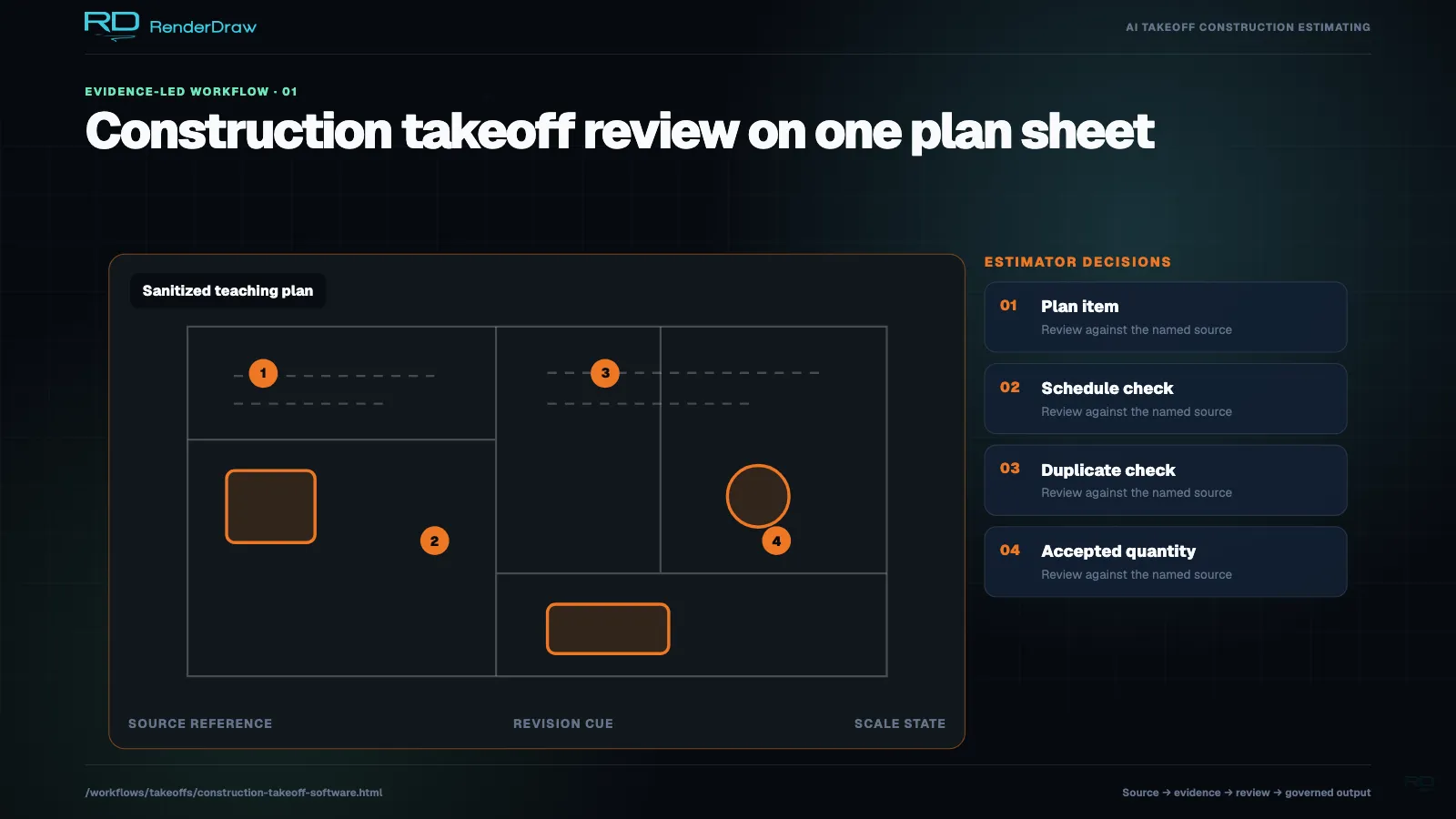
Construction takeoff software helps contractors extract, review, price, and hand off quantities from drawings, specifications, addenda, CAD files, BIM exports, scans, and PDF plan sets. RenderDraw connects takeoff quantities to source evidence, estimator review, pricing data, quote workbooks, bid leveling, RFP responses, proposal packages, and approval gates.

Use it when a takeoff needs to become more than measurements: every quantity should be traceable, reviewable, connected to pricing, and ready for estimating, quoting, bid management, or proposal workflows.

Last updated: July 1, 2026. Reviewed by RenderDraw workflow automation specialists.

Takeoff Outputs

  • Counts, lengths, areas, volumes, assemblies, alternates, and allowance quantities.
  • Source file, sheet, revision, coordinate, measurement type, confidence, and reviewer status.
  • Estimator review queues for unclear symbols, addenda deltas, and low-confidence rows.
  • Handoff to estimate workbooks, quote schedules, bid leveling, RFP responses, and proposals.
Agent Context

From Plan Set to Bid Workflow

StageConstruction InputsWorkflow OutputReviewer
Drawing intakePDF plans, scans, CAD, BIM, specs, addenda, Bluebeam, Procore, Autodesk filesDrawing inventory with discipline, sheet, revision, scale, and addenda contextBid coordinator
Quantity extractionSymbols, schedules, dimensions, linear runs, areas, volumes, tags, and calloutsStructured quantity rows with source evidence and confidenceEstimator
Review gatesLow-confidence rows, unclear symbols, changed sheets, unusual assumptions, scope gapsApproval queue focused on judgment workEstimator and project manager
Estimate handoffApproved quantities, cost codes, assemblies, supplier quotes, labor factors, allowancesEstimate workbook, quote schedule, or pricing packagePricing owner
Bid outputTakeoff rows, estimate data, RFP requirements, exclusions, alternates, attachmentsBid package, RFP response, proposal package, and audit historyBid manager

Construction Takeoff Software vs Related Workflows

Search IntentPrimary JobBest RenderDraw Page
Construction takeoff softwareExtract, review, price, and hand off construction quantities from plan setsConstruction Takeoff Software
AI quantity takeoff softwareClassify drawings and extract counts, lengths, areas, volumes, confidence, and source evidenceAI Quantity Takeoff Software
Takeoff estimating softwareMap approved quantities to assemblies, labor, waste, margin, alternates, and estimate reviewTakeoff Estimating Software
Takeoff quoting softwareTurn takeoff rows into priced quote workbooks, bid schedules, RFP pricing, and proposal handoffTakeoff Quoting Software
Construction takeoff automation case studySee a specific GC workflow that reduced takeoff time and improved bid throughputConstruction Takeoff Case Study

Who Needs Construction Takeoff Software?

General Contractors

Move from plan sets to bid-ready quantities, estimate workbooks, subcontractor comparisons, owner RFP responses, and proposal packages.

Specialty Contractors

Extract trade-specific electrical, HVAC, plumbing, fire protection, low-voltage, structural, architectural, and MEP quantities.

Construction Suppliers

Quote configured products from drawings, specifications, CAD, BIM, takeoff rows, pricing tables, and approved proposal content.

Construction Takeoff Software FAQ

Does construction takeoff software replace estimators?

No. Useful construction takeoff software removes repetitive counting, measuring, and copying work while preserving source evidence so estimators can review assumptions, exceptions, scope gaps, and pricing impact.

Can construction takeoff software work with PDF drawings?

Yes. RenderDraw can use PDF plans, scans, CAD files, BIM exports, specifications, addenda, Bluebeam markups, Procore drawings, and Autodesk files as takeoff inputs.

What should construction takeoff software export?

At minimum, it should export quantity rows with source evidence, units, confidence, reviewer status, cost code, assembly, and notes. Strong workflows also support estimate workbooks, quote schedules, bid leveling, RFP responses, CPQ, ERP, and proposal packages.

Related Construction Takeoff Resources

Turn Plan Sets into
Bid-Ready Takeoffs.

Give estimators source-backed quantities they can approve, price, and carry into construction bid workflows without spreadsheet cleanup.