
Database estimating is only as fast as the takeoff feeding it.
McCormick Systems is known for electrical and mechanical estimating software built on material and labor databases. Whatever estimating system you run, quantities still have to come off the drawings first, and that is usually the slow part.
Statements about McCormick Systems are based on its public positioning and may change. Confirm current features, modules and pricing with the vendor before deciding.
- Electrical & mechanical
- Pricing questions
- Takeoff is the bottleneck
- Free sample takeoff
What to ask for in any quote.
Software prices change and many vendors quote per company. We do not publish other vendors' prices. Get these answers in writing instead.
| Ask about | Why it matters |
|---|---|
| Per-user vs. per-company licensing | Adding an estimator can change the price a lot |
| Subscription vs. perpetual + maintenance | Total cost over three years differs |
| Included vs. add-on modules | Takeoff, estimating, databases and integrations may be separate |
| Database or price updates | Some trades depend on ongoing material price updates |
| Training and onboarding | Often a separate line item |
| Contract term and cancellation | Annual commitments are common |
Counting is the bottleneck.
Fixtures and devices
Counts by type, matched to the fixture schedule.
Runs and homeruns
Conduit and wire lengths by system.
Panels and feeders
Panel and feeder items proposed with their source sheets, for checking against the one-line.
Addenda
Re-counting changed sheets on bid week.
AI takeoff in front of your database.
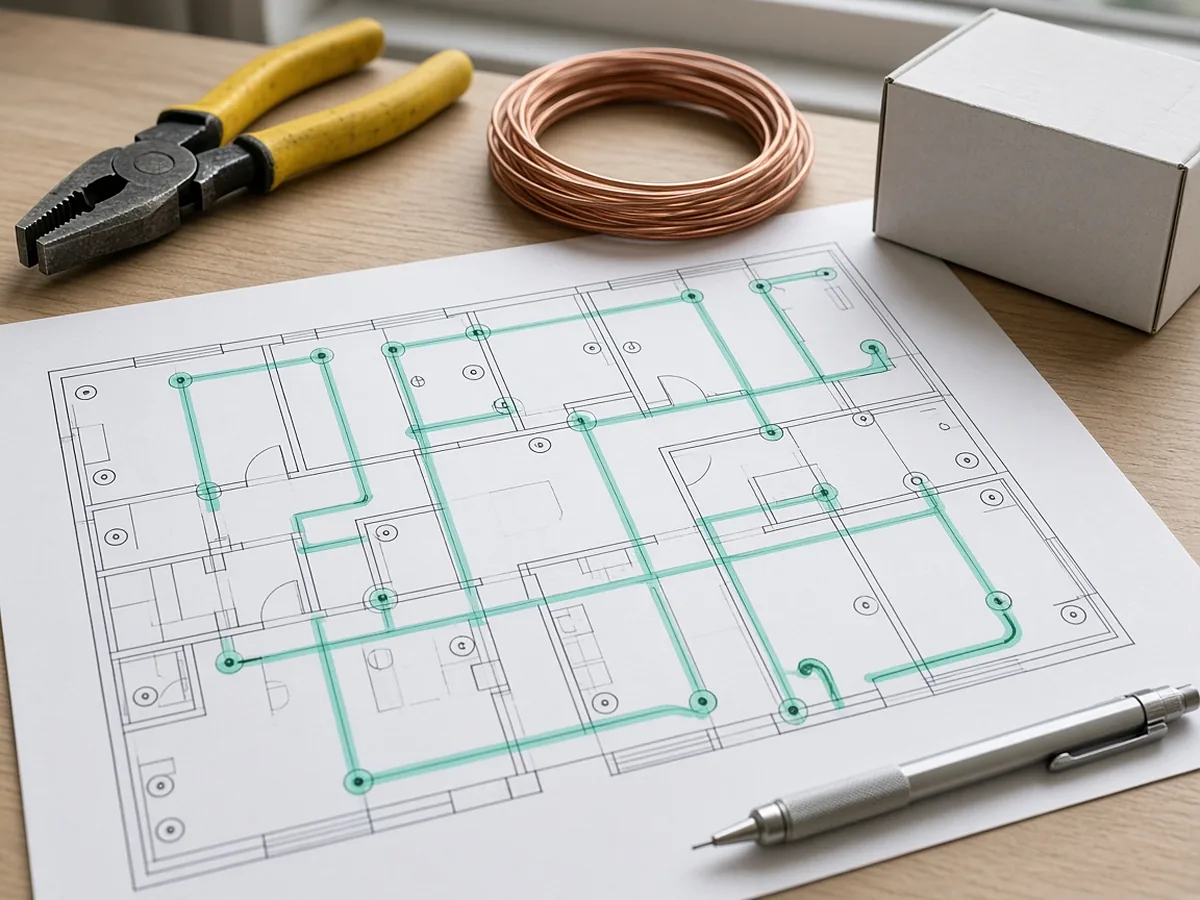
RenderDraw proposes counts and lengths from electrical and mechanical drawings, your estimator approves them, and approved rows hand off to your labor units and pricing.
- Source on every row. Each proposed quantity keeps the sheet and location it came from.
- Estimator approval before pricing. Your estimator accepts, corrects or rejects proposals; nothing is priced until it is approved.
- Addenda through the same review. Changed sheets go back through takeoff and estimator review.
- Your assemblies, your rates. Approved rows hand off to your assemblies, labor units and pricing inputs.
Run one bid side by side.
Pick a real job
Choose a recent bid with the plan set, legend, schedules and at least one addendum.
Build a baseline
Have an estimator check the quantities you want to test.
Run it side by side
Run the same set through your current tool and through a RenderDraw sample.
Score misses and review time
Record missed items, wrong inclusions and the time spent correcting each result.
Your sample files remain private while we assess the request. There is no obligation to proceed.
Mccormick estimating software, answered.
How much does McCormick estimating software cost?
McCormick Systems quotes pricing directly; check with them. Ask about licensing, database updates, training and support so you can compare total cost.
What is McCormick estimating software used for?
Electrical and mechanical estimating, using material and labor databases.
Is there an alternative to McCormick?
There are several electrical and mechanical estimating systems. If takeoff time is your bottleneck, an AI takeoff workflow can feed whichever system you use.
Can RenderDraw replace my estimating database?
RenderDraw focuses on takeoff, review and pricing handoff. Bring your labor units and price lists to the evaluation to see how approved quantities hand off to them.
Can I test it?
Yes. Send one electrical or mechanical set for a free sample takeoff.
Send one plan set. Judge the result yourself.
A focused, no-obligation evaluation on your own drawings. Your sample files remain private while we assess the request.
- Upload one representative plan set (a legible PDF set is the most reliable starting point), plus an addendum if you have one.
- RenderDraw reviews the set and the scope you want tested.
- We follow up with what was extracted, what was flagged for review, and the most useful next step.