The product family in brief
| Product | What it is | Takeoff notes |
|---|---|---|
| Accubid Classic | Desktop electrical estimating, with purchasing, project management and billing modules | Live bi-directional link to LiveCount; Trimble lists 42,000+ items and 13,000 assemblies in the database |
| Accubid Anywhere | Cloud estimating for electrical and industrial mechanical, multi-user and multi-branch, with change management | LiveCount link, AI-powered takeoff and Auto Count, Trade Service pricing included, APIs |
| LiveCount | Cloud graphical takeoff | Counts and lengths in the same run, drawing compare, Auto Count; Trimble notes AI functionality on Classic needs the Estimating Essentials Hosted subscription |
| TRA-SER | Trade Service pricing data | Imports current material pricing into most major estimating systems |
How electrical estimating systems work
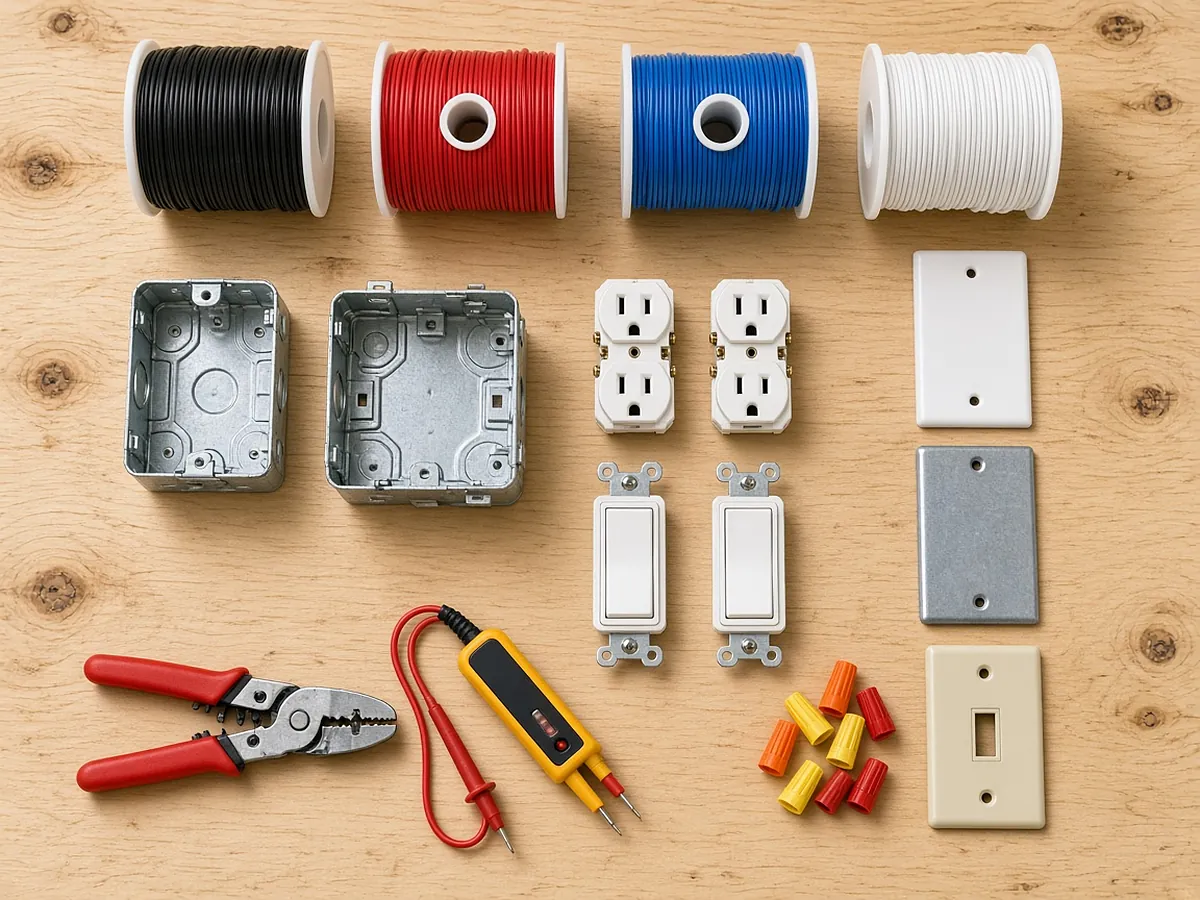
Systems like Accubid combine a priced material database, labor units per item, assemblies that bundle items (a duplex receptacle assembly with box, mud ring, device, plate, connectors, branch allowance and labor), and a takeoff interface where counts and lengths are measured on screen and extended live. Labor units are then adjusted with factors for height, conditions and productivity, and the bid summary rolls up material, labor, quotes, indirects and margin.
Before you count: set up the job
- Confirm the drawing list and revisions; load addenda as they arrive.
- Set and verify scale on every sheet against a known dimension, including enlarged plans.
- Map legend symbols to database items or assemblies before counting.
- Decide breakdowns (building, floor, area, system, phase, cost code) before counting so totals roll up the way you will price, bill and build.
- Load the spec's requirements into assemblies: device grade and color, MC cable limits, box sizes, seismic support.
Why breakdowns matter
Accubid lets you view subtotals across breakdowns in any order. Use that. A floor whose device count or labor-to-material ratio is far off the others is the cheapest error check you have. Breakdowns also become the basis of the schedule of values and the field's labor budget after award. A takeoff without breakdowns is fast to count and slow to check.
Labor units and factors
Most firms start from the database's labor units, or units derived from the NECA Manual of Labor Units, and refine them with their own job-cost history. Keep these rules:
- Apply condition factors (height, congestion, existing building, occupied space) by breakdown, not by editing item units.
- Do not stack factors without checking the result: three 10% factors compound to about 33%, not 30%.
- Review the labor-to-material ratio and cost per square foot by system against similar past jobs.
A tenant floor's base labor is 1,800 hours. The estimator applies 10% for 14 ft work height, 10% for an occupied building and 10% for night work.
Know which your system applies and whether it matches how your field actually loses productivity.
Where the hours go
- Device and fixture counts by type from plans and legends.
- Branch circuit lengths and homeruns.
- Feeders from one-lines and panel schedules.
- Gear and equipment from schedules, usually priced on quotes.
- Special systems: fire alarm, low voltage, if in scope.
Trimble now offers Auto Count and AI-powered takeoff in LiveCount for some subscriptions, so symbol counting is no longer purely manual in Accubid either. Whatever tool proposes counts, an estimator still has to verify symbol variants (GFCI, weather-resistant, emergency fixtures), overlapping enlarged plans and devices on other trades' sheets.
When addenda land
Keep the original takeoff by breakdown and add revisions as new or adjusted items tied to the addendum, so the estimate history is visible. Use drawing compare to find changed areas. Re-run quotes for changed gear or fixtures, and recheck labor factors if phasing or working hours changed.
Review before pricing
- Device counts per floor against similar floors.
- Fixture counts against the fixture schedule.
- Feeder lengths against panel locations on the riser.
- Labor factors applied consistently and visibly.
- Quotes cover what the spec requires, with exclusions listed.
Where an outside AI takeoff fits
Some teams use a separate AI takeoff to propose counts before the estimate is built. RenderDraw's AI takeoff proposes legend-aware symbol counts with their sheet sources and flags uncertain items; estimators review and accept rows, and your labor units, pricing and margin in Accubid still build the bid. Keep the same breakdown structure in both so quantities land in the right places, and confirm with Trimble how you will bring quantities into your version. See a free sample takeoff on one of your sets, or the electrical takeoff guide for the order of work.