
Takeoff fundamentals
What is a construction takeoff?
During a takeoff, an estimator identifies the items in scope and records their quantities from project documents. The estimator uses those quantities to prepare costs and purchasing decisions.
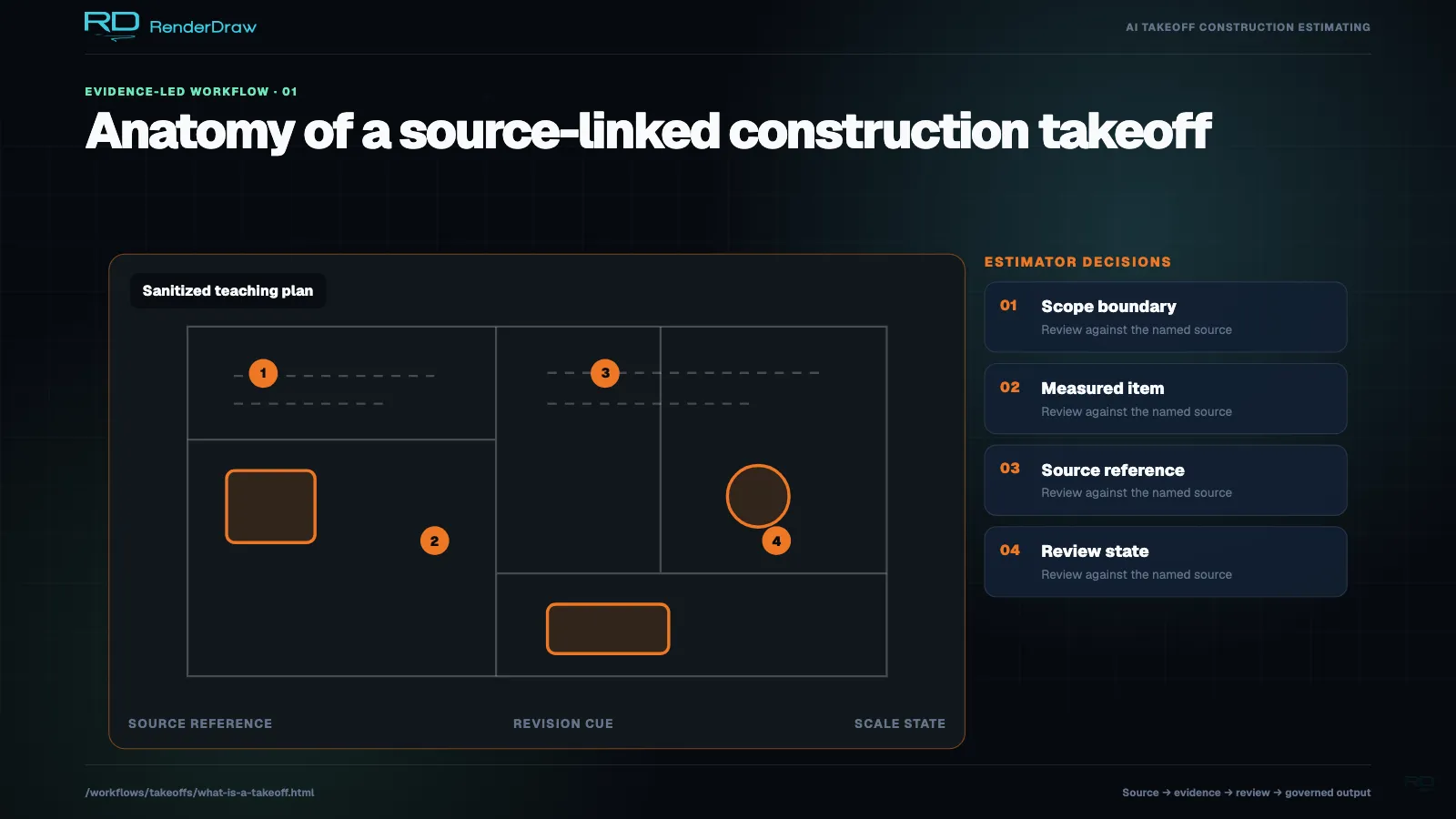
A construction takeoff is the process of identifying and quantifying materials or components for a defined project scope. You count items such as fixtures, measure lengths such as conduit, and calculate areas or volumes where the work requires them. Procore: material takeoffs and estimates.
Record the source and scope alongside the number. A second estimator needs to distinguish twelve new fixtures from twelve fixtures across new, existing and demolition work.
Takeoff quantities and estimate costs
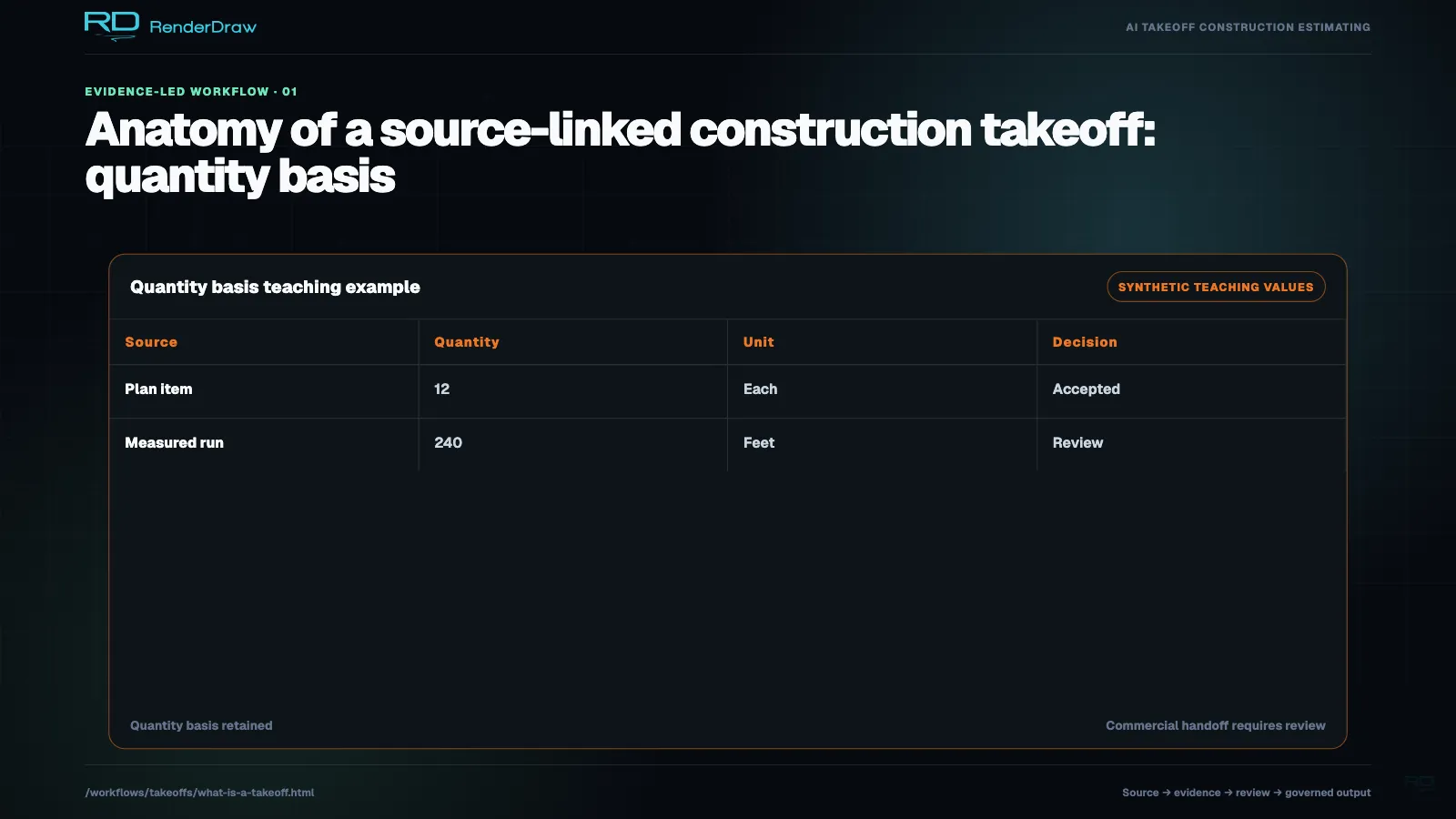
During takeoff, you establish item types and quantities. During estimating, you apply material rates and add labor, equipment and other project costs. Software can combine the steps, but you still need to trace a cost difference to its quantity or pricing basis.
| Takeoff record | Estimating work |
|---|---|
| 12 fixtures of specified types | Apply the selected fixture rates and installation labor, then account for accessories in scope. |
| 240 ft of conduit at a specified diameter | Apply the material and labor basis; review fittings, supports and purchasing increments. |
| 716 sq ft of net installed finish | Apply the specified finish system, ordering allowance and installation costs. |
These quantities are illustrative. The project documents and measurement rules determine the scope you should include.
Prepare a takeoff in six steps
- Define the scope. Name the trade or package, zones, base bid and alternates. Record inclusions and exclusions.
- Confirm the sources. List drawing versions, schedules, specifications and addenda. Record missing documents.
- Identify items. Connect symbols or model objects to the right tags, sizes and materials.
- Measure and count. Verify scale for physical measurements. Keep units and derivations explicit.
- Reconcile references. Use schedules and details to check attributes without duplicating installed items.
- Review and hand off. Correct errors, accept quantities and map them into the intended estimate or purchasing process.
Apply your project's measurement convention. RICS provides NRM 2 for detailed measurement of building works; select the rules that fit the contract and scope. RICS New Rules of Measurement.
Use software and AI with estimator review
With digital takeoff software, an estimator can measure drawings and maintain quantity records. With AI-assisted tools, the estimator can review proposed counts, geometry or classifications. The exact automation depends on the product, document quality and task.
Compare the time required to reach an accepted output. Inspect missed items and duplicate detections apart from quantity differences. Include corrections and a revision in the evaluation; a first-pass total leaves those parts of the job untested.
Use the AI takeoff software comparison to review named vendors and prepare a project-based test.
Check scope, scale and source before pricing
Check a known dimension in the actual file. A detail can use a different scale from the main drawing; Bluebeam documents viewports for those regions. Bluebeam viewport documentation.
Trace quantities to their source versions and keep unresolved scope open. Use installed item identities to reconcile plan, schedule and riser references. Record unique in-scope riser components under their own identities.
Work through the takeoff quality checklist for a full review, including examples of duplicate counts, ordering allowances and revision changes.
Match the takeoff to your industry
An electrician may start with fixtures and feeders. A controls estimator needs to distinguish physical devices from software points. A furniture dealer needs to reconcile kits with component BOMs; a fab team needs to match tool IDs to utility requirements.
Our 20-industry takeoff guide lists identification targets, document packages and trial exercises. We use those tasks for development and evaluation; ask us to demonstrate the supported workflow on your files.