What a dealer portal has to do
| Area | Purpose |
|---|---|
| Catalog | The products and options each dealer is authorized to sell, by region or program |
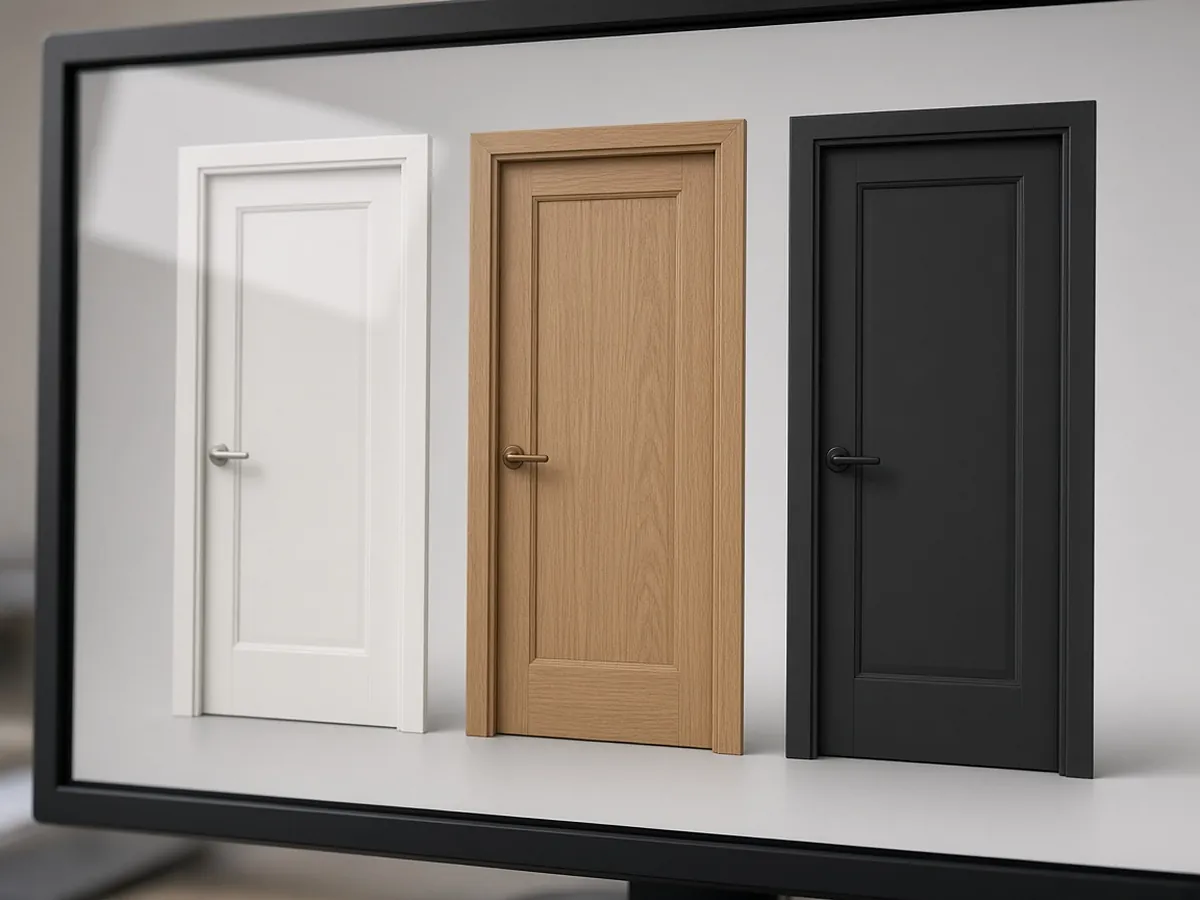
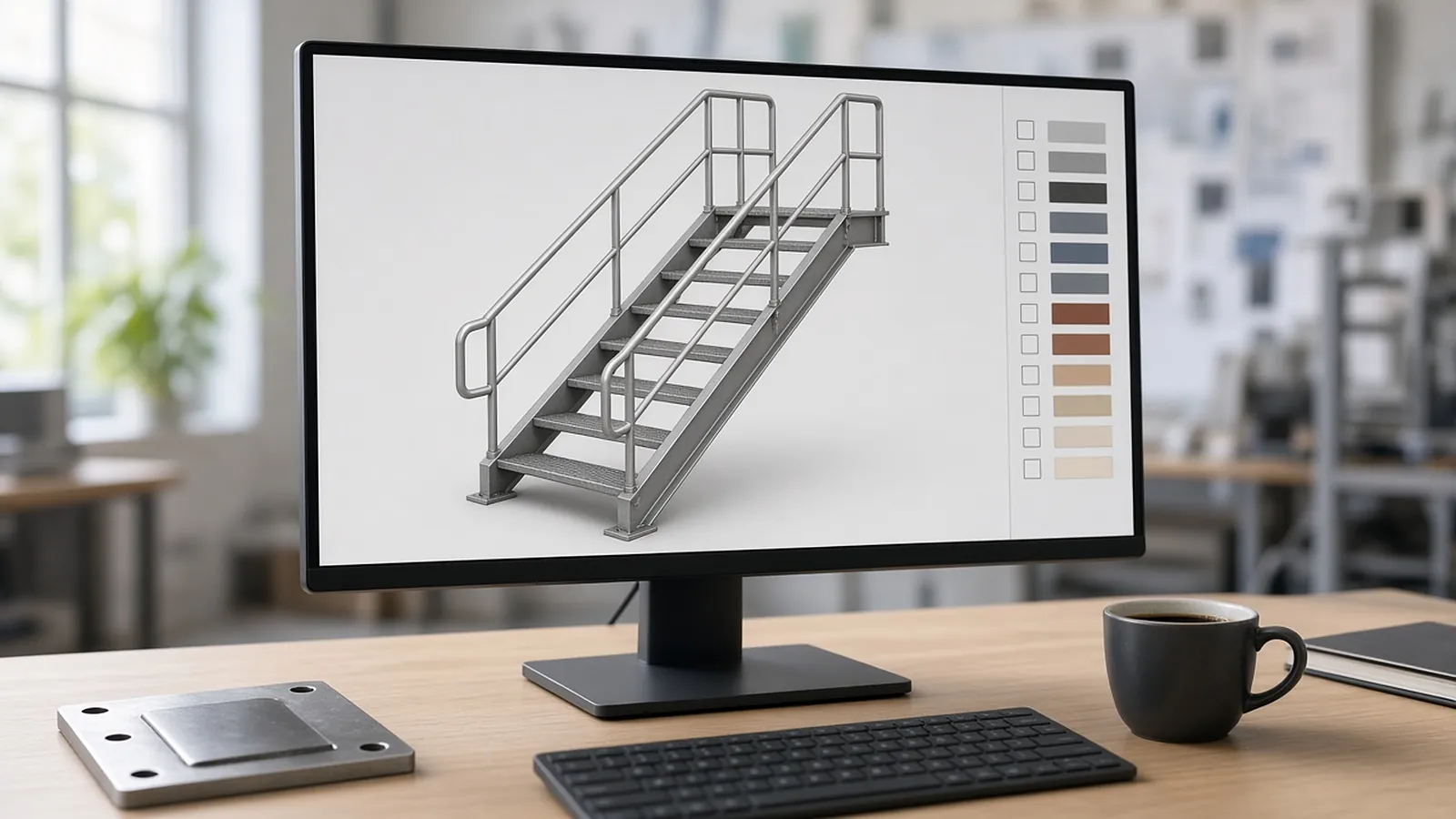
| Configurator | Valid configurations only, with visuals the dealer can show the end customer |
| Quotes | Dealer-net pricing, the dealer's own sell price, and customer-facing documents that never show dealer cost |
| Approvals | Discounts or special builds beyond limits routed to the manufacturer |
| Orders | Submission with the full configuration, then status back to the dealer |
| Resources and support | Price lists, spec sheets, training, warranty claims, cases |
Step 1: Platform and licenses
If you run Salesforce, partner portals are usually built on Experience Cloud. The license choice drives both cost and capability, so settle it early with your account executive. These points are from Salesforce's license documentation:
- Partner Community (sold in the Partner Relationship Management or External Apps SKUs) is meant for B2B experiences that need sales data. It includes roles and standard sharing, and access to leads, opportunities, quotes and orders.
- Channel Account licenses are priced per partner account instead of per user. Each licensed account gets up to 40 partner users, pooled across accounts.
- Login-based versions of each license charge per daily unique login. They suit dealers who log in occasionally.
- Roles have limits. Partner licenses create roles for external users, and the default portal role limit is 50,000. For large dealer networks, use account role optimization.
- Never use internal licenses for dealer users. Salesforce explicitly discourages it.
If your quoting engine is Salesforce CPQ, remember that CPQ is now end of sale to new customers. Existing orgs can extend it to partners, but a new portal build may point to Revenue Cloud Advanced, which Salesforce positions for partner and self-service channels.
Step 2: Dealer roles and data separation
Dealer portals hold commercially sensitive data: net prices, discounts, end-customer names and order history. Define roles inside each dealer, for example:
- A dealer administrator, who manages the dealer's own users
- Sales users, who configure and quote
- Purchasing users, who submit orders
- View-only users
| Control | Example rule |
|---|---|
| Products | Dealer sees authorized lines only |
| Pricing | Dealer net and list visible to dealer roles; customer quote shows only sell price |
| Accounts | Dealer sees its own end customers, never another dealer's |
| Approvals | Discount beyond dealer authority routes to the regional manager |
| Orders | Only purchasing role can submit |
Two habits keep this from failing quietly:
- Review access whenever dealer staff change, and remove access promptly when a dealer leaves the network.
- Keep audit trails on price and order changes. They settle disputes.
Step 3: Dealer net versus customer price
Dealers usually see their net price and set a customer price with their own margin. The portal has to show both clearly to the dealer, generate customer-facing quotes without dealer cost, and apply the manufacturer's rules for discounts, promotions and minimum advertised price. Mistakes here destroy trust quickly. Test pricing visibility with a real dealer login, not an admin preview.
Step 4: Configuration and approvals
Guided, visual configuration matters most in a portal, because there is no rep on the phone to catch an invalid build. In practice that means three things:
- Rules run on the server, not just in the browser.
- Error messages tell the dealer what to change.
- Saved configurations can be copied and revised.
Approval thresholds should match your real authority matrix. Keep the number of approval levels small, or dealers will go back to calling.
Step 5: Orders that reach production
A portal that captures configurations but needs someone to retype them into the ERP keeps one of the biggest error sources. Plan the integration so a submitted order carries:
- The full configuration
- The part numbers or bill of materials
- Pricing
- Ship-to and requested date
Order status, acknowledgments and tracking should flow back to the dealer.
Step 6: Rollout and adoption
- Pilot with a handful of active dealers, using their real quotes, and fix their issues first.
- Make the portal faster than the old process of email and spreadsheets, or dealers will not switch.
- Record short training videos for the five most common tasks.
- Measure adoption by dealer: logins, quotes and orders submitted. Follow up with the dealers who are not using it.
- Assign owners and an update schedule for price lists, product data and marketing material. Outdated content loses dealers fast.
Launch checklist
- License type and counts confirmed; role-limit plan for the network size.
- Sharing tested with two dealer logins: neither can see the other's customers or quotes.
- Customer-facing quote PDF checked for any leaked dealer cost.
- Invalid configurations blocked on the server.
- Approval routing tested at each threshold.
- One test order flowed end to end into the ERP and back.
- Offboarding procedure documented.
When a portal is not the answer yet
A portal may be premature if:
- You have only a few dealers.
- Most orders are engineered-to-order and need application engineering.
- Your product data (option matrices, part-number logic, price lists) is not yet clean.
If so, start by cleaning the data and offering an internal configurator. Exposing messy rules to dealers multiplies support calls.
Where RenderDraw fits
RenderDraw's Product Configurator has an embeddable runtime with accordion, tab, wizard, single-panel and floorplan layouts. Submitted configurations are validated on the server and can trigger a signed webhook, which makes it a candidate front end for dealer portals. Pricing Studio keeps versioned price books with price groups and quantity breaks. RenderDraw also publishes an Experience Cloud portals guide. Book a demo, or see the Product Configurator.