
Electrical bidding software that ties every count to the sheet.
RenderDraw proposes fixture, device and panel counts from the electrical set with the source attached, your estimator approves them, and approved rows hand off to labor units and pricing.
Free, no-obligation sample takeoff. Your files remain private while we assess the request.
- Fixture & device counts with sheet evidence
- Estimator review gate before pricing
- Addenda tracked by revision
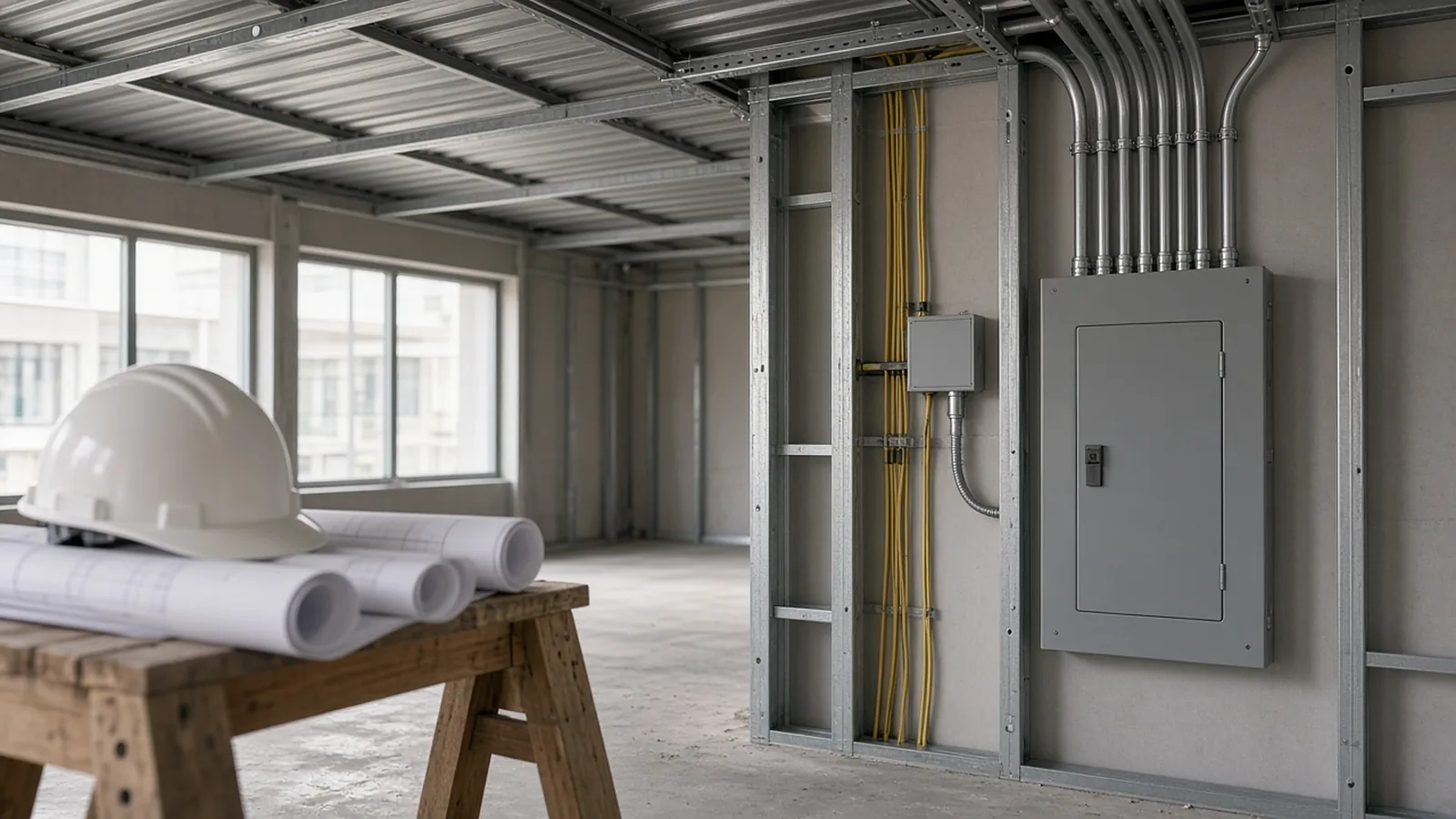
Counting is the easy part. Reconciling is the job.
An electrical bid is a reconciliation exercise: plan symbols against the fixture schedule, panel schedules against the one-line, the original set against every addendum. Miss one and it flows straight into material, labor and the number on the bid form.
Schedules vs. plans
A fixture tag on the plan has to match a schedule row. A repeated symbol in a detail is not an installed fixture.
Panels and feeders
Panel schedules, feeder references and one-line notes need to agree, and a missing one-line needs to stay an open question.
Addenda on bid week
When a type B fixture becomes type C, the count may stand while the mapping, rate and price all change.
From electrical plan set to reviewed bid.
Each stage keeps its inputs and outputs visible, so you can trace a priced row back to the sheet it came from.
| Stage | Electrical inputs | RenderDraw output |
|---|---|---|
| Bid intake | Electrical drawings, lighting and panel schedules, one-lines, specs, addenda, supplier quotes, bid forms | Normalized package with missing-input and revision flags |
| Extraction | Fixtures, devices, panels, feeders, switchgear references, controls, conduit assumptions, alternates, exclusions | Structured rows with source evidence and confidence |
| Pricing & labor | Assemblies, labor units, productivity factors, material catalogs, supplier quotes, cost codes, workbook formulas | Priced rows ready for estimator review |
| Bid handoff | Approved rows, assumptions, exclusions, alternates, supplier notes, reviewer decisions | Scope sheet, GC bid form, estimate workbook, proposal input or audit log |
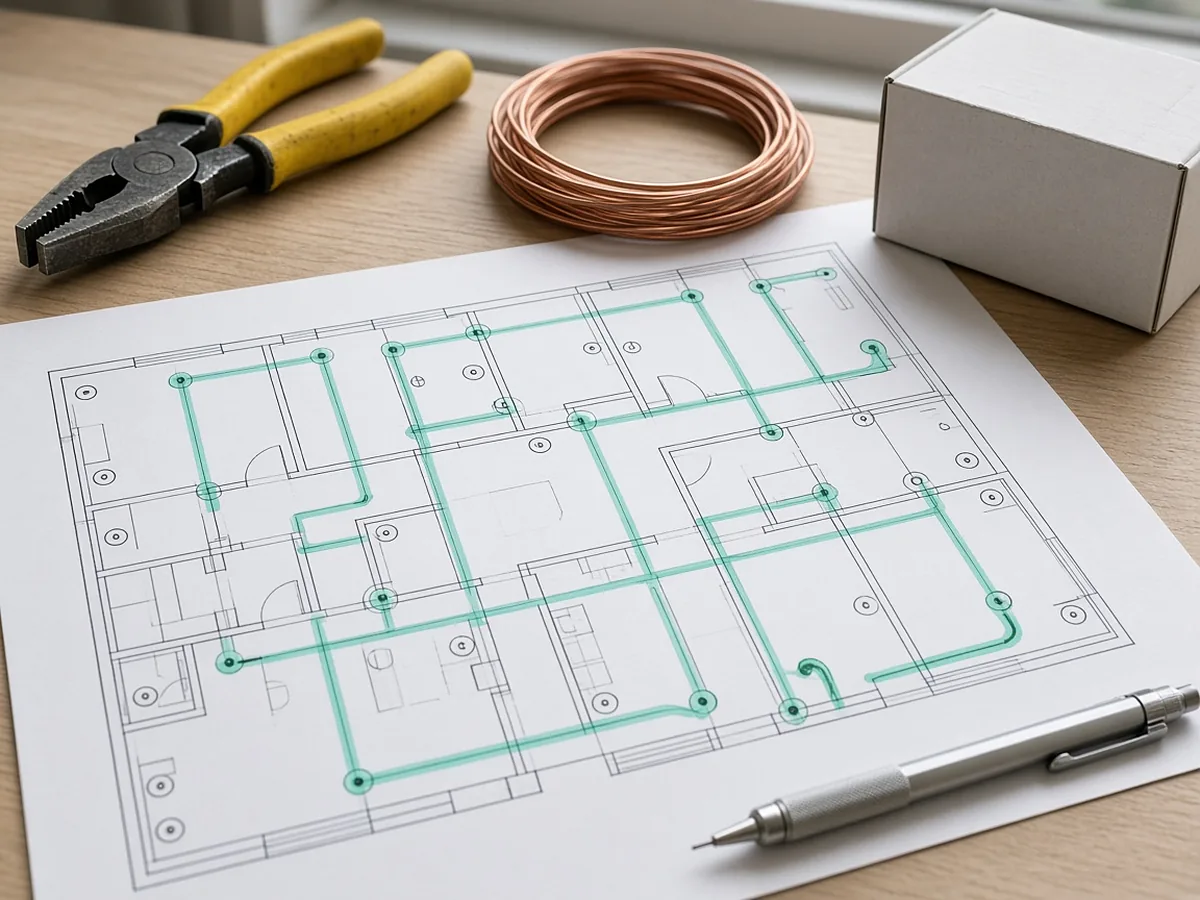
Built for the way electrical sets read.
- Lighting & devices: fixtures by type, receptacles, switches, occupancy sensors, emergency lighting, with fixture tags and schedule references.
- Panels & feeders: panel schedules, one-line notes, feeder references, voltage assumptions and switchgear packages for review.
- Controls & low voltage: controls, communications, fire alarm and access control scope routed into reviewed rows and exclusions.
- Labor & pricing: approved quantities mapped to your assemblies, labor units, supplier quotes and cost codes.
Confirm the supported counting and reference tasks in a sample run. A service-detail review does not establish complete one-line validation.
What an estimator-approved count looks like.
An illustrative scenario that defines the expected review. It is not a customer result or a product benchmark.
Source scope
The floor plan shows eight type A and four type B fixtures. The schedule has two type rows. A service detail repeats one fixture symbol.
Review decision
Accept 12 installed fixtures (8 A + 4 B), each linked to its schedule row. Exclude the repeated detail reference from the installed count.
Addendum
Type B becomes type C, layout unchanged. The 12-instance count stands; the four affected mappings and rates go back for review before approval.
Choosing electrical bidding software: what to test.
Feature lists look alike. Run the same plan set through your current tool and the one you are evaluating, and score these.
- Evidence: can you click from a priced row back to the symbol on the sheet?
- Schedules: does it reconcile plan tags against the fixture and panel schedules?
- Addenda: does it show what changed, or make you re-count the set?
- Review effort: how long did corrections take, including duplicates and wrong type matches?
- Your labor units: do your assemblies, labor factors and workbook fields carry through untouched?
- Output: does it produce the bid form or workbook you actually submit?
See the takeoff software comparison and the takeoff quality checklist.
Electrical bidding software, answered.
What does electrical bidding software do?
Electrical bidding software turns a plan set into a priced bid: device and fixture counts, conduit and wire runs, panel and feeder scope, labor units, material pricing, exclusions and the bid form. RenderDraw focuses on the takeoff-to-bid path, with AI proposing counts from the drawings and schedules and an estimator approving each row before pricing.
Can AI do electrical takeoffs?
AI can automate parts of an electrical takeoff when the workflow understands electrical symbols, fixture and panel schedules, one-lines, specifications and addenda, and routes uncertain items to estimator review. It does not replace the estimator's judgement on one-lines, labor or supplier quotes.
How much does electrical bidding software cost?
Pricing varies by vendor, seat count and whether AI takeoff, labor databases or supplier pricing are included. RenderDraw does not publish a list price for takeoff workflows on this page; the fastest way to see whether it fits your bid volume is a free sample takeoff on one of your own plan sets, followed by a short call.
Is there free electrical bidding software?
Some vendors offer free tiers or trials with limits. RenderDraw offers a free, no-obligation sample takeoff: send one representative electrical plan set and see what is extracted and what is flagged for review.
Will it work with my existing estimating system and labor units?
Approved quantities hand off to your assemblies, labor units and material pricing. Agree in the sample which pricing inputs and labor assumptions must carry through, and run it side by side with your current tool.
How does it handle addenda?
Supply the original sheet, the revised sheet and the addendum. Changed tags, counts and product mappings keep their source revision, and only the affected rows return to estimator review. If an addendum changes a fixture type but not the layout, the count can stand while the mapping and price are rechecked.
Does it cover low voltage and fire alarm?
Controls, communications, fire alarm, access control and low-voltage scope can be routed into reviewed estimate rows and exclusions. See the low-voltage estimating workflow for details.
What should I send for the sample takeoff?
The designated floor plans, the legend, the lighting fixture schedule, panel schedules, relevant details and one addendum if you have it. List any missing sheets, including a missing one-line, so it stays visible as an open question.
Bring one electrical plan set. Judge the result yourself.
Supply the plans, legend, fixture schedule, panel schedules and one addendum. We'll show you what was counted, what was flagged, and how it maps to your labor units.
- Upload the plan set and any addendum through the sample takeoff brief.
- List the scope you want tested and any missing sheets.
- Review the extracted rows against your own estimator-checked baseline.