
The electrical contractor tech stack, from bid to closeout.
Most electrical contractors run six to eight kinds of software, from bid boards to accounting. The problems usually aren't inside any one tool. They're in the handoffs, where quantities get re-keyed, exclusions get lost between estimating and project management, and job cost never makes it back to the labor units.
Send one plan set. See what the AI extracts and what it flags for review. No obligation.
- Stack by stage
- Example products
- Handoffs
- Labor feedback loop
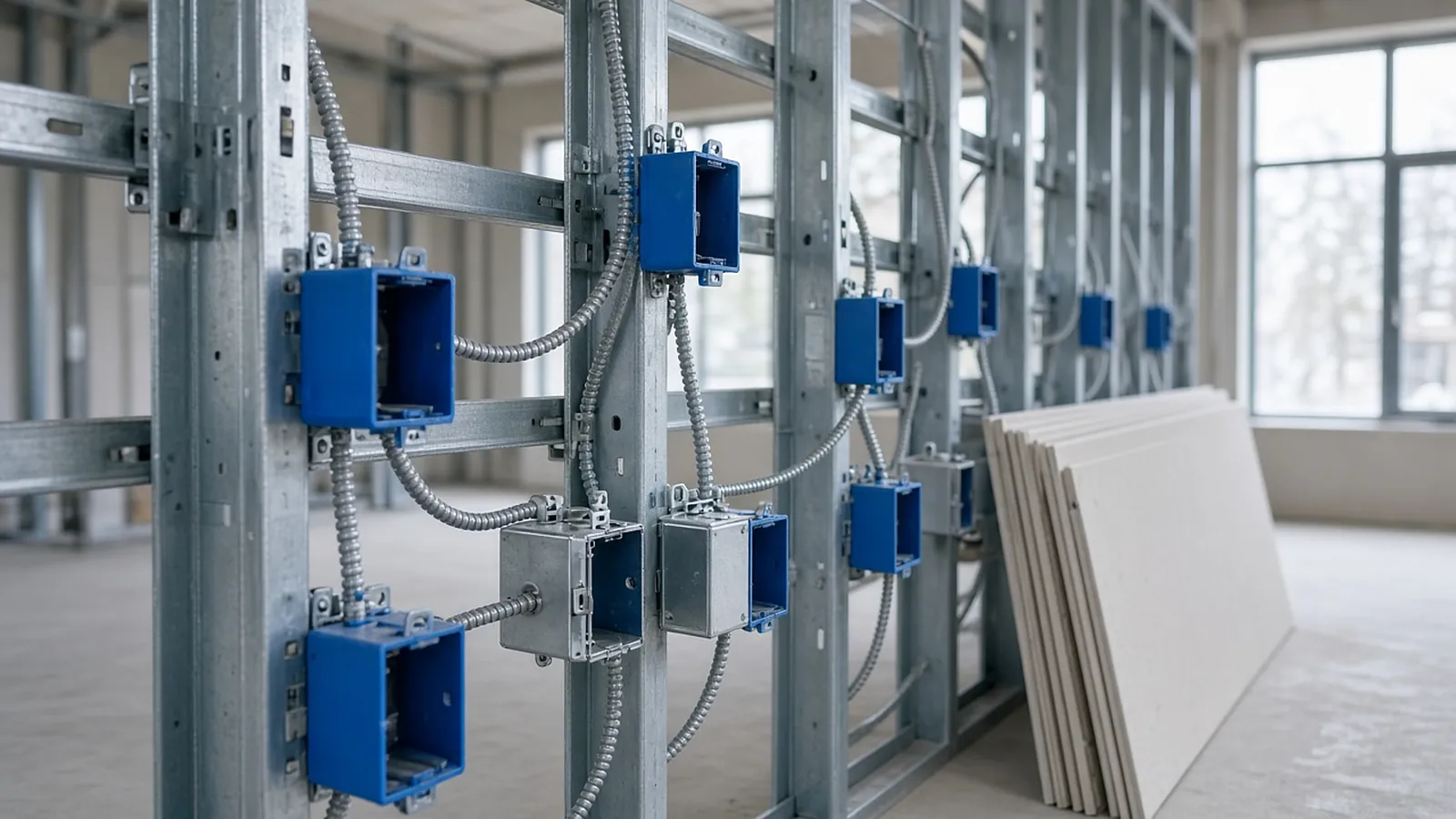
Software by stage
Product names below are examples of each category, not endorsements or a complete list.
| Stage | Category | Examples | Key handoff out |
|---|---|---|---|
| Find work | Bid boards and invitations | BuildingConnected, ConstructConnect, PlanHub | Documents, addenda and due dates to estimating |
| Quantify | Takeoff (manual or AI-assisted) | Bluebeam Revu, Trimble LiveCount, PlanSwift, On-Screen Takeoff | Quantities to the estimate |
| Price | Electrical estimating database | Trimble Accubid, ConEst IntelliBid, McCormick, Electrical Bid Manager | Bid total and scope to the proposal |
| Sell | Proposal and quoting | Estimating system reports, Word templates, CRM | Award, scope and exclusions to project setup |
| Buy | Purchasing and supplier quotes | Supplier portals, estimating-system purchasing modules | Gear and lighting releases, lead times |
| Build | Project management and field | Procore, Trimble ProjectSight, field apps for time and daily logs | Change orders back to estimating; hours by cost code to accounting |
| Model | VDC, prefab and layout | Revit, AutoCAD MEP, layout tools | Prefab assemblies and spools to the shop |
| Service | Service and small jobs | ServiceTitan and similar | Service pricing and labor data |
| Run the business | Accounting / ERP | Viewpoint Vista, Spectrum, Foundation, QuickBooks | Job cost back to estimating |
Smaller shops collapse several rows into one or two tools. That's fine if the handoffs are deliberate.
Where the stack leaks
- Re-keyed quantities. Every number typed twice can be typed wrong. Keep takeoff linked to the estimate (most estimating systems have a takeoff module or link) or export and import, never retype.
- Lost assumptions. Exclusions and clarifications in the proposal don't reach the PM, who then absorbs scope that was excluded. Hand the PM the proposal, the scope letter and the estimate's assumption list at turnover.
- Cost codes that don't match. If the estimate's breakdown (by system, floor or phase) doesn't match the job cost codes, you can't compare estimated and actual hours.
- No feedback loop. Job cost rarely updates labor units unless someone owns it.
- Addenda and change orders. Change orders priced from scratch instead of from the original estimate's assemblies give inconsistent pricing.
Job cost back to labor units
The most valuable integration isn't software to software. It's estimated hours versus actual hours by cost code, reviewed after every job:
Estimated: 1,240 hr Actual: 1,410 hr Variance: +14%
Cause noted by PM: occupied floor, night work not priced
Action: add labor factor for occupied/night work; no change to base unit
Without the "cause" column, you'd raise the base unit and overprice the next normal job.
Questions before you buy
- Data ownership: can you export your items, assemblies and history if you leave?
- Integrations that exist today, not on a roadmap. Ask for a reference using the same pair of tools.
- Who maintains it: price databases, labor units, user setup.
- Licensing model and term: per user, per company, subscription or perpetual.
- Platform: some desktop tools are Windows only (Bluebeam Revu desktop, for example).
Common stack mistakes
- Buying a project management platform before estimating and job cost use the same cost code structure.
- Letting each estimator keep a private assembly library.
- Treating AI takeoff as a replacement for the estimating database. It produces quantities; labor units and pricing still live in your estimating system.
- Running two takeoff tools with different subject names, so exports don't map.
The quantities a electrical estimator actually needs
These are the items RenderDraw proposes from the drawings, each linked to the sheet it came from, for your estimator to accept, correct or reject.
| Item | What is measured or counted | Where it comes from |
|---|---|---|
| Devices | Receptacles, switches, data, fixtures by type against the legend | Power and lighting plans, legend |
| Lighting fixtures | Counts by fixture tag, controls and sensors | Lighting plans, fixture schedule |
| Branch & feeders | Conduit and wire lengths, homeruns, feeder sizes | Plans, one-line, panel schedules |
| Gear | Panels, switchboards, transformers, disconnects | One-line diagram, equipment schedules |
| Low voltage | Fire alarm, data drops, security devices | LV and FA plans, riser diagrams |
From plan set to reviewed quantities.
AI-powered, human-approved. Each stage records what ran, what changed and who approved it.
Send one plan set
Upload power and lighting plans, the fixture schedule, panel schedules, the one-line and the Division 26 spec sections. Add an addendum if you have one.
AI proposes quantities
Counts, lengths and areas come back with the source sheet and location attached to every row.
Estimator review
Low-confidence items surface first. Your estimator accepts, corrects or rejects each one.
Map to your assemblies
Approved quantities map to your items, assemblies and estimating assumptions.
Price reviewed rows
Labor units, material pricing and supplier quotes apply only to rows that passed review.
Hand off with evidence
Reviewed quantities move on to your estimate, catalog or quote workflow with the source trail still attached.
Supported files and tasks depend on your trade and implementation. Confirm them in the free sample run.
The AI drafts. Your estimator decides.
Speed is easy to promise. Defensible numbers are the job, so RenderDraw keeps the estimator in control of every quantity that gets priced.
- Source on every row. Each quantity keeps its source sheet, location and reviewer decision.
- Lowest confidence first. The review queue shows the drawing tile with the detection highlighted and the extracted value.
- Uncertain items flagged, not hidden. Anything the AI can't confirm goes to the estimator rather than being guessed.
- Nothing priced before approval. Rows move on to pricing only after they are accepted.
Questions estimators ask.
What software do electrical contractors use?
Typically bid boards, takeoff, an electrical estimating database, proposals, purchasing, project management and field apps, VDC and prefab tools, service management, and accounting or ERP.
Where do electrical contractor tech stacks fail?
At the handoffs: re-keyed quantities, exclusions that don't reach the PM, mismatched cost codes and no feedback from job cost to labor units.
How do I get job cost back into my labor units?
Use the same cost code breakdown in the estimate and job cost, compare estimated and actual hours after each job, record the cause of variances, and adjust units or factors accordingly.
Does AI takeoff replace my estimating software?
No. It proposes quantities. Labor units, pricing and the bid stay in your estimating system.
Where does RenderDraw fit in the stack?
In the quantify stage. RenderDraw's AI takeoff proposes counts and lengths with the source sheet attached, for estimator review before pricing. Get a free sample takeoff.
See what the AI reads on your own drawings.
Send one representative electrical plan set. RenderDraw reviews it and follows up with what the AI extracted and what it flagged for review. Your files remain private while the request is assessed, and there is no obligation.
- Upload power and lighting plans, the fixture schedule, panel schedules, the one-line and the Division 26 spec sections.
- RenderDraw reviews the set and the scope you want tested.
- We follow up with extracted quantities, flagged items and next steps.
Where these numbers come from
We checked this guide against the standards, manufacturer documents and industry references below (last reviewed November 2026). Figures marked as rules of thumb are typical ranges, not requirements; your project documents, local code and your own cost history govern.