
12 causes of PDF electrical takeoff errors
Electrical takeoff errors repeat across contractors and projects. Very few are arithmetic. Most come from a sheet, schedule or note nobody connected to the count. Each of the twelve causes below has a recognizable symptom and a check you can put on a bid checklist.
- Symbols and legends
- Scale
- Equipment and feeders
- Notes and addenda
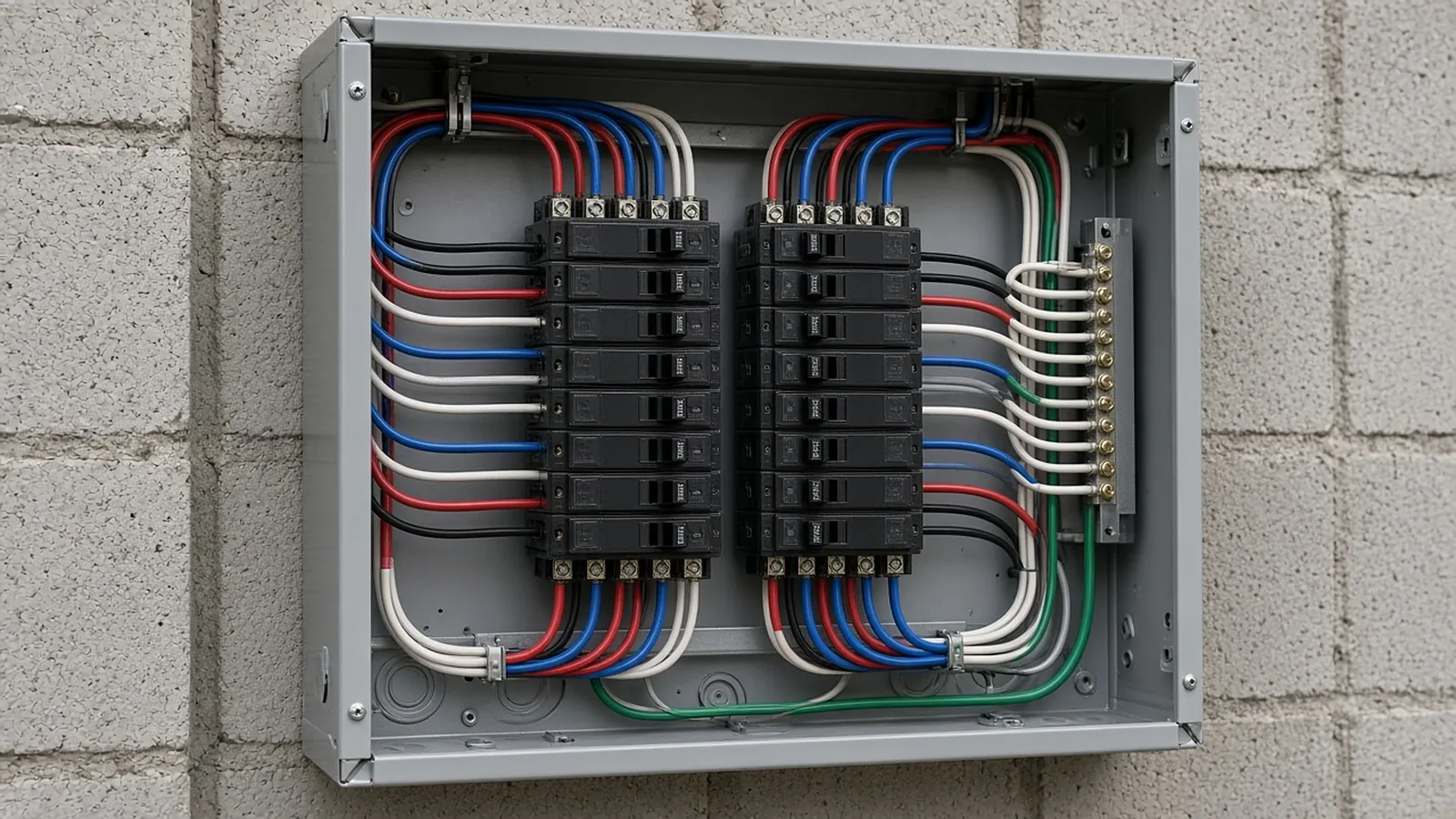
Causes and checks
- Using an office-standard legend. Projects modify symbols. Check: build your tools from this project's legend, and look for symbols on plans that aren't in it.
- Similar symbols confused. Duplex vs. GFCI vs. weather-resistant, switch types, fixture variants with an EM suffix. Check: zoom on type tags; make separate tools per variant.
- Bad scale. Half-size sets, plots set to "fit to page," and enlarged plans at a different scale than the sheet title. Check: calibrate every sheet on a long known dimension and verify a second one.
- Overlapping plans. Enlarged plans counted again on the overall plan. Check: assign each area to one source sheet and shade it when counted.
- Devices on other trades' sheets. Kitchen equipment plans, architectural elevations, AV and casework drawings. Check: open every sheet in the index and note "no electrical scope" where true.
- Equipment connections missed. RTUs, exhaust fans, pumps, water heaters and kitchen equipment appear on mechanical, plumbing and food-service schedules with their own MCA/MOCP, disconnects and starters. Check: build an equipment connection list from every schedule.
- Fixture schedule mismatch. Plan counts differ from the schedule quantity column or the package quote. Check: reconcile by type.
- Missing vertical runs. Conduit measured in plan only. Check: add drops to devices and rises to panels per device type and ceiling height.
- Homeruns guessed. Lengths to panels estimated loosely. Check: measure to actual panel locations, including routing around shafts and rated walls.
- Feeders missed or undersized. One-line feeders not taken off, or upsized for voltage drop without upsizing the equipment ground (NEC 250.122(B)). Check: take every feeder from the one-line and panel schedules.
- Notes not counted. General and keyed notes add scope without changing symbols. Check: turn each note into a row with its own count.
- Addenda not applied. Repricing from revision clouds only, deleted items left in, or Q&A answers that change scope without a drawing. Check: compare whole sheets, not just clouds, and log addenda answers as rows.
Notes that change price
Illustrative. A general note on E-001 reads "all receptacles in break rooms and corridors to be GFCI," and a keyed note on E-201 says "provide dedicated 20 A circuit for each vending machine." Neither changes the symbol on plan.
The code can add more: the 2023 NEC 210.8(B) requires GFCI protection for many non-dwelling receptacles, including kitchens and break areas with sinks, within 6 ft of sinks, rooftops, outdoors, and garages and service bays. If the engineer drew standard duplex symbols in those locations, the AHJ will still require GFCI.
Converted to GFCI by note/code 38 (price difference × 38)
Vending machines (keyed note) 4 dedicated 20 A circuits
homerun avg 95 ft + 10 ft drop ~420 ft 3/4" EMT + wire
A symbol-only count prices 38 standard receptacles and shared circuits. The note-aware count prices what the inspector will require.
The silent error
A sheet plotted at half size, or an enlarged plan whose scale wasn't updated, makes every length wrong in the same direction. Graphic scale bars survive resizing; written scales don't. Verify each sheet with a known dimension such as a column grid or a door width, and check enlarged plans separately.
Reconcile against a second source
Most of the twelve causes share a root: the count wasn't checked against a second source. Build these checks into every bid before pricing:
- Plan counts against fixture, panel and equipment schedules
- Panel schedule circuits against devices and equipment on plans (a circuit with no load, or a load with no circuit, is a question)
- Feeder list against the one-line
- Floor-to-floor comparison on repetitive buildings
- Every sheet in the index touched, with a note when it has no scope
Who checks
A second estimator reviewing the ten largest cost lines and spot-checking a sample of counts catches most errors that matter. Give the reviewer a marked-up set where each quantity points to its sheet, so the check takes minutes instead of a recount.
Make it routine
Put the twelve checks on a one-page checklist every bid passes before pricing, and record who checked it. Keep a short log of errors caught in review or found during the job, with the cause. New estimators learn fastest from real misses on your own drawings, and the log tells you which checks to tighten.
Device counts and runs, checked before they're priced.
RenderDraw reads electrical plans with the legend, panel schedules and specs, proposes counts and lengths with the source sheet attached, and sends uncertain items to your estimator first.
- Legend-aware symbol counts. Fixtures, devices and equipment counted against the project legend, each traceable to its sheet.
- Uncertain items to review. Counts the AI can't confirm go to your estimator first.
- Addenda through the same review. Send the changed sheets back through takeoff and estimator review.
- Labor units stay yours. RenderDraw supplies reviewed quantities; your labor units, pricing and margin build the bid.
Send one electrical set
Plans, legend, panel schedules and an addendum if you have one. Files stay private while RenderDraw assesses the request. No obligation.
RenderDraw does not publish accuracy percentages or time-saved claims. Test it on your own plan set.
Questions estimators ask.
What causes electrical takeoff errors?
Wrong legends, similar symbols, bad scale, overlapping plans, devices on other sheets, missed equipment connections, schedule mismatches, vertical runs, homeruns, feeders, notes and addenda. Most are scope errors rather than counting mistakes.
How do I avoid double counting?
Assign each area to one source plan and shade it when counted, especially where enlarged plans overlap overall plans.
Why reconcile panel schedules?
Circuits without devices, or devices without circuits, reveal missed or extra scope before you price it.
Are notes part of the takeoff?
Yes. General and keyed notes often add devices, GFCI protection or dedicated circuits that don't appear as symbols.
Where do equipment connections come from?
Mechanical, plumbing and food-service equipment schedules, which list electrical data, disconnects and starters.
Can RenderDraw prevent takeoff errors?
RenderDraw's AI takeoff proposes counts with the source sheet on every row and sends low-confidence items to your estimator for review. The reconciliation checks above still matter. Get a free sample takeoff.
Counts tied to sheets, conflicts flagged.
RenderDraw proposes counts with sources and flags uncertain items for review.
- Upload the plans, specs and schedules, plus an addendum if you have one.
- RenderDraw reviews the set and the scope you want tested.
- We follow up with extracted quantities, flagged items and next steps.
Where these numbers come from
We checked this guide against the standards, manufacturer documents and industry references below (last reviewed November 2026). Figures marked as rules of thumb are typical ranges, not requirements; your project documents, local code and your own cost history govern.