
Manual vs. automated electrical takeoff: pick the hybrid.
Manual takeoff gives full control at the cost of hours. Fully automated takeoff promises speed but can hide errors. The workflow that holds up is AI-proposed quantities that an estimator reviews, with every count traceable to the drawing.
Send one plan set. See what the AI extracts and what it flags for review. No obligation.
- Speed vs. control
- Revisions
- Hybrid workflow
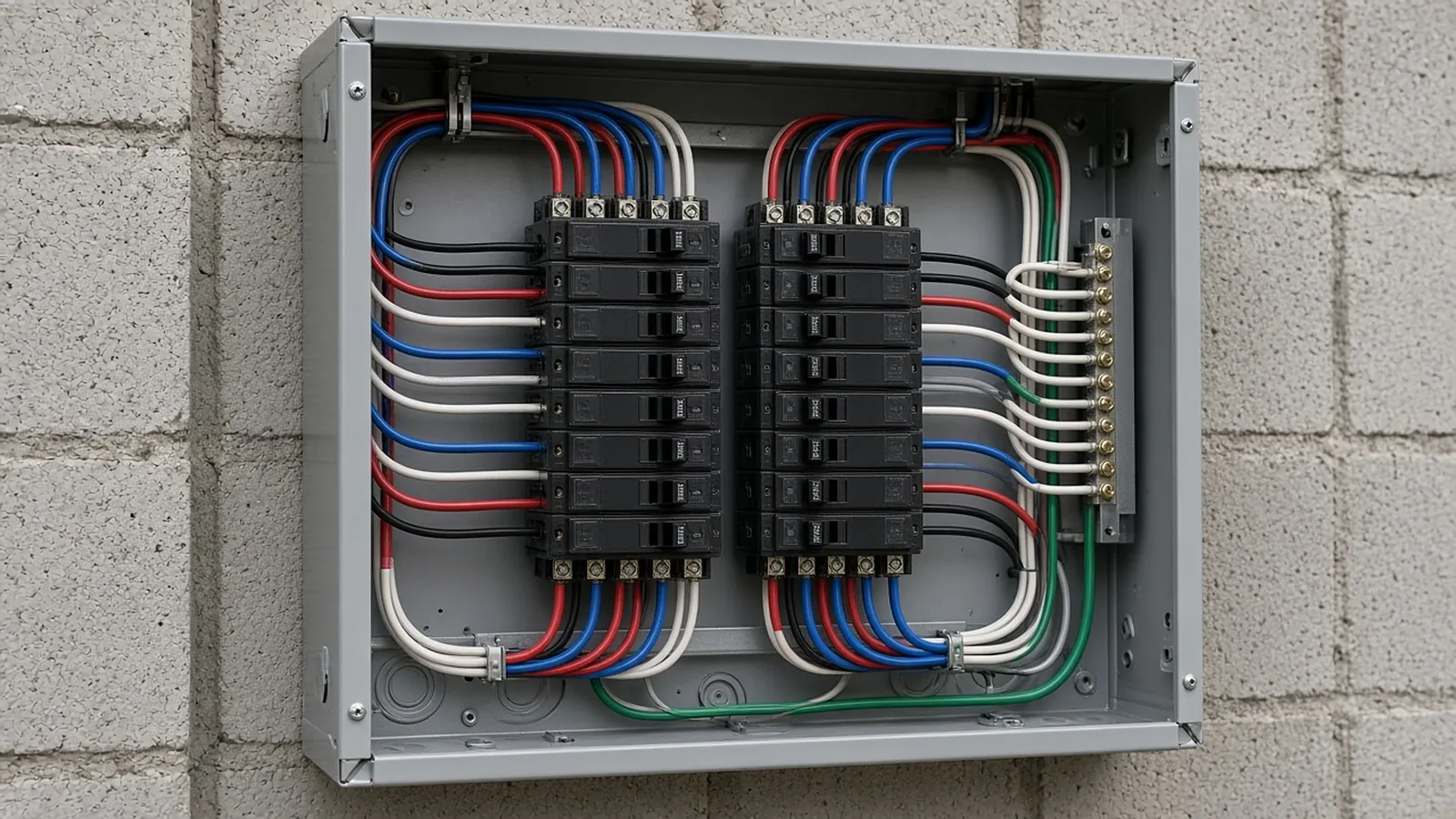
Manual, automated, and reviewed AI.
| Manual | Automated, unreviewed | AI + estimator review | |
|---|---|---|---|
| Speed | Slowest | Fastest | Fast first pass; review time scales with uncertainty |
| Errors | Fatigue, missed sheets | Silent misreads | Low-confidence items surfaced first |
| Traceability | Depends on markups | Varies | Source link on every row |
| Revisions | Re-count | Re-run | Changed quantities go back through review |
| Accountability | Estimator | Unclear | Estimator approves |
From plan set to reviewed quantities.
AI-powered, human-approved. Each stage records what ran, what changed and who approved it.
Send one plan set
Upload power and lighting plans, the fixture schedule, panel schedules, the one-line and the Division 26 spec sections. Add an addendum if you have one.
AI proposes quantities
Counts, lengths and areas come back with the source sheet and location attached to every row.
Estimator review
Low-confidence items surface first. Your estimator accepts, corrects or rejects each one.
Map to your assemblies
Approved quantities map to your items, assemblies and estimating assumptions.
Price reviewed rows
Labor units, material pricing and supplier quotes apply only to rows that passed review.
Hand off with evidence
Approved quantities move on to pricing and visual CPQ with the evidence trail still attached.
Supported files and tasks depend on your trade and implementation. Confirm them in the free sample run.
What we checked (November 2026)
- Automated counting is now standard in established electrical tools, not only in new AI products:
- Trimble lists AI-powered takeoff and Auto Count in LiveCount, with Accubid Anywhere and Accubid Classic.
- PlanSwift includes Auto Count in its Essential plan (November 2026).
- Where automated counts usually miss (rule of thumb):
- devices drawn as a block shared by two types
- fixtures called out only by note ("typical of 6")
- symbols not shown in the legend
- devices on enlarged plans that are also shown on the floor plan, which get counted twice
- Sampling check: manually recount at least one dense sheet per discipline and compare. A variance of a few percent on a sample points to sheets that need a full review.
When manual still wins: small service jobs of a few sheets, hand-sketched or badly scanned drawings, and design-build work where you are laying out the system yourself. On those, setting up and reviewing an automated run can take longer than counting by hand.
The AI drafts. Your estimator decides.
Speed is easy to promise. Defensible numbers are the job, so RenderDraw keeps the estimator in control of every quantity that gets priced.
- Source on every row. Each quantity keeps its source sheet, location and reviewer decision.
- Lowest confidence first. The review queue shows the drawing tile with the detection highlighted and the extracted value.
- Uncertain items flagged, not hidden. Anything the AI can't confirm goes to the estimator rather than being guessed.
- Nothing priced before approval. Rows move on to pricing only after they are accepted.
Questions estimators ask
Is automated electrical takeoff accurate?
Accuracy depends on drawing quality and conventions. Review and traceability matter as much as detection.
Will automation replace estimators?
No. It removes counting time; judgement and pricing stay with estimators.
What should be reviewed most closely?
Low-confidence detections, symbols not in the legend, and plan/schedule conflicts.
How do I try it?
Send one representative set for a free sample takeoff.
See what the AI reads on your own drawings.
Send one representative electrical plan set. RenderDraw reviews it and follows up with what the AI extracted and what it flagged for review. Your files remain private while the request is assessed, and there is no obligation.
- Upload power and lighting plans, the fixture schedule, panel schedules, the one-line and the Division 26 spec sections.
- RenderDraw reviews the set and the scope you want tested.
- We follow up with extracted quantities, flagged items and next steps.
Related tools and guides
Keep reading on renderdraw.com
Sources and further reading
Vendor pages, standards and references checked for this page. Product features and prices change; confirm current details with each vendor.
- Trimble Accubid Anywhere — LiveCount AI takeoff and Auto Count
- PlanSwift pricing — Auto Count by plan
Last reviewed November 2026.