
Documents are the scope. Manage them like it.
In preconstruction, document management isn't just storage. Which sheet revision did the estimate use? Which addendum changed what? Which RFI answer moved scope? If you can't answer those questions on bid day, you can't defend your number. Here's how document control works, what common tools cost, and a checklist estimators can use on every bid.
- Revisions and addenda
- CDE states
- Tools and pricing
- Bid-day checklist
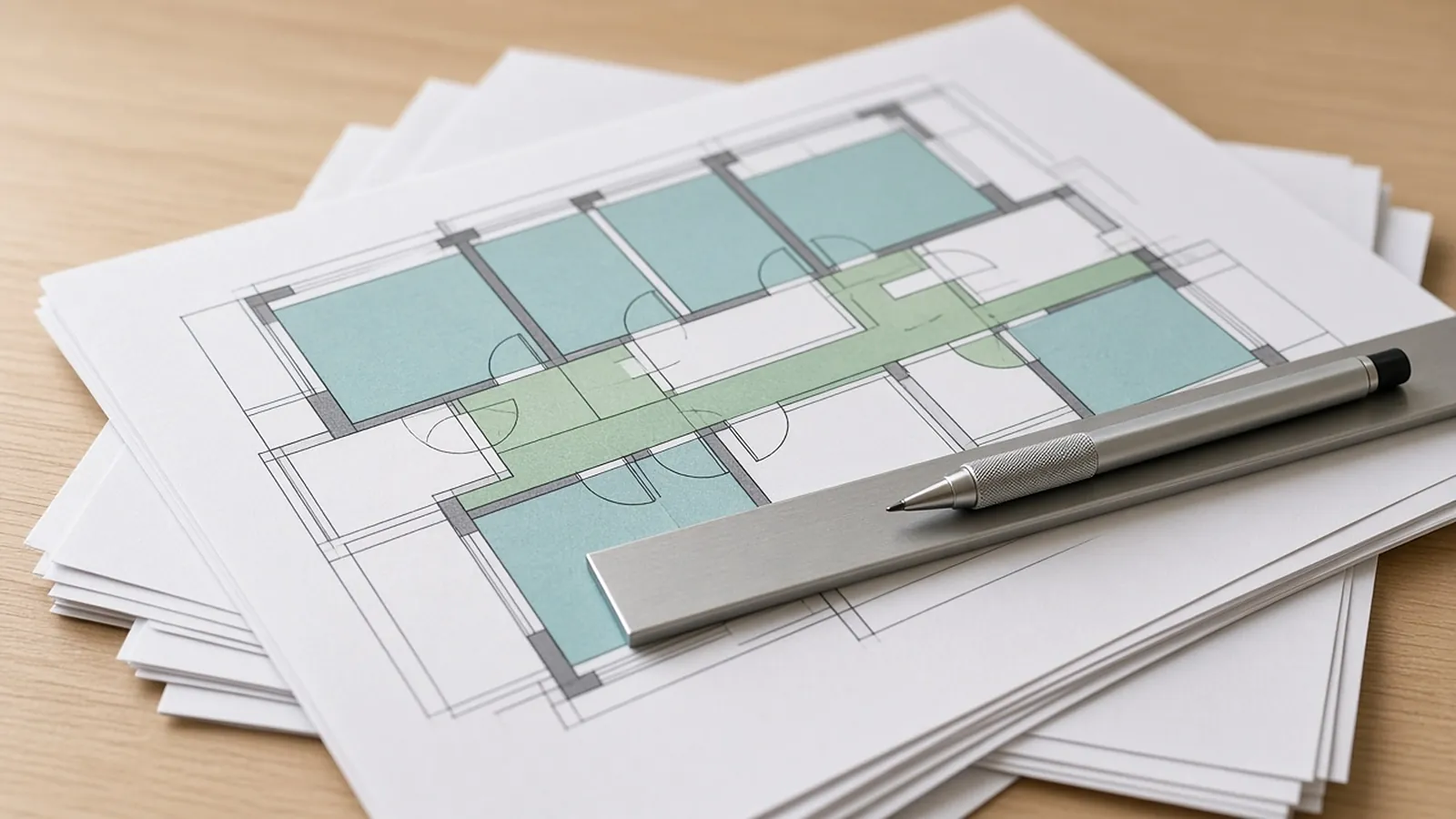
What precon document control must track.
- Current revision per sheet. And what it superseded.
- Addenda contents. Which sheets and sections changed.
- RFI answers. Linked to the sheets and scope they affect.
- What the estimate used. The revision behind every quantity.
How a common data environment works
ISO 19650, the international standard for information management on BIM projects, organizes project files in a common data environment (CDE) with four states:
| State | What it means | UK National Annex codes |
|---|---|---|
| Work in progress | The author's team is still working on it | S0 |
| Shared | Released to other teams for coordination or review. Non-contractual | S1–S4, S6, S7 (suitable for coordination, information, review, approval and so on; S5 withdrawn) |
| Published | Authorized for contractual use, such as construction | A1…An (authorized), B1…Bn (partial sign-off), CR (as-constructed record) |
| Archived | Superseded versions kept for the record | — |
Most U.S. bid packages don't use these codes. The idea still applies: price only from documents issued for bid or construction, and keep superseded sheets archived, not deleted.
What common platforms cost
| Tool | Role in precon | Published price (Nov 2026) |
|---|---|---|
| Autodesk Forma Data Management (formerly Autodesk Docs) | Cloud CDE: sheets, versions, markups, permissions | Starting at $45/month |
| Bluebeam Revu + Studio | PDF markup, Studio Sessions/Projects, overlay and compare | $260–$590 per user per year by tier |
| Procore (Documents, Drawings, RFIs) | Project-wide drawing log, RFIs, submittals | Quote-based |
| Shared drives (SharePoint, Google Drive, Dropbox) | Storage only | Varies. Revision control is manual |
The right tool is usually whatever your GCs and owners already use. The discipline matters more than the brand.
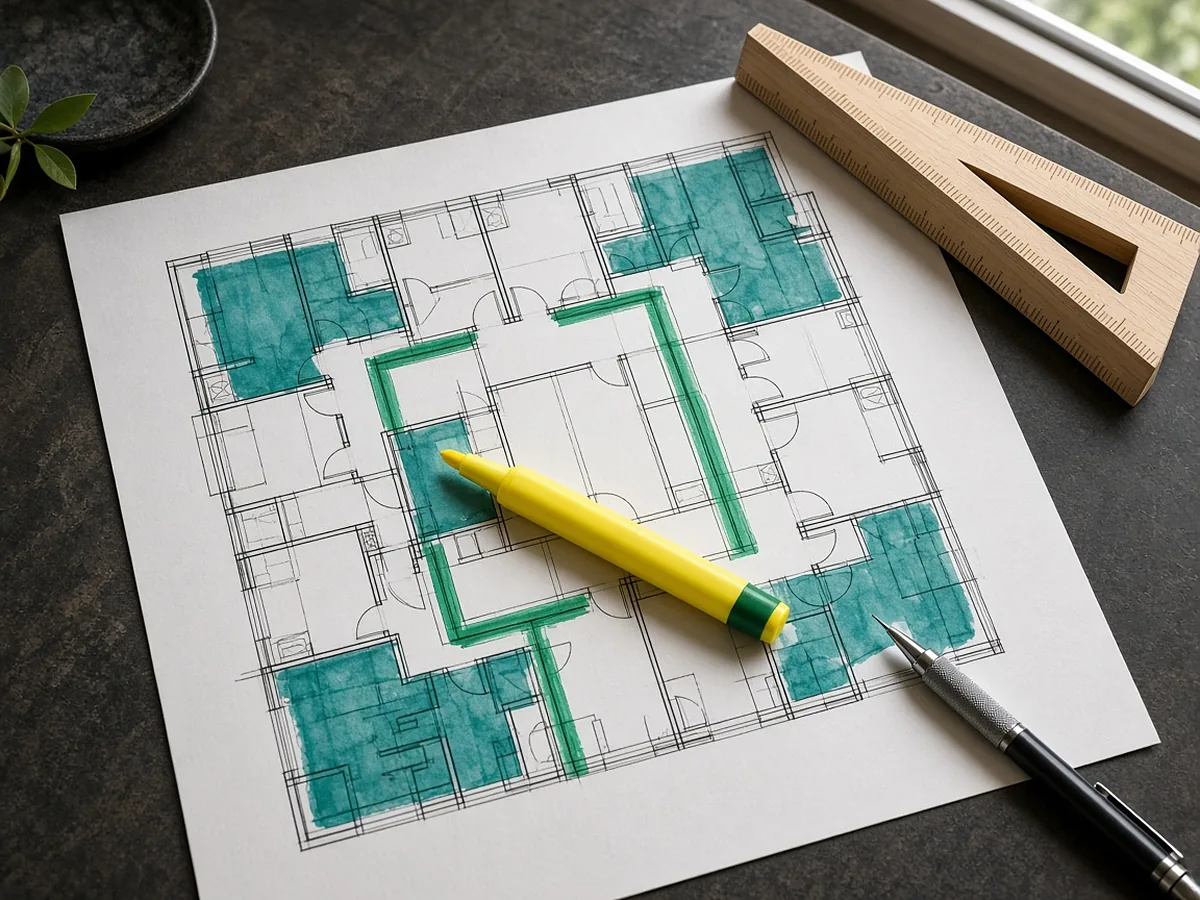
One addendum, three changes
Reissues E-201 (Rev 1) and E-202 (Rev 1); adds spec 26 27 26; answers RFI 7
1. Log it: Add. 2 received [date], acknowledged on the bid form
2. Replace E-201/E-202 in the takeoff set; archive Rev 0 (don't delete)
3. Re-measure only the clouded areas; note the quantity deltas
4. RFI 7 answer: "provide GFCI at all break-room receptacles" -> scope change
5. Qualification line: "Based on drawings through Addendum 2 dated [date]"
Before you submit
- Drawing log lists the current revision of every sheet you priced.
- Every addendum is logged, acknowledged on the bid form, and reflected in the takeoff.
- RFI answers that changed scope are tied to the affected sheets.
- The proposal states the document basis (sheets, specs and addenda by number and date).
- Superseded sheets are archived, so you can show what changed if scope is disputed after award.
Where document control breaks
- Downloaded once, never refreshed: the plan room posted a reissue after your download.
- Clouds without a revision triangle, or the reverse. Compare sheets side by side when unsure.
- Spec sections in a separate addendum file that nobody opened.
- File names that don't match the title block. The title block wins.
Quantities with their source
RenderDraw isn't a document management system. It works alongside the one you use. Its AI takeoff extracts scope, quantities, constraints and missing information from the documents you send, with the source sheet on every row for estimator review. A legible PDF drawing set is the most reliable start; confirm any other file types in the free sample request. What gets extracted depends on your trade and implementation, so confirm it in the sample run. Get a free sample takeoff.
Run one bid side by side.
Pick a real job
Choose a recent bid with the plan set, legend, schedules and at least one addendum.
Build a baseline
Have an estimator check the quantities you want to test.
Run it side by side
Run the same set through your current tool and through a RenderDraw sample.
Score misses and review time
Record missed items, wrong inclusions and the time spent correcting each result.
Your sample files remain private while we assess the request. There is no obligation to proceed.
Questions estimators ask.
What is construction document management software?
Software for storing, versioning, distributing and tracking construction documents: drawings, specs, submittals, RFIs and more.
What is a common data environment?
The ISO 19650 term for a managed project information space where files move through work-in-progress, shared, published and archived states.
How much does construction document management software cost?
Autodesk Forma Data Management starts at $45 a month. Bluebeam Revu runs $260 to $590 per user per year. Procore is quote-based (November 2026).
How should estimators handle addenda?
Log each one, acknowledge it on the bid form, replace and archive the superseded sheets, re-measure the changed areas, and state the document basis in your proposal.
Does RenderDraw replace my document management system?
No. It extracts and reviews scope from the documents you send and works alongside the system where you keep project records.
What files can I send for a sample?
A legible PDF of the drawings is the most reliable start. Confirm any other file types in the free sample request, which takes up to five files.
Can I try it on my own drawings?
Yes. Request a free sample takeoff on one representative plan set. Your sample files remain private while the request is assessed.
Send one plan set. Judge the result yourself.
A focused, no-obligation evaluation on your own drawings. Your sample files remain private while we assess the request.
- Upload one representative plan set (a legible PDF set is the most reliable starting point), plus an addendum if you have one.
- RenderDraw reviews the set and the scope you want tested.
- We follow up with what was extracted, what was flagged for review, and the most useful next step.
Where these numbers come from
We checked this guide against the standards, manufacturer documents and industry references below (last reviewed November 2026). Figures marked as rules of thumb are typical ranges, not requirements; your project documents, local code and your own cost history govern.
- RenderDraw free sample request — accepted file types
- UK BIM Framework, ISO 19650 Guidance Part C: Facilitating the CDE (PDF) — CDE states and status codes
- Autodesk Forma Data Management — from $45/month
- Bluebeam pricing