
The best steel takeoff software is the one that survives your drawings.
Mid-sized fabricators don't have a spare estimator to babysit software. The right tool reads your typical bid sets, counts connections as well as tonnage, makes review fast and fits the pricing workbook you already trust. Here's how to test that.
Send one plan set. See what the AI extracts and what it flags for review. No obligation.
- Evaluation scorecard
- Test on your own set
- Questions for every vendor
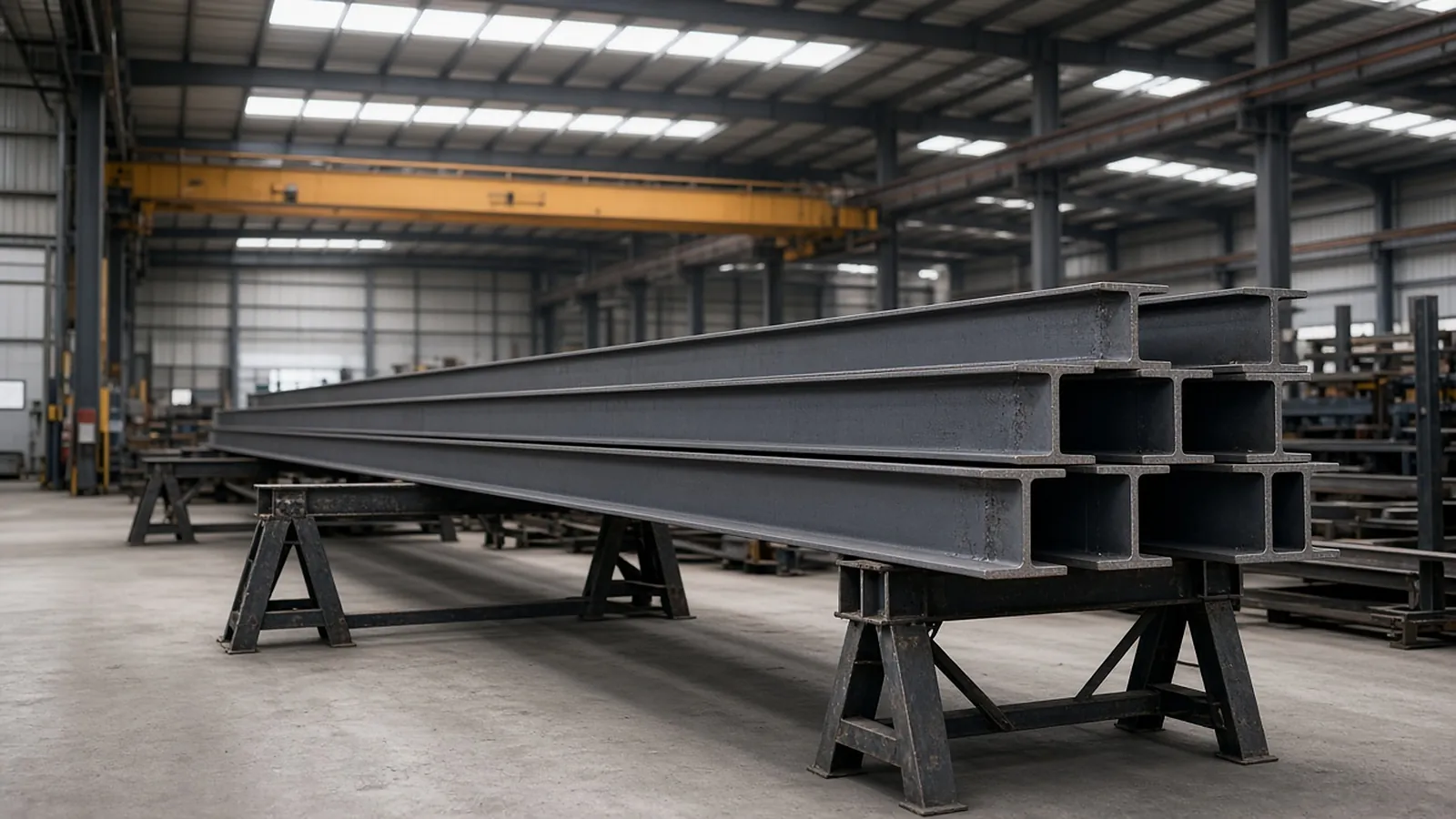
Score every tool on the same set.
| Criterion | What to test | Why it matters for fabricators |
|---|---|---|
| Members and weights | Counts by shape and size; lengths; tonnage rollup | The baseline; all tools should do this |
| Connections | Are connections counted from typical details? | Shop hours follow connections, not tons |
| Misc. metals | Lintels, stairs, rails, embeds from architectural sheets | Often where scope is missed |
| Review speed | How fast can you verify the AI's work? | Your estimator's time is the real cost |
| Traceability | Can every row be traced to sheet and location? | Defends the number in bid review and change orders |
| Addenda | Does it show what changed between revisions? | Bid-week repricing |
| Output | Export format and fit with your workbook | Avoids re-keying |
| Pricing model | Per seat, per takeoff, per project? | Match to your bid volume |
The quantities a steel estimator actually needs
These are the items RenderDraw proposes from the drawings, each linked to the sheet it came from, for your estimator to accept, correct or reject.
| Item | What is measured or counted | Where it comes from |
|---|---|---|
| Members by shape | Beam, column and brace counts by size (W, HSS, L, C) with lengths | Framing plans, schedules, sections |
| Weights / tonnage | Length × weight per foot, rolled up by piece type | Member marks + AISC shape tables |
| Connections | Shear tabs, moment connections, base plates, embeds | Typical details, connection schedules |
| Misc. metals | Lintels, stairs, rails, ladders, embeds | Architectural sheets, details |
| Deck & joists | Deck area by gauge/profile, joist counts by designation | Roof and floor framing plans |
From plan set to reviewed quantities.
AI-powered, human-approved. Each stage records what ran, what changed and who approved it.
Start with your bid package
Drawings, specs and addenda together: framing plans, column and beam schedules, typical connection details, the structural general notes and the spec sections for structural steel and misc. metals.
AI proposes quantities
Counts, lengths and areas come back with the source sheet and location attached to every row.
Estimator review
Low-confidence items surface first. Your estimator accepts, corrects or rejects each one.
Map to your assemblies
Approved quantities map to your items, assemblies and estimating assumptions.
Price reviewed rows
Labor units, material pricing and supplier quotes apply only to rows that passed review.
Hand off with evidence
Approved quantities move on to pricing and visual CPQ with the evidence trail still attached.
Supported files and tasks depend on your trade and implementation. Confirm them in the free sample run.
The AI drafts. Your estimator decides.
Speed is easy to promise. Defensible numbers are the job, so RenderDraw keeps the estimator in control of every quantity that gets priced.
- Source on every row. Each quantity keeps its source sheet, location and reviewer decision.
- Lowest confidence first. The review queue shows the drawing tile with the detection highlighted and the extracted value.
- Uncertain items flagged, not hidden. Anything the AI can't confirm goes to the estimator rather than being guessed.
- Nothing priced before approval. Rows move on to pricing only after they are accepted.
Questions estimators ask
What is the best steel takeoff software?
It depends on your drawings and workflow. Run the same representative bid set through each tool and score counts, connections, misc. metals, review speed, traceability and output.
Is AI takeoff accurate for steel?
AI produces a first pass; accuracy depends on drawing quality and conventions. That is why review and traceability matter as much as raw detection.
How does RenderDraw compare?
RenderDraw focuses on AI takeoff with source links, estimator review and the handoff into pricing and visual CPQ. Send a set and compare it to your own takeoff.
Should a fabricator use a takeoff service instead?
Services add capacity but move control outside. AI with in-house review keeps your assumptions in your hands.
See what the AI reads on your own drawings.
Send one representative steel plan set. RenderDraw reviews it and follows up with what the AI extracted and what it flagged for review. Your files remain private while the request is assessed, and there is no obligation.
- Upload framing plans, column and beam schedules, typical connection details, the structural general notes and the spec sections for structural steel and misc. metals.
- RenderDraw reviews the set and the scope you want tested.
- We follow up with extracted quantities, flagged items and next steps.