
Addenda and revisions in a steel bid
The changes in a typical steel addendum are small: a few resized beams, a new opening, a revised connection note, an added canopy. The cost is in finding them, especially the ones that aren't clouded, and repricing only what changed without breaking the rest of the estimate.
- Why addenda cost days
- Compare revisions
- Update rows
- Log and reprice
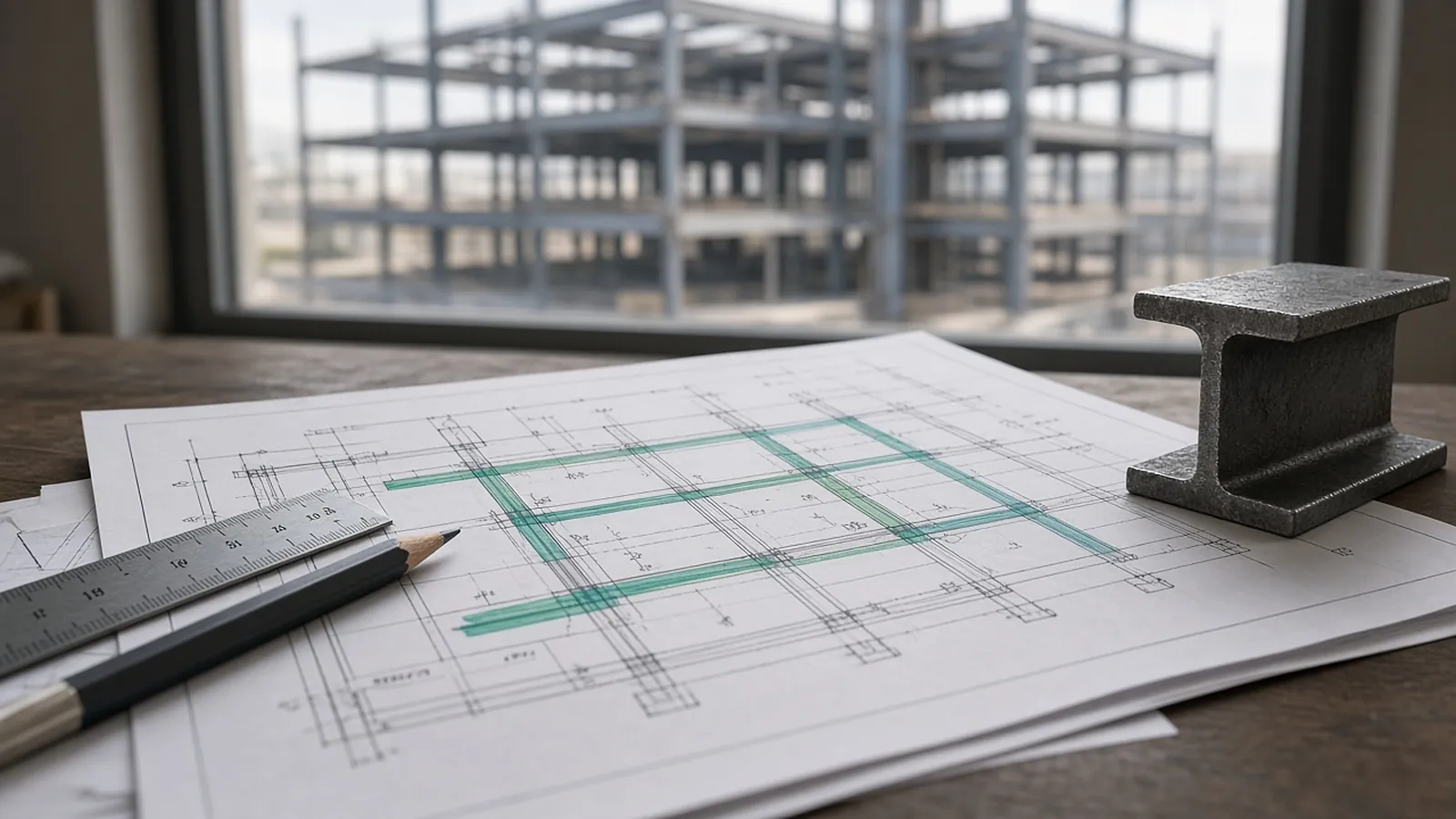
Why addenda cost steel bidders money
Steel bids are built from a member list tied to specific sheets. When an addendum revises those sheets, three things can go wrong:
- A change is missed. Usually it's not clouded, or it's on a sheet you didn't think applied to steel.
- A change is double counted. The old row stays in the estimate next to the new one.
- The whole estimate gets reworked. Hours spent re-walking the full set on bid day are hours not spent on pricing and scope.
A disciplined addendum process avoids all three.
Know the timing rules
Under AIA A701-2018 Instructions to Bidders, the standard many private bids use, bidders submit questions in writing at least seven days before bids are due, and addenda are issued no later than four days before, except an addendum that withdraws the request for bids or postpones the bid date. Bidders must acknowledge every addendum in the bid. Public owners have their own procurement rules, and many project manuals change these timings. Read the instructions to bidders on every job and put the question deadline on your calendar.
In practice, GCs and owners often issue late addenda anyway, and subcontractor bids are due to the GC before the GC's own deadline. Plan for that.
A five-step addendum workflow
- Log it. Record the addendum number, date and time received, and every sheet and spec section it lists. Check the sheet index, since new sheets sometimes appear without being listed in the narrative.
- Read the narrative and the Q&A. Answers to other bidders' questions often change scope ("misc. supports at RTUs are by Division 05").
- Overlay revised sheets. In Bluebeam Revu, Overlay Pages puts the old and new sheets on top of each other in different colors, so unclouded changes show up. Do this for every revised structural sheet and for architectural sheets that carry misc. metals.
- Find and update affected rows. Filter your takeoff by sheet and grid. Change quantities and tag each changed row with the addendum number, keeping the old value visible.
- Reprice, log the delta and acknowledge. Update pricing, update proposal assumptions and acknowledge the addendum on the bid form.
What to check beyond the clouds
- General notes. A revised note on S-001 can change bolt types, connection design responsibility, galvanizing or camber across the whole job.
- Specifications. A change to 05 12 00 can add AESS, change the paint system or delegate connection design.
- Schedules. Column and beam schedules are often reissued in full. Overlay them.
- Details. A revised typical detail applies "where occurs" across every location.
- Architectural sheets. New canopies, screens, lintels, railings or roof frames.
- MEP sheets. New equipment supports or dunnage.
Example: pricing one addendum
Addendum 2 revises S-201 and S-202: four beams go from W16x26 to W18x35, each 30 ft long, and two new moment connections appear at grid C.
Material delta  = (35 − 26) lb/ft × 30 ft × 4 beams = 1,080 lb ≈ 0.54 tons
Connection delta = 2 moment connections (plates, welds, UT) – price from your connection unit costs
Shop delta       = minor on beams (same piece count); moment connections add fit-up and welding hours
Erection delta   = field welding and inspection at 2 connections; picks unchanged
The tonnage change is small. The moment connections are where the money is. Pricing only the 0.54 tons would miss most of the cost.
Keep an addendum log in the bid file
| Addendum | Sheet / section | Change | Rows | Effect |
|---|---|---|---|---|
| 2 | S-201 | W16x26 → W18x35 at grid C | 44–46 | +0.54 tons |
| 2 | S-202 | 2 new moment connections at C/4, C/5 | new 210–211 | + connection, shop, field weld |
| 2 | A-501 | New canopy at entry | new 212–218 | +1.2 tons misc. |
| 3 | 05 50 00 | Galvanize exterior lintels | 300–318 | Finish change |
Illustrative. A log like this does three things. It proves which addenda your price includes, it lets the GC level your bid against others quickly, and after award it gives the project manager the history behind each number.
Prioritize when time is short
If an addendum lands the day before bid, sort its changes by price impact:
- Member size changes and added framing.
- Changes to connection design responsibility, AESS, galvanizing or other spec items that hit the whole job.
- New misc. metals items.
- Note changes and minor dimension revisions.
Price the first two groups. Qualify the rest in writing: "Addendum 4 received [date, time]. Price includes items 1 to 6. Items 7 to 9 are excluded and will be priced on request." Never leave an addendum unacknowledged. On many public bids, a missing acknowledgment makes the bid non-responsive.
Common traps
- Updating the plan but not the schedule, or the other way round.
- Leaving the superseded row in the estimate.
- Missing a new sheet because it wasn't in the narrative.
- Treating a revised general note as "no steel change."
- Forgetting erection effects: added pieces mean added picks.
After award: revisions become changes
Once the contract is signed, revisions usually arrive as bulletins, ASIs or change order requests rather than addenda. AISC 303 addresses revisions to contract documents and how they're handled once approval documents are in progress. The same discipline applies, but now each change is priced as a change order, and the bid-stage addendum log is the baseline. If your takeoff rows are tied to sheets and revisions, the before-and-after is easy to prove.
Where RenderDraw fits
Finding which takeoff rows a revised sheet affects is the slow part of addendum work. RenderDraw keeps each proposed quantity tied to the sheet and location it came from, so you can go straight to the rows on changed sheets and recheck them. Pricing and qualifications stay with you.
Member counts off the drawings, with the sheet attached.
RenderDraw's AI takeoff proposes steel member counts and lengths from plans, framing plans and schedules, links every row to its source, and sends low-confidence items to your estimator before the handoff to pricing.
- Counts and lengths by member. Proposed from the drawings and kept tied to the framing plan or schedule they came from.
- Uncertain items flagged. Items the AI can't confirm go to review instead of being guessed.
- Addenda through the same review. Send the changed sheets through takeoff and review, then reprice the members that changed.
- Your estimator decides. Connections, erection, coatings, risk and margin stay your call.
Test it on a real steel package
Send one structural set, ideally with an addendum. Sample files stay private while RenderDraw assesses the request. No obligation.
RenderDraw does not publish accuracy percentages or time-saved claims. Test it on your own plan set.
Questions estimators ask.
How do you handle addenda in a steel bid?
Log the addendum, read its narrative, overlay every revised sheet against the previous version, find the takeoff rows tied to the changed sheets and grids, update and tag them with the addendum number, reprice the delta and acknowledge the addendum on the bid form.
When are addenda issued?
Under AIA A701-2018 Instructions to Bidders, addenda are to be issued no later than four days before bids are due, except an addendum that withdraws the request or postpones the bid date. Public owners and project specs often set their own rules, so read the instructions to bidders.
What if an addendum arrives too late to price fully?
Price the largest changes, then qualify the rest in writing, for example "Addendum 4 received [date]; price includes items 1 to 6; items 7 to 9 excluded and will be priced on request." Never leave an addendum unacknowledged; that can make the bid non-responsive.
What's the difference between an addendum and a bulletin?
Addenda change the bid documents before bids are due and become part of the contract. After award, changes usually arrive as bulletins, ASIs or change order requests and are priced as changes.
What do steel estimators miss in addenda?
Changes outside clouds, revised general notes, spec section changes (finish, connection design responsibility, AESS), new sheets that aren't on the narrative list, and changes on architectural sheets that add misc. metals.
Can RenderDraw help with addenda?
RenderDraw keeps every proposed quantity tied to its source sheet, so the rows affected by a revised sheet are easy to find and recheck. Request a free sample takeoff with an addendum.
Revised sheets, affected rows.
Send the original and the addendum. RenderDraw's takeoff keeps the source sheet on every row, so the rows a revised sheet touches are easy to find.
- Upload the plans, specs and schedules, plus an addendum if you have one.
- RenderDraw reviews the set and the scope you want tested.
- We follow up with extracted quantities, flagged items and next steps.
Related tools and guides
Sources and further reading
- AIA Contract Documents: Summary of A701-2018, Instructions to Bidders
- AIA Contract Documents: Instructions for A701-2018, Instructions to Bidders
- Bluebeam Support: Overlay Pages
- AISC 303: Code of Standard Practice (revisions to contract documents)
Figures marked as rules of thumb are starting points, not standards. Check the current edition of any code or standard your project specifies, and use your own historical production rates where you have them. Sources checked 2026-11-01.