
A panel schedule you can check in Excel.
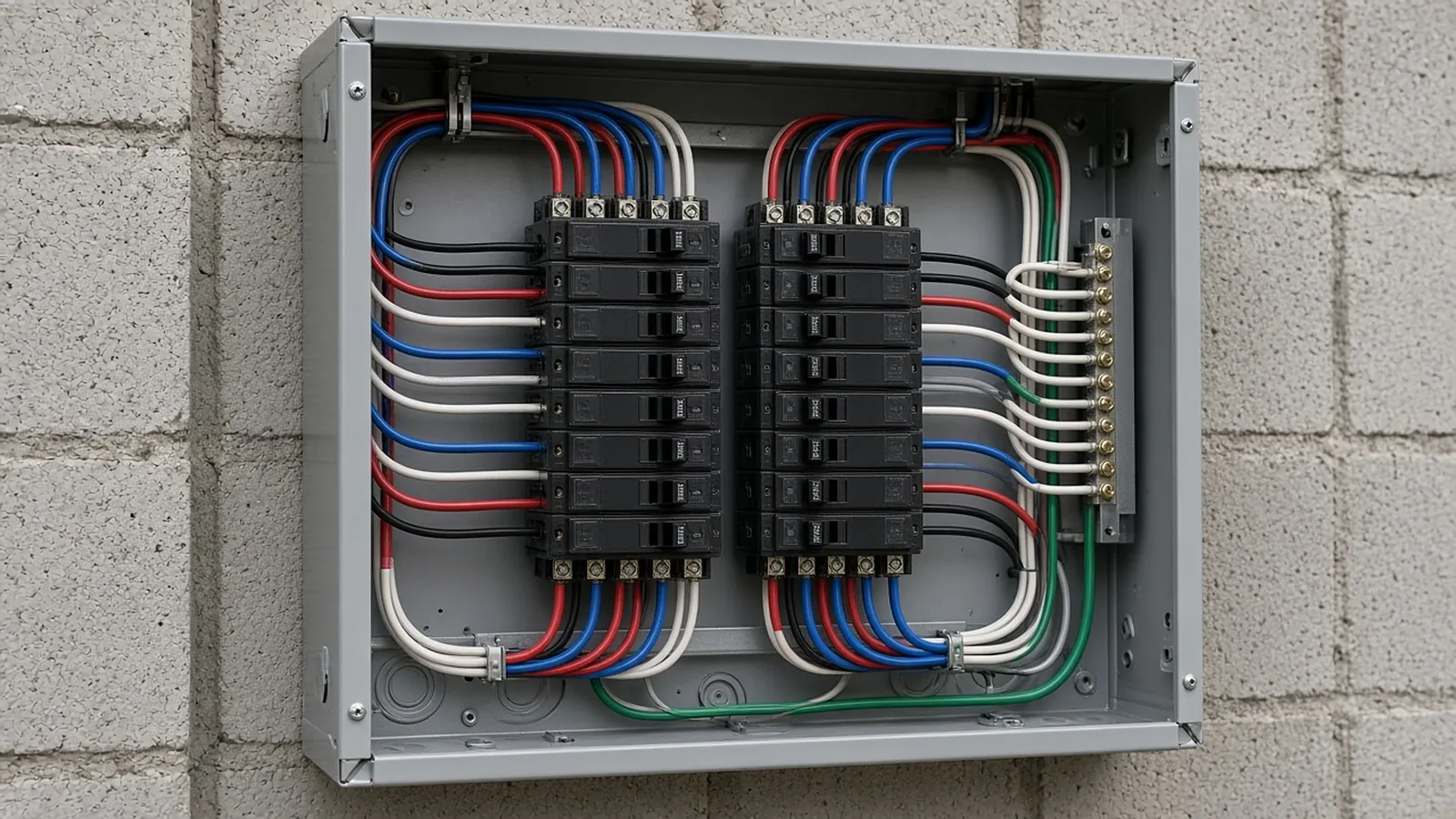
Revit generates panel schedules from the model, but estimators and PMs often need to check, rebalance or price a panel outside Revit. This workbook lays out 42 circuits, assigns phases automatically, splits multi-pole loads, and shows phase balance and amps at a glance.
- 42 circuits, 3-phase
- Auto phase assignment
- Multi-pole loads
- Balance & demand
Get the template. Free, no sign-up.
Example values are placeholders. Replace them with your own rates, units and company details.
| Ckt | Description | VA | Poles | Breaker | Phase |
|---|---|---|---|---|---|
| 1 | Lighting - Corridor 200 (example) | 1,440 | 1 | 20 A | A |
| 5 | RTU-2 (example) | 9,800 | 3 | 40 A | C, A, B |
| 8 | Water heater EWH-1 (example) | 4,500 | 2 | 30 A | A, B |
Files open in Excel, Google Sheets, Numbers, Word or Google Docs.
Revit panel schedules and this template.
In Revit, panel schedules are generated from circuits in the electrical model and formatted with panel schedule templates inside the project. That is the right place for the design record.
This Excel template is for the work around it: checking a panel schedule from a drawing set, rebalancing loads, pricing a panel for a bid, or working out a change when you do not have the model. It is not a Revit family or a Revit panel schedule template file.
Standard circuit numbering.
On a 3-phase panel with odd circuits on the left and even on the right, each pair of circuit numbers lands on the next phase.
| Circuits | Phase |
|---|---|
| 1, 2 | A |
| 3, 4 | B |
| 5, 6 | C |
| 7, 8 | A |
| … | repeats every 6 |
Check panels against the one-line.
Panel schedules, one-lines and feeder schedules have to agree. RenderDraw reads them from the electrical drawings with the source sheet on every row, so your estimator can approve breakers, feeders and gear before pricing.
- Source on every row. Each proposed quantity keeps the sheet and location it came from.
- Estimator approval before pricing. Your estimator accepts, corrects or rejects proposals; nothing is priced until it is approved.
- Addenda through the same review. Changed sheets go back through takeoff and estimator review.
- Your assemblies, your rates. Approved rows hand off to your assemblies, labor units and pricing inputs.
Panel schedule template, answered.
How do I make a panel schedule in Excel?
List circuits 1 to 42 with description, load in VA, poles and breaker size. Assign each circuit to a phase by its number, split multi-pole loads across their phases, then total VA per phase. The template does the phase math.
Is this a Revit panel schedule template?
No. Revit panel schedule templates are created inside Revit. This Excel file is for checking, balancing and pricing panels outside the model.
How do I calculate amps per phase?
On a 120/208 V wye panel, divide each phase's VA by the phase-to-neutral voltage (about 120 V). For the 3-phase total, divide total VA by (1.732 × 208).
What is panel load balancing?
Spreading loads so the phases carry similar current. The template shows the imbalance as a percentage of the average phase load.
Does it apply NEC demand factors?
It applies one demand factor you enter. Use the engineer's load calculation or NEC Article 220 for the right factors by load type.
Send one plan set. Judge the result yourself.
A focused, no-obligation evaluation on your own drawings. Your sample files remain private while we assess the request.
- Upload one representative plan set (a legible PDF set is the most reliable starting point), plus an addendum if you have one.
- RenderDraw reviews the set and the scope you want tested.
- We follow up with what was extracted, what was flagged for review, and the most useful next step.