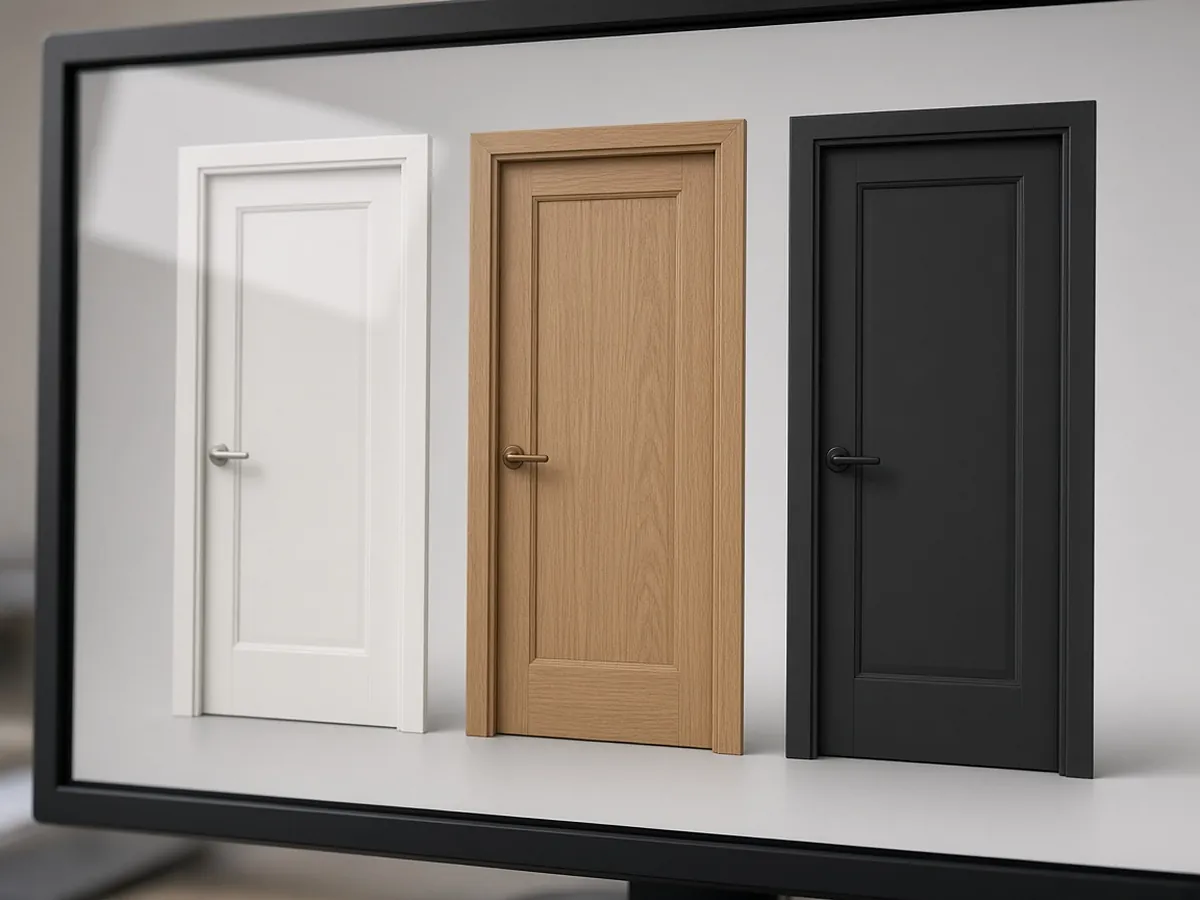
What a furniture configurator must handle
- Finishes and fabrics with grade-based price tiers, plus availability by product family.
- Dimensions within manufacturable ranges and increments (for example, widths in 6 in. steps between limits).
- Modular components that connect only in valid ways, such as panels, benching spines, seating units and power runs.
- Customer's own material (COM/COL) yardage or hide requirements for the selected model.
- Lead times by option, because a special fabric or veneer can change the ship date by weeks.
- Dealer pricing, discounts and contract pricing (GSA or state contracts where applicable).
- Output dealers can use: correct part numbers, quote data and specification files.
Rules, by example
| Rule type | Example |
|---|---|
| Compatibility | This base only with these tops; this arm only on these seat widths |
| Dimension | Worksurface widths 48–72 in. in 6 in. increments; depths 24 or 30 in. |
| Material availability | Veneer species not offered on the steel-leg family |
| Price and lead time | Grade 5 fabric moves the price tier and adds two weeks |
| Layout | Panels connect only at defined points; a 120° workstation needs its matching connector kit |
| Accessory dependency | Power module requires a grommet or rail option on the worksurface |
The rules above are illustrative. Your own catalog's option matrices define the real ones.
Fabric grades and COM
Fabric grades usually drive price tiers. When a customer supplies their own material, the configurator should:
- Show the yardage the factory needs for the selected model and options (arms, back height, seat count).
- State the basis the yardage assumes, which is commonly a stated bolt width and a plain (non-repeating) pattern.
- Collect the information the factory needs to approve the material.
Use the manufacturer's published COM tables and repeat rules. The numbers here only show the calculation.
Where flammability rules apply to upholstered seating, the configurator should flag that COM must meet them. California's TB 117-2013 is a common example.
Standards claims must follow the configuration
Commercial furniture is commonly tested to ANSI/BIFMA standards. Current editions include:
- X5.1-2017 (R2022) for general-purpose office chairs
- X5.5-2021 for desks and tables, including height-adjustable tables and monitor arms
- X5.6 for panel systems
- X5.9-2019 for storage
- X5.4 for public and lounge seating
- e3-2024 for sustainability
If the configurator displays certifications, the data should come from product records and change with the configuration. For example, a large-occupant chair rating (X5.11) applies only to the models that were tested to it. Showing a badge for a configuration that was not tested is a real liability.
How contract dealers work, and why it matters
Contract furniture is mostly sold through dealers who design whole floors with products from many manufacturers. Many use space-planning and specification tools such as Configura's CET (Commercial Interiors) and its Spec tool for specifying, pricing and submitting orders. Product data commonly moves between systems in exchange formats such as SIF files. A manufacturer's configurator helps dealers when it does three things:
- Produces correct part numbers and prices that match the dealer's catalog data.
- Exports in the formats the dealer's quoting process accepts.
- Gives the end customer a realistic image.
Ask your top dealers which catalogs and formats they need before choosing a tool. The best configurator is the one dealers actually use.
Getting finishes to look right
For furniture, the image is often the reason a customer picks one option over another, so the materials have to be accurate:
- Scan or photograph swatches under controlled lighting, and check the rendered colors against physical samples.
- Where color matters, add a note recommending physical samples before ordering.
A beautiful but inaccurate render leads to returns and claims.
Showing lead time honestly
If lead time varies by fabric grade, finish or component, show an estimate for each configuration. Sales can then steer customers toward faster options when the move-in date is fixed. Keep lead-time tables owned and dated, because stale lead times cause more complaints than missing ones.
Data readiness checklist
- Dimensions and increments per product.
- Option matrices, including finish availability by family.
- Fabric grade tables and COM yardage tables, with repeat rules.
- Part-number logic that rebuilds every orderable SKU.
- Price lists by grade, plus dealer and contract discount structures.
- Lead times by option.
- Images, CAD or 3D models per component, with material libraries.
- Certifications per model.
Gaps in this data are the main source of configurator delays. 3D models and material libraries also need ongoing maintenance, so budget for it.
When a 3D configurator is not worth it yet
A full 3D configurator may not be worth it if:
- Most of your orders flow through dealer design tools and the data in those tools is what gets ordered.
- Your catalog changes faster than you can maintain models.
If so, invest first in clean catalog data and good 2D imagery. Add 3D for the high-consideration products where seeing the configuration actually changes the decision.
Where RenderDraw fits
RenderDraw's Product Configurator turns product attributes into a guided, embeddable buying experience. It supports accordion, tab, wizard, single-panel and floorplan layouts, optional 3D interactions, and Product Feature Models that own option constraints. A validated selection then moves into pricing and the quote workflow. Book a demo, or read the 3D product configurator guide.