
An AI estimate generator you can put your name on.
One-click AI estimates make good demos and risky bids. A useful AI estimate generator drafts from your drawings, your assemblies and your price lists, shows its sources, and waits for your estimator before anything is priced or sent.
- Drafts from your drawings
- Your rates, not averages
- Sources shown
- Estimator approval
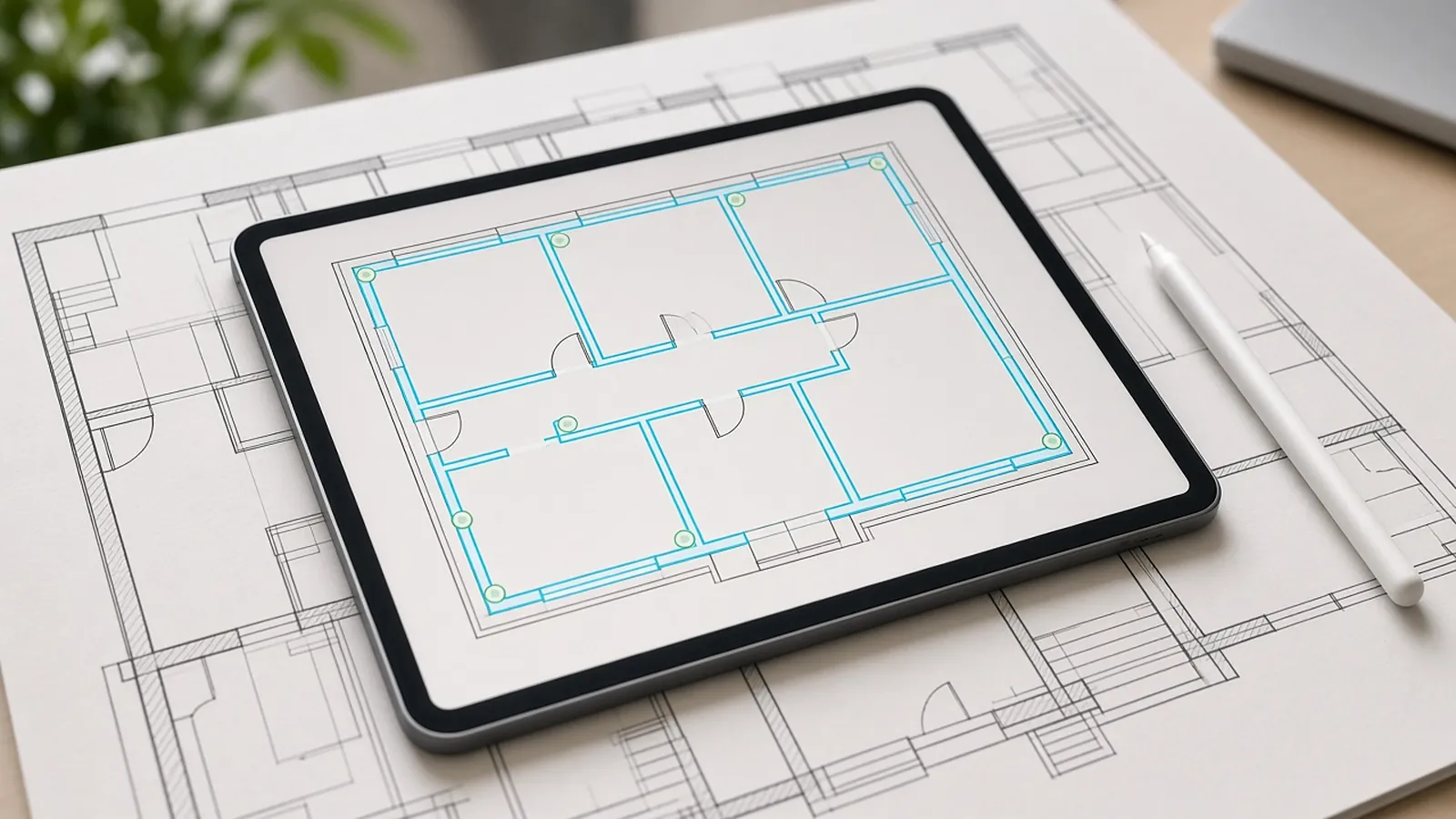
Generic AI estimate vs. reviewed AI estimate.
Generic generatorPrompt in, number out
- Square-foot or average costs
- No link to your drawings
- Hard to defend line by line
RenderDrawDrawings in, reviewed rows out
- Quantities from your plan set with source evidence
- Your assemblies, price lists and labor units
- Estimator approval before pricing
What we checked (November 2026)
- What "generated" should mean: each line traces back to a drawing location (quantity), an assembly (what's included), and a price source (supplier quote, price book or labor unit). If any of the three is missing, the line is a guess.
- Square-foot costs (for example from published cost books) suit early budgets. They are not bid prices. AACE International's estimate classes separate conceptual estimates from definitive ones.
- Review time is the real cost. Measure how long your estimator spends checking an AI draft on one of your own bids before you compare tools.
AI-powered, human-approved.
Upload
Plan sets as legible PDFs are the most reliable starting point; confirm other file types in the free sample run.
Extract
AI proposes counts, lengths, areas and schedule data, with the source drawing on every row.
Review
Flagged items come lowest-confidence first. Confirm, edit or reject each one.
Configure and price
Approved quantities hand off to your assemblies, price lists and labor units for pricing.
Propose
Reviewed rows move on to your pricing and quote.
Where any AI takeoff needs a person.
RenderDraw flags these for review instead of guessing. Ask every vendor how they handle them.
- Degraded scans. Sheets under about 150 DPI, faded ink or creases through annotations lose detail. RenderDraw flags them and asks for a better source.
- Custom symbols. Low confidence until reviewed examples exist.
- Implied quantities. Items a note implies but the drawing does not show.
- Verbal changes. Anything agreed in a meeting but not on the documents.
Run one bid side by side.
Pick a real job
Choose a recent bid with the plan set, legend, schedules and at least one addendum.
Build a baseline
Have an estimator check the quantities you want to test.
Run it side by side
Run the same set through your current tool and through a RenderDraw sample.
Score misses and review time
Record missed items, wrong inclusions and the time spent correcting each result.
Your sample files remain private while we assess the request. There is no obligation to proceed.
Ai estimate generator, answered.
Can AI generate a construction estimate?
AI can draft one from drawings and your cost data. It should not be sent without an estimator reviewing quantities and assumptions.
What makes an AI estimate trustworthy?
Quantities tied to the drawings, your own rates, visible sources and a person approving each row.
Does RenderDraw generate proposals?
Reviewed rows move on to your pricing, and configured products can continue into RenderDraw's visual CPQ. RenderDraw does not write your proposal for you.
Does the AI price the job by itself?
No. AI proposes quantities; your estimator reviews them, lowest confidence first, and only approved rows are priced with your assemblies, price lists and labor units.
Can I try it on my own drawings?
Yes. Request a free sample takeoff on one representative plan set. Your sample files remain private while we assess the request, and there is no obligation to proceed.
Send one plan set. Judge the result yourself.
A focused, no-obligation evaluation on your own drawings. Your sample files remain private while we assess the request.
- Upload one representative plan set (a legible PDF set is the most reliable starting point), plus an addendum if you have one.
- RenderDraw reviews the set and the scope you want tested.
- We follow up with what was extracted, what was flagged for review, and the most useful next step.
Related tools and guides
Sources and further reading
Vendor pages, standards and references checked for this page. Product features and prices change; confirm current details with each vendor.
- AACE International: Recommended Practices — Estimate classification
Last reviewed November 2026.