
AI reads the blueprints. Your estimator signs off.
AI blueprint takeoff identifies symbols, measures lengths and areas, and reads schedules from plan sheets. RenderDraw processes complex sheets in multiple passes (sheet structure, quantities, then dimensions and annotations) and sends uncertain items to your estimator first.
- Multi-pass extraction
- Confidence scoring
- Lowest-confidence first
- Source evidence
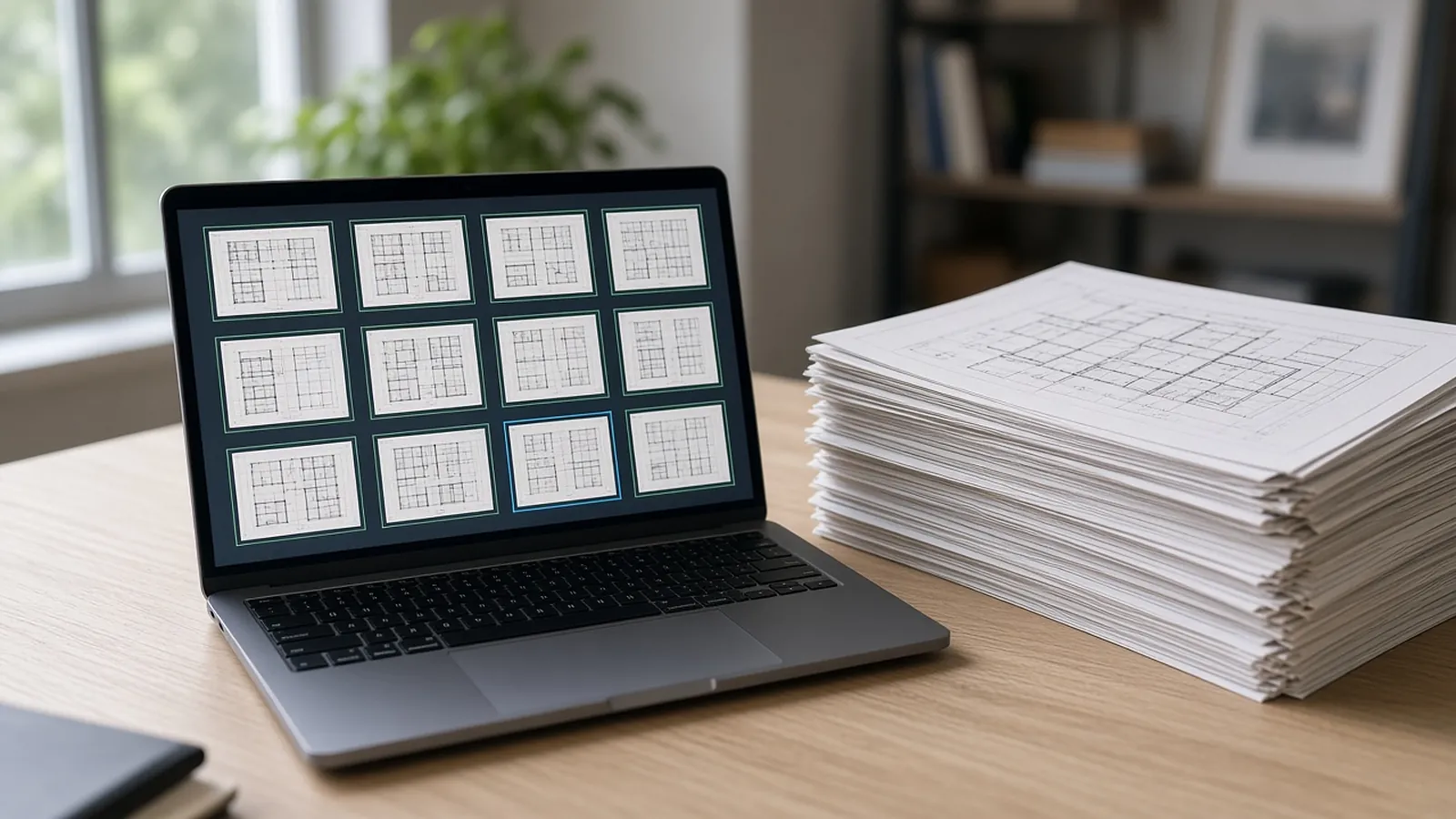
How a blueprint becomes rows.
Classify the sheet
Identify sheet type and overall structure.
Extract quantities
Counts, lengths and areas, with the location on the sheet.
Read dimensions and notes
Dimensions, tags and annotations are read along with the symbols and geometry.
Score confidence
Each proposed item gets a confidence score, so the review queue can show the least certain items first.
Review
Lowest-confidence items first; confirm, edit or reject.
What RenderDraw is built around.
Source evidence
Every proposed quantity keeps the drawing tile and sheet it came from.
Review queue
Items are ordered by uncertainty, lowest confidence first, with confirm, edit and reject on each.
Uncertain items flagged
Every item keeps its source sheet, so your estimator can check it against related sheets and schedules. Items the AI can't confirm are flagged, not guessed.
Revisions
Changed sheets go back through the same takeoff and estimator review.
Pricing handoff
Approved quantities hand off to your pricing and, for configured products, to RenderDraw's visual CPQ.
Learns your symbols
Reviewed corrections feed the knowledgebase, so non-standard client symbols improve after a reviewed takeoff or two.
Where any AI takeoff needs a person.
RenderDraw flags these for review instead of guessing. Ask every vendor how they handle them.
- Degraded scans. Sheets under about 150 DPI, faded ink or creases through annotations lose detail. RenderDraw flags them and asks for a better source.
- Custom symbols. Low confidence until reviewed examples exist.
- Implied quantities. Items a note implies but the drawing does not show.
- Verbal changes. Anything agreed in a meeting but not on the documents.
Run one bid side by side.
Pick a real job
Choose a recent bid with the plan set, legend, schedules and at least one addendum.
Build a baseline
Have an estimator check the quantities you want to test.
Run it side by side
Run the same set through your current tool and through a RenderDraw sample.
Score misses and review time
Record missed items, wrong inclusions and the time spent correcting each result.
Your sample files remain private while we assess the request. There is no obligation to proceed.
Ai blueprint takeoff, answered.
What is AI blueprint takeoff?
Using AI models to identify, count and measure items on construction drawings and turn them into structured quantities.
How accurate is AI blueprint takeoff?
It depends on drawing quality, symbols and scope. A confidence score helps order review work but does not establish accuracy, so evaluate on your own drawings against an estimator baseline.
Can it read scanned blueprints?
Yes, if they are legible. Sheets under about 150 DPI, or with faded ink or creases through annotations, are flagged for a better source.
What files can I send?
A legible PDF drawing set is the most reliable starting point. Confirm any other file types in the free sample run.
Can I try it on my own drawings?
Yes. Request a free sample takeoff on one representative plan set. Your sample files remain private while we assess the request, and there is no obligation to proceed.
Send one plan set. Judge the result yourself.
A focused, no-obligation evaluation on your own drawings. Your sample files remain private while we assess the request.
- Upload one representative plan set (a legible PDF set is the most reliable starting point), plus an addendum if you have one.
- RenderDraw reviews the set and the scope you want tested.
- We follow up with what was extracted, what was flagged for review, and the most useful next step.