
Addenda that are easy to issue and hard to miss.
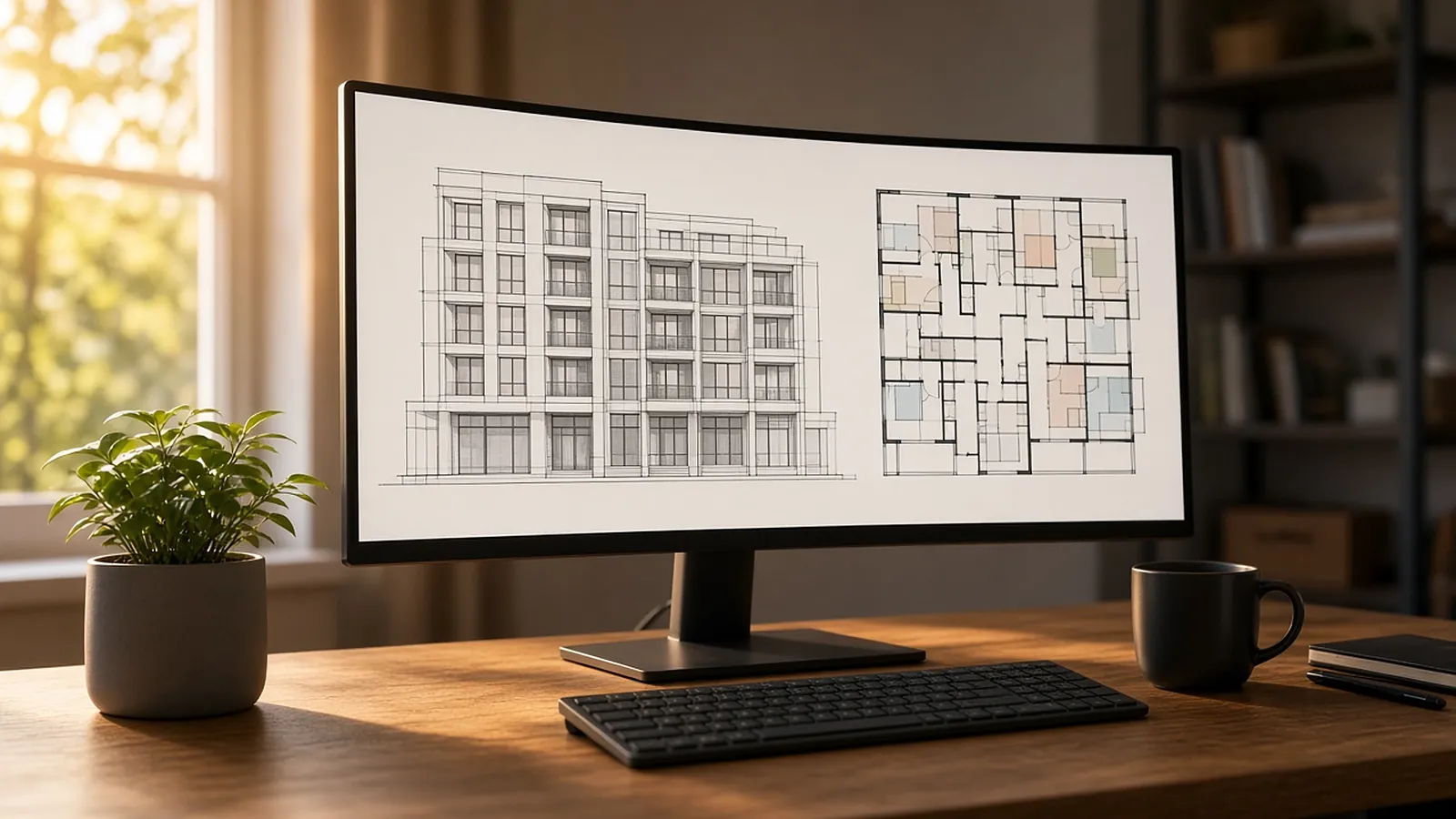
An addendum changes the bid documents before bids are due. This Word template organizes changes by bidding requirements, specifications and drawings, with bidder Q&A. The Excel log is for the other side: bidders tracking each addendum through recheck, repricing and acknowledgment.
- Word addendum
- Specs, drawings, Q&A
- Bidder addenda log
- Price change tracking
Get the template. Free, no sign-up.
Example values are placeholders. Replace them with your own rates, units and company details.
| Addendum | Affected | Summary | Rechecked | Repriced | Price change |
|---|---|---|---|---|---|
| 1 | A-201, E-101, 09 91 00 | Partition type change; 6 fixtures added (example) | Yes | Yes | $4,350 |
| 2 | Bid date | Bid date moved one week (example) | n/a | n/a | $0 |
Files open in Excel, Google Sheets, Numbers, Word or Google Docs.
Make every change findable.
Number every item
S-1, D-1, Q-1, so bidders can reference them in clarifications.
Name the sheet and revision
Reissue the full sheet with the revision cloud, rather than describing the change only in words.
State the bid date
Even when it is unchanged.
Require acknowledgment
On the bid form, by addendum number.
When an addendum lands on bid week.
- Log it the day it arrives. Before anyone forgets which sheets changed.
- Recheck only affected quantities. Filter your takeoff by sheet and revision.
- Reprice the delta. And note it in the log.
- Acknowledge every addendum. On the bid form. Missing one can disqualify a bid.
Reprice addenda from the delta.
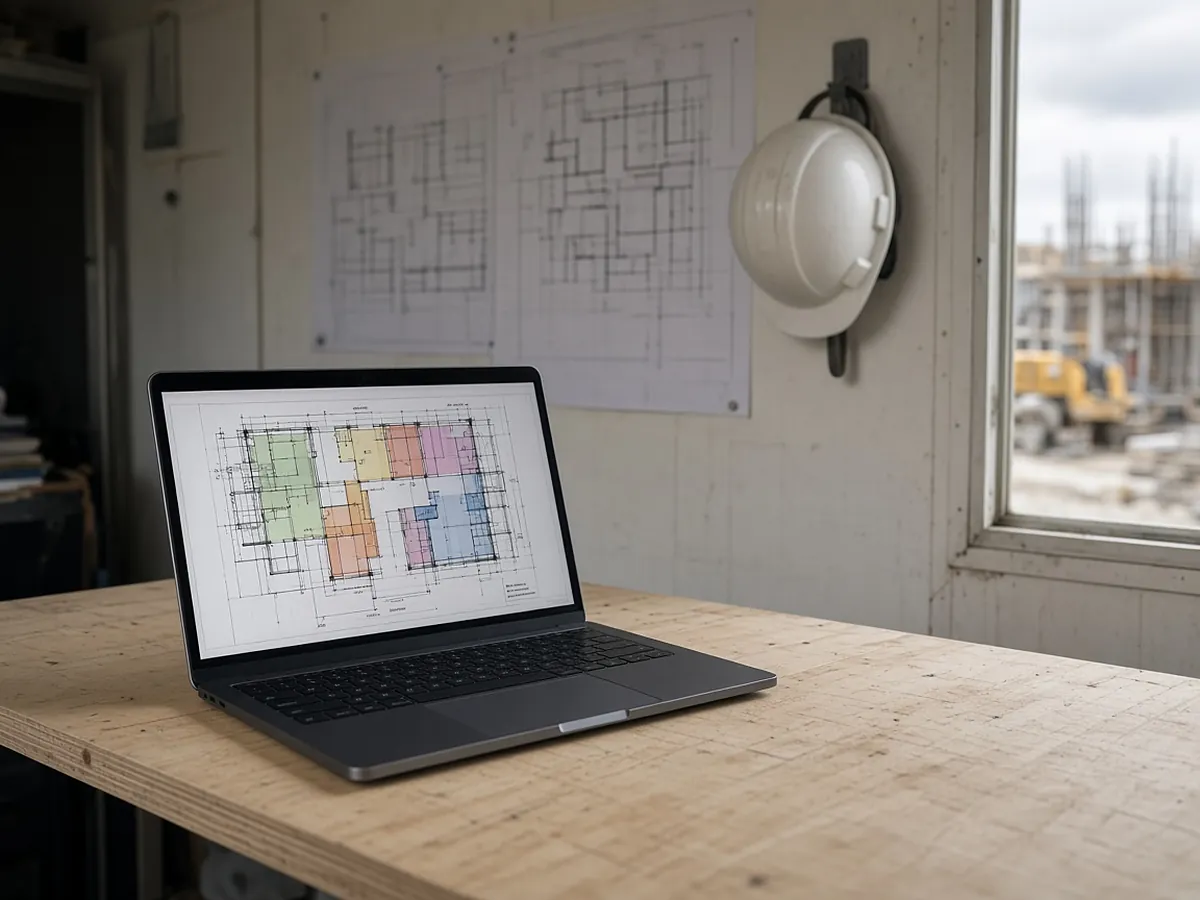
RenderDraw keeps the source sheet on every quantity, and the changed sheets from an addendum can go back through takeoff and estimator review.
- Source on every row. Each proposed quantity keeps the sheet and location it came from.
- Estimator approval before pricing. Your estimator accepts, corrects or rejects proposals; nothing is priced until it is approved.
- Addenda through the same review. Changed sheets go back through takeoff and estimator review.
- Your assemblies, your rates. Approved rows hand off to your assemblies, labor units and pricing inputs.
Addendum template, answered.
What is an addendum in construction?
A written change to the bidding documents issued before bids are due. It can change drawings, specifications, bid requirements or answer bidder questions, and becomes part of the contract documents.
Who issues construction addenda?
The owner or the design team (usually the architect), sent to all plan holders of record.
What is the difference between an addendum and a change order?
An addendum changes the documents before the contract is signed. A change order changes the contract after award.
Do I have to acknowledge addenda?
Usually yes. Bid forms typically require you to list every addendum received. A missing acknowledgment can be grounds for rejection.
How should a subcontractor handle addenda?
Log each one, recheck the quantities on affected sheets, reprice the change, and list it on the bid form and in the proposal's basis of bid.
Send one plan set. Judge the result yourself.
A focused, no-obligation evaluation on your own drawings. Your sample files remain private while we assess the request.
- Upload one representative plan set (a legible PDF set is the most reliable starting point), plus an addendum if you have one.
- RenderDraw reviews the set and the scope you want tested.
- We follow up with what was extracted, what was flagged for review, and the most useful next step.