
Keep Bluebeam for markup. Rethink the takeoff.
Bluebeam Revu is a standard for PDF markup, measurement and document review in construction. Teams searching for alternatives usually want something more specific: faster takeoff, a cleaner estimate, or less re-keying. You may not need to replace Bluebeam at all.
Statements about Bluebeam Revu are based on its public positioning and may change. Confirm current features, modules and pricing with the vendor before deciding.
- Markup vs. takeoff
- Keep your Bluebeam PDFs
- Reviewed quantities
- Pricing handoff
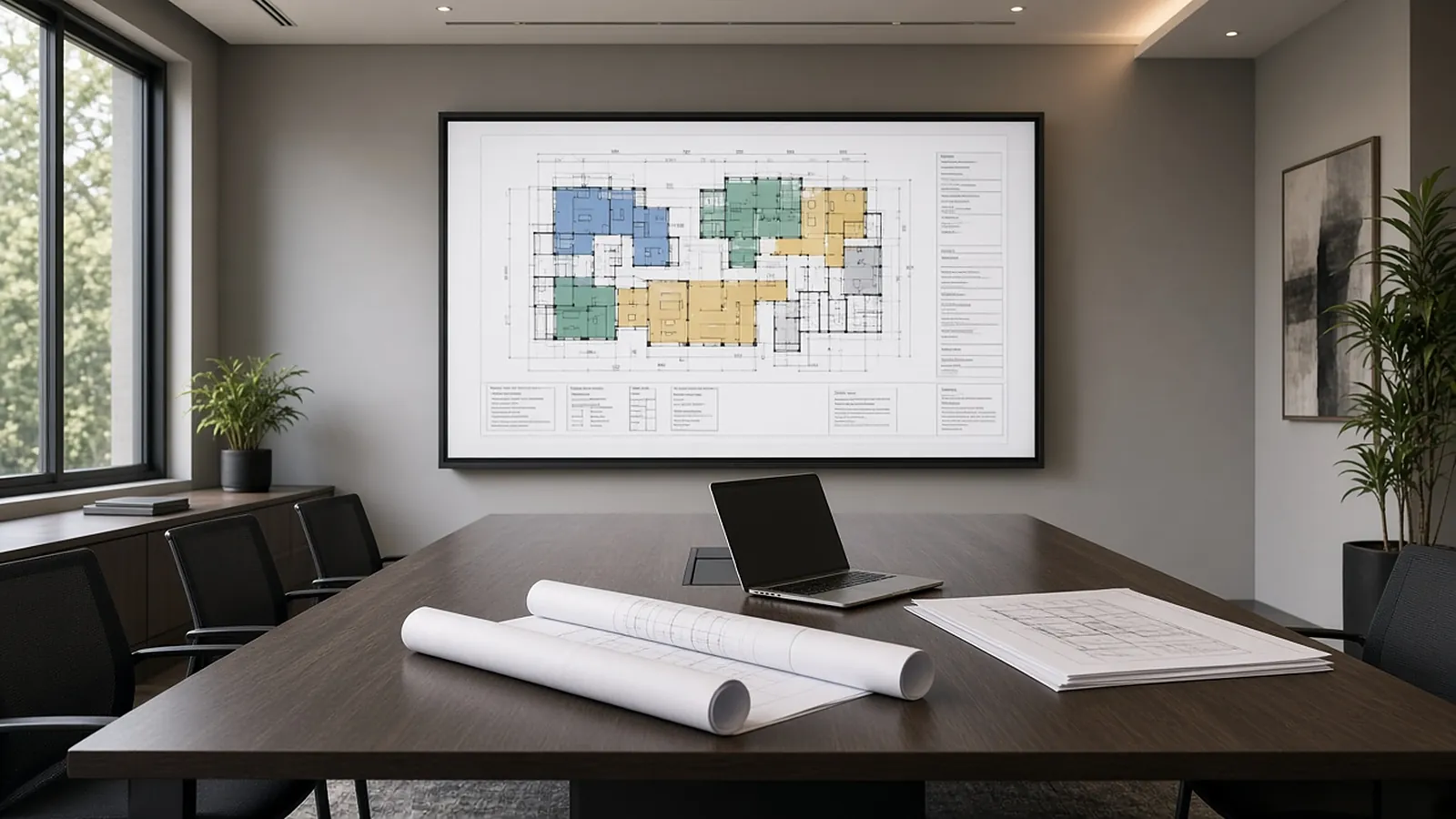
PDF markup vs. estimate production.
Bluebeam RevuPDF markup and measurement
- Markups, measurements and document review
- Tool sets and the Markups List
- Exports to CSV and Excel
RenderDrawDrawings to a reviewed estimate
- AI-proposed quantities with source evidence
- Review queue before pricing
- Handoff to pricing and visual CPQ
From the PDF set to reviewed quantities.
RenderDraw works from the PDF drawing set, the same file you open in Revu. It is not a Bluebeam plugin and does not sync with Revu or a Bluebeam project; confirm any other file types, such as a Markups List CSV, in the free sample.
- Source on every row Each proposed quantity keeps the sheet it came from.
- Estimator review Lowest-confidence items come up first.
- Pricing handoff Approved quantities move on to pricing and visual CPQ.
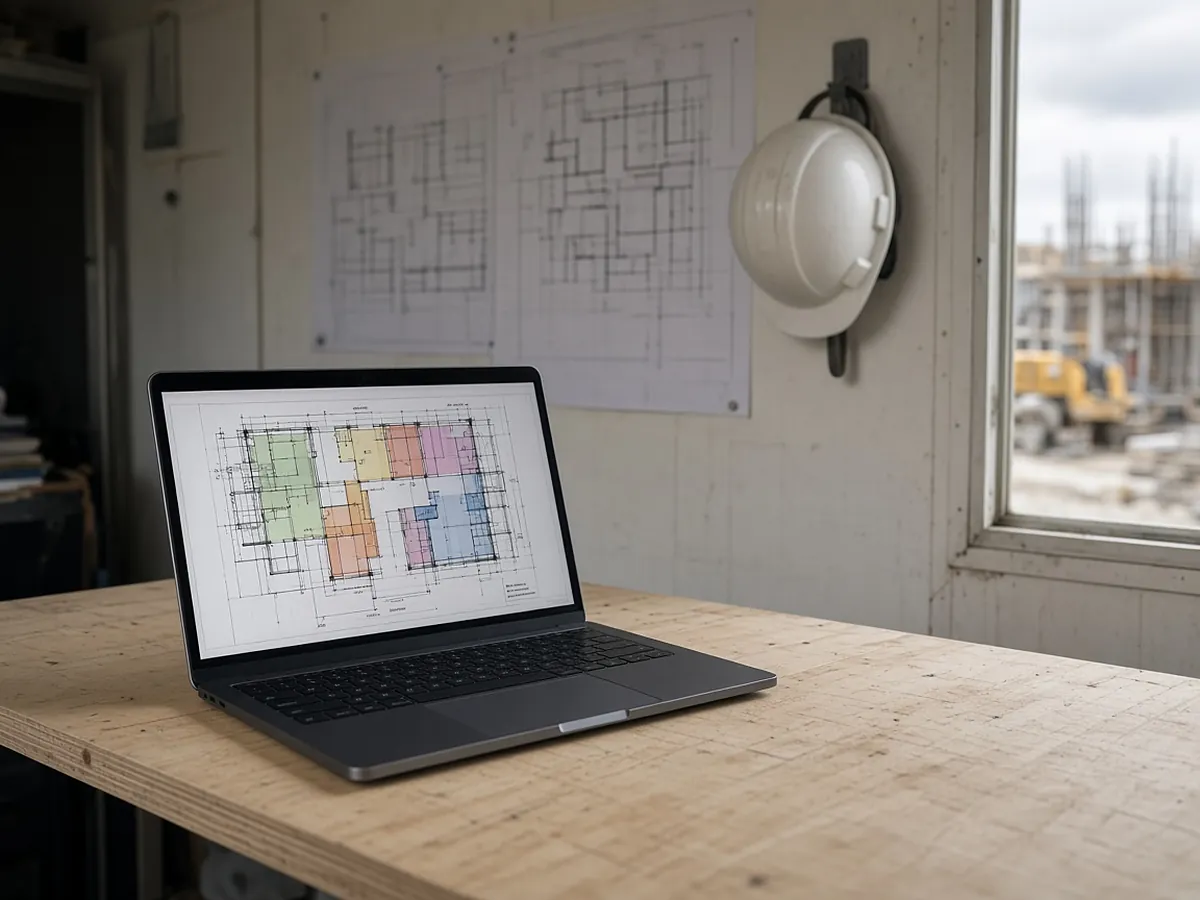
Run one bid side by side.
Pick a real job
Choose a recent bid with the plan set, legend, schedules and at least one addendum.
Build a baseline
Have an estimator check the quantities you want to test.
Run it side by side
Run the same set through your current tool and through a RenderDraw sample.
Score misses and review time
Record missed items, wrong inclusions and the time spent correcting each result.
Your sample files remain private while we assess the request. There is no obligation to proceed.
Bluebeam alternatives, answered.
What are the best Bluebeam alternatives?
For PDF markup, there are other PDF editors. For takeoff and estimating, look at tools built for quantities and pricing. Many teams keep Bluebeam for markup and add a takeoff workflow.
Is Bluebeam good for takeoff?
Revu has strong measurement tools and many estimators use it. Most measurements are still drawn by hand. The Bluebeam Max plan (unveiled October 2025, launched globally May 2026) adds AI drawing review, AI drawing comparison and AI tool connections over MCP, but it is not an automatic takeoff. Getting quantities into a priced estimate usually means exporting and mapping.
Does RenderDraw integrate with Bluebeam?
RenderDraw reads the PDF drawing set; it is not a Bluebeam plugin and does not sync with Revu. Confirm any other file types, such as a markups CSV, in the free sample.
What is Bluebeam software used for?
PDF creation, markup, measurement and collaborative document review, widely used in construction.
How much does Bluebeam cost?
Check Bluebeam's website for current subscription plans.
Send one plan set. Judge the result yourself.
A focused, no-obligation evaluation on your own drawings. Your sample files remain private while we assess the request.
- Upload one representative plan set (a legible PDF set is the most reliable starting point), plus an addendum if you have one.
- RenderDraw reviews the set and the scope you want tested.
- We follow up with what was extracted, what was flagged for review, and the most useful next step.