
PlanSwift vs. Bluebeam: takeoff tool or PDF tool?
PlanSwift is digital takeoff software built around counts, measurements and assemblies. Bluebeam Revu is PDF markup and document review with strong measurement tools. Many estimators use both. The right choice depends on whether your bottleneck is markup, measurement or getting to a price.
Statements about PlanSwift and Bluebeam are based on its public positioning and may change. Confirm current features, modules and pricing with the vendor before deciding.
- Takeoff vs. PDF markup
- Where each fits
- Using both
- AI-assisted option
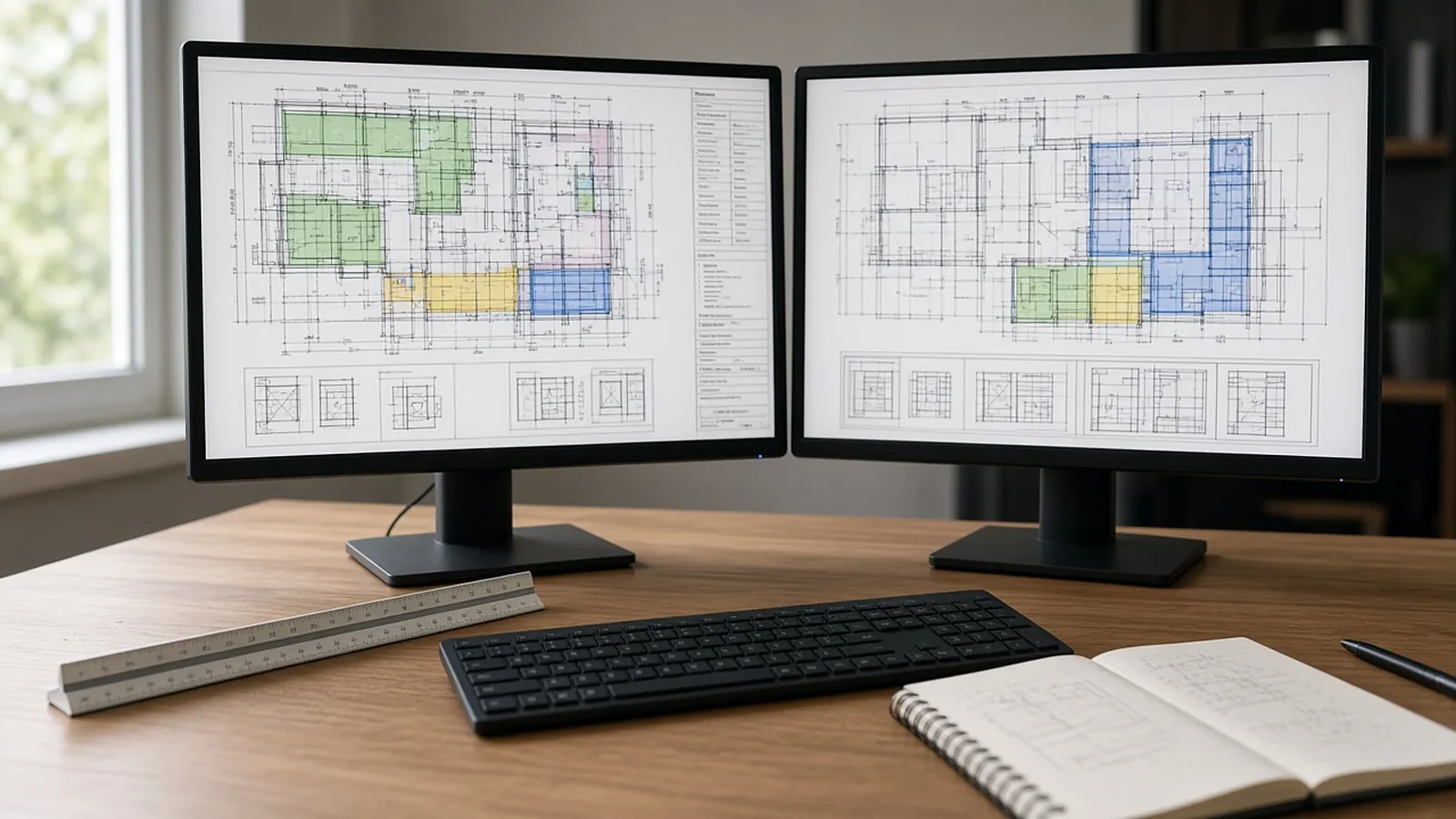
Built for different centers.
| PlanSwift | Bluebeam Revu | RenderDraw | |
|---|---|---|---|
| Center of gravity | Takeoff and assemblies | PDF markup, measurement, document review | AI-proposed quantities with estimator review |
| How quantities are made | On-screen takeoff, plus Auto Count, Auto Scale and Auto Takeoff AI tools by plan | Manual measurement markups | AI proposes; estimator confirms, edits or rejects |
| Getting to a price | Assemblies and export | Markups List summaries (CSV/Excel export on Core and above; Quantity Link on Complete and Max) | Handoff to your assemblies, price lists and visual CPQ |
| Revisions | Re-measure changed sheets | Compare documents and update markups | Changed quantities return to review with their revision |
Statements about PlanSwift and Bluebeam are based on its public positioning and may change. Confirm current features, modules and pricing with the vendor before deciding.
What RenderDraw is built around.
Source evidence
Every proposed quantity keeps the drawing tile and sheet it came from.
Review queue
Items are ordered by uncertainty, lowest confidence first, with confirm, edit and reject on each.
Uncertain items flagged
Every item keeps its source sheet, so your estimator can check it against related sheets and schedules. Items the AI can't confirm are flagged, not guessed.
Revisions
Changed sheets go back through the same takeoff and estimator review.
Pricing handoff
Approved quantities hand off to your pricing and, for configured products, to RenderDraw's visual CPQ.
Learns your symbols
Reviewed corrections feed the knowledgebase, so non-standard client symbols improve after a reviewed takeoff or two.
What we checked (November 2026)
- PlanSwift (November 2026):
- Essential is $2,000 per year for one seat and includes the Auto Count, Auto Scale and Auto Bookmark AI tools.
- Core is $3,000 per year and adds Auto Takeoff, the "Takeoff BOOST" suite.
- A 14-day free trial includes all AI tools.
- Older comparisons that call PlanSwift manual-only are out of date.
- Bluebeam (November 2026):
- Plans: Basics $260, Core $330, Complete $440, Max $590 (per user, per year).
- Basics measures length and area only.
- Counts and perimeters start at Core.
- Quantity Link to Excel requires Complete or Max.
- Many teams use both: Revu for markups, RFIs and document review; a takeoff tool for assemblies.
Run one bid side by side.
Pick a real job
Choose a recent bid with the plan set, legend, schedules and at least one addendum.
Build a baseline
Have an estimator check the quantities you want to test.
Run it side by side
Run the same set through your current tool and through a RenderDraw sample.
Score misses and review time
Record missed items, wrong inclusions and the time spent correcting each result.
Your sample files remain private while we assess the request. There is no obligation to proceed.
Planswift vs bluebeam, answered.
Is PlanSwift or Bluebeam better for takeoff?
PlanSwift is purpose-built for takeoff with assemblies; Bluebeam is a broader PDF tool with good measurement. Teams that live in PDFs often prefer Bluebeam; dedicated estimators often prefer a takeoff tool.
Can I use PlanSwift and Bluebeam together?
Yes. Many teams mark up and coordinate in Bluebeam and take off in a dedicated tool.
Is there an option that does less clicking?
AI-assisted takeoff proposes quantities for review. RenderDraw adds source evidence and a review queue before pricing.
Does RenderDraw work with Bluebeam PDFs?
Yes. RenderDraw reads the PDF drawing set itself; it is not a Bluebeam plugin, and many teams keep Revu for markups.
Which is cheaper, PlanSwift or Bluebeam?
As of November 2026, PlanSwift lists Essential at $2,000 a year and Core at $3,000 a year per seat (with a 14-day free trial), while Bluebeam lists Basics $260, Core $330, Complete $440 and Max $590 per user per year. Bluebeam is cheaper per seat; PlanSwift includes assemblies and estimating. Confirm current pricing with each vendor.
Does PlanSwift have AI takeoff now?
Yes. PlanSwift Essential includes Auto Count, Auto Scale and Auto Bookmark, and Core adds Auto Takeoff for a first-pass takeoff of areas, lengths and counts.
Send one plan set. Judge the result yourself.
A focused, no-obligation evaluation on your own drawings. Your sample files remain private while we assess the request.
- Upload one representative plan set (a legible PDF set is the most reliable starting point), plus an addendum if you have one.
- RenderDraw reviews the set and the scope you want tested.
- We follow up with what was extracted, what was flagged for review, and the most useful next step.
Related tools and guides
Sources and further reading
Vendor pages, standards and references checked for this page. Product features and prices change; confirm current details with each vendor.
- PlanSwift pricing — Essential $2,000/yr, Core $3,000/yr, AI tools by plan, 14-day trial
- PlanSwift features — Assemblies, export options, AI tools
- Bluebeam: Plans and pricing — Plan prices and capabilities by tier
- Bluebeam: Improve takeoffs with Quantity Link — Linking markups to Excel
Last reviewed November 2026.