
Procore runs the project. Who runs the takeoff?
Procore is a widely used construction management platform, and it offers estimating tools. Many teams keep drawings and project records in Procore and still need fast, reviewable quantities for bids. Here is how to think about the fit.
Statements about Procore are based on its public positioning and may change. Confirm current features, modules and pricing with the vendor before deciding.
- Platform vs. takeoff
- What reviewers weigh
- Drawing handoff
- Estimator review
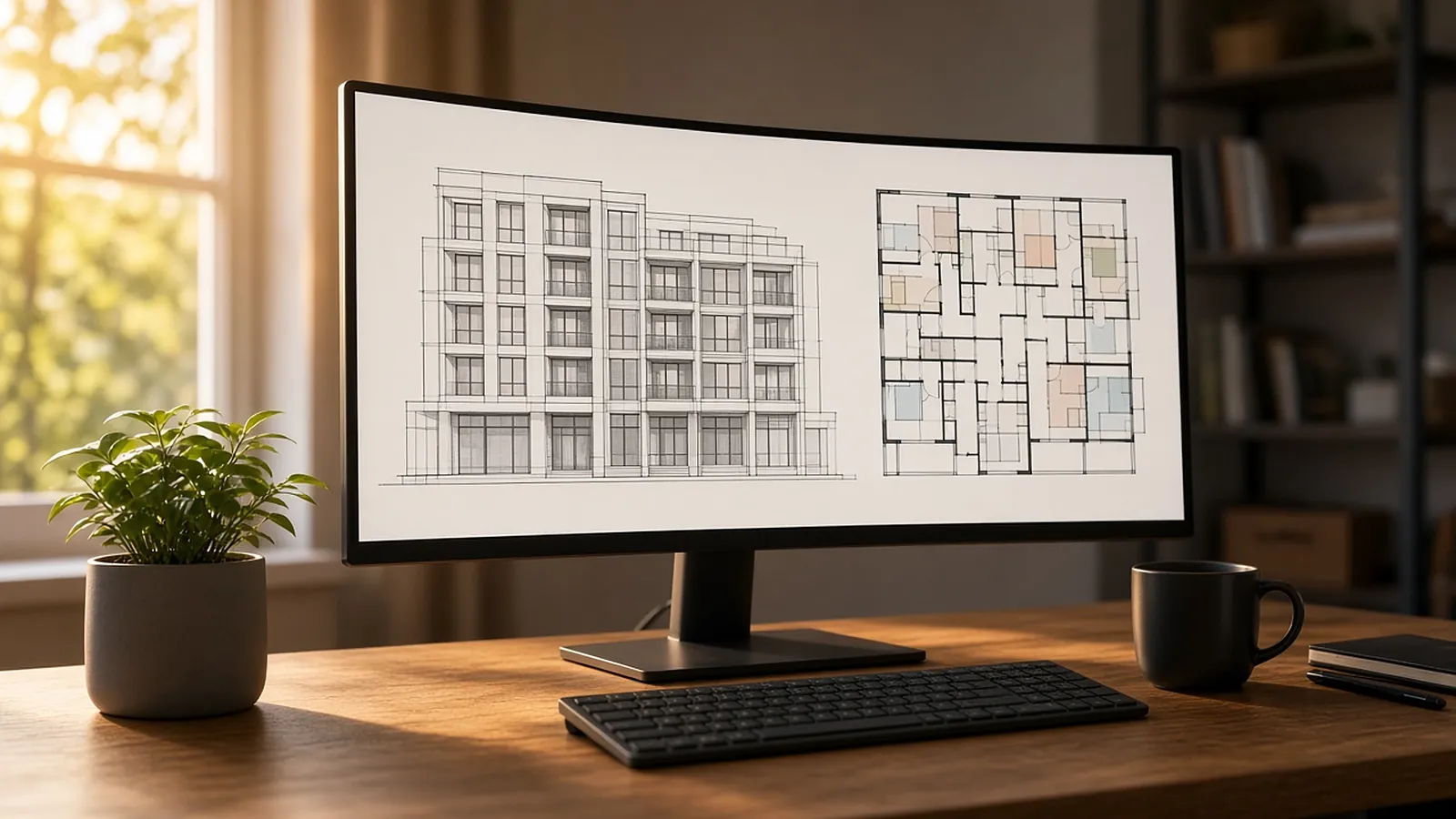
What estimators weigh in reviews.
Fit with the rest of Procore
One login and one project record are real advantages if your company already runs on Procore.
Depth of takeoff
Check how counts, lengths and areas are measured, and how much is manual.
Trade specifics
Assemblies, labor units and databases for your trade.
Path to the bid
How approved quantities reach pricing.
Start from Procore drawings, end with reviewed quantities.
RenderDraw works from the drawing set: export the PDFs from your Procore project, and RenderDraw's AI takeoff proposes quantities for estimator approval before pricing. Ask in a demo whether a direct Procore connection fits your account.
- Drawing package The PDF drawing set and spec sections from the project.
- Structured rows with evidence Source sheet and confidence on every quantity.
- Exception routing Low-confidence items go to review first.
- Pricing handoff Approved quantities move on to pricing with reviewer notes.
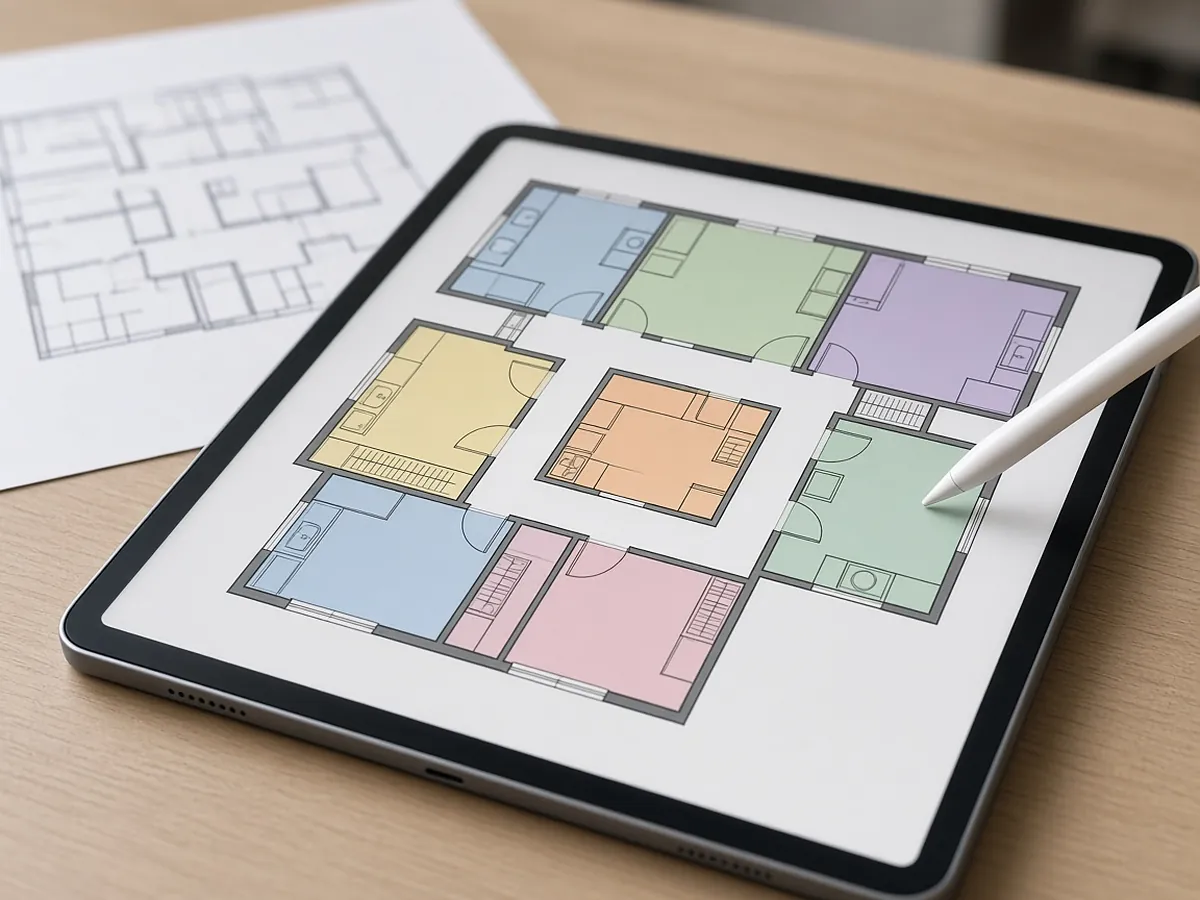
Run one bid side by side.
Pick a real job
Choose a recent bid with the plan set, legend, schedules and at least one addendum.
Build a baseline
Have an estimator check the quantities you want to test.
Run it side by side
Run the same set through your current tool and through a RenderDraw sample.
Score misses and review time
Record missed items, wrong inclusions and the time spent correcting each result.
Your sample files remain private while we assess the request. There is no obligation to proceed.
Procore estimating, answered.
Does Procore have estimating?
Procore offers estimating tools as part of its platform. Check Procore for the current modules and what is included in your plan.
Is Procore good for estimating?
It depends on your trade and workflow. Reviews tend to weigh integration with the rest of Procore against takeoff depth and trade-specific features. Test it on a real bid.
Can RenderDraw work with Procore drawings?
Yes, as PDFs. Download the drawing set from your Procore project and send it for a free sample takeoff; RenderDraw proposes quantities with the source sheet for estimator review. Ask in a demo about any direct Procore connection.
Do I need to leave Procore to use RenderDraw?
No. Project records stay in Procore; takeoff and estimator review happen in RenderDraw.
How do I evaluate it?
Send one representative plan set for a free sample takeoff and compare against your current estimate.
Send one plan set. Judge the result yourself.
A focused, no-obligation evaluation on your own drawings. Your sample files remain private while we assess the request.
- Upload one representative plan set (a legible PDF set is the most reliable starting point), plus an addendum if you have one.
- RenderDraw reviews the set and the scope you want tested.
- We follow up with what was extracted, what was flagged for review, and the most useful next step.