
On-screen takeoff got you off paper. What gets you off clicking?
On-Screen Takeoff (OST), from ConstructConnect, is a long-standing desktop tool for measuring digital plans. It is no longer manual-only: ConstructConnect has built its Takeoff Boost AI suite into OST, PlanSwift and ConstructConnect Takeoff. This page covers what OST does now, what alternatives publish for pricing, and how to compare them on your own drawings.
Statements about On-Screen Takeoff are based on its public positioning and may change. Confirm current features, modules and pricing with the vendor before deciding.
- OST + Takeoff Boost
- Published alternative pricing
- Pricing questions
- Side-by-side test
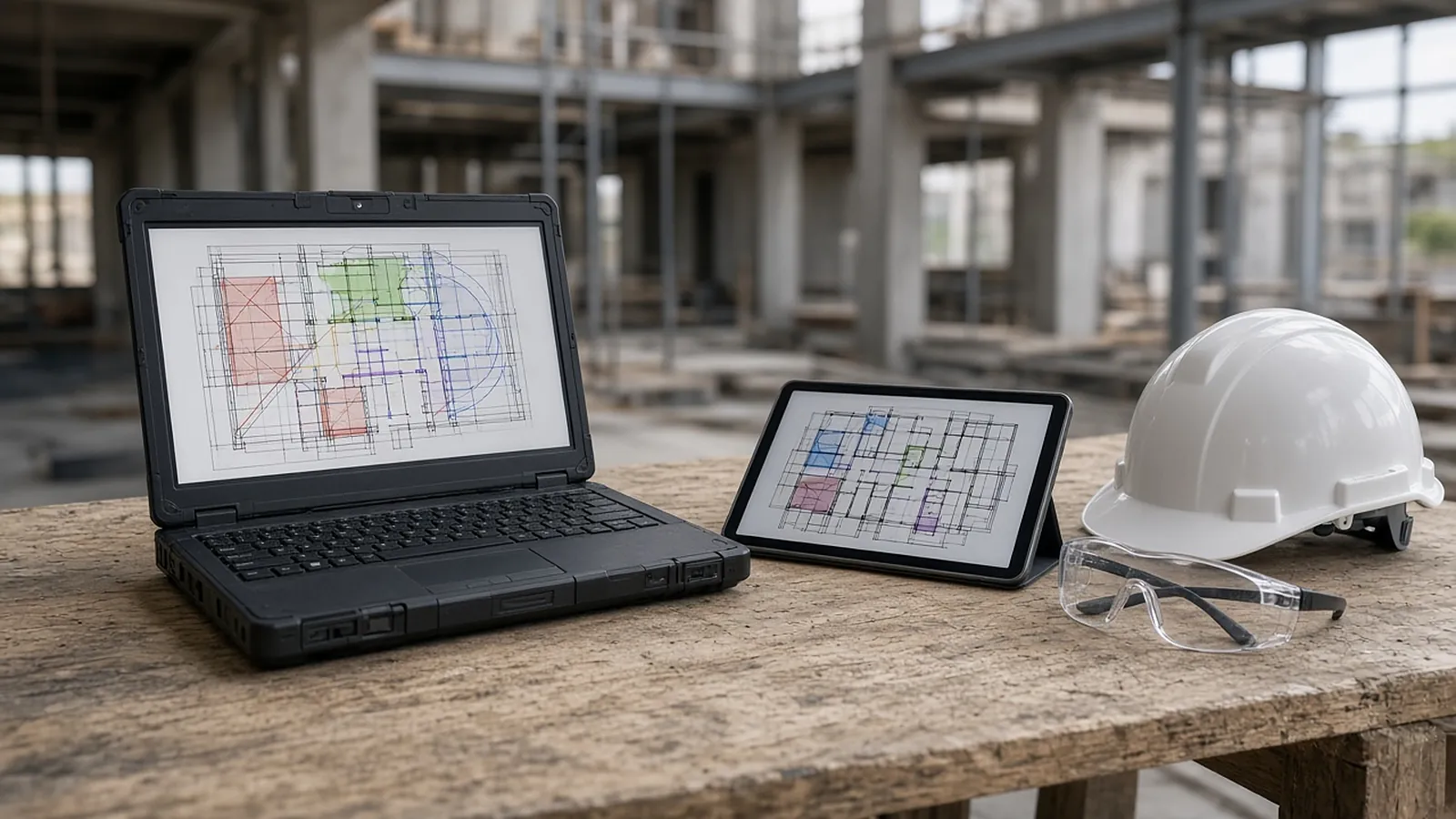
On-Screen Takeoff + Takeoff Boost
ConstructConnect describes OST as digital takeoff of lengths, areas and counts, with integration to Quick Bid and other estimating tools. Its Takeoff Boost AI features include:
- Automated takeoff: measures areas, lengths and counts as a head start for review.
- Smart detection: identifies wall types and creates conditions automatically.
- Repeating-item counts and sheet labeling, per ConstructConnect's product matcher.
ConstructConnect notes that available features vary by product. OST pricing is quote-based. Its browser product, ConstructConnect Takeoff, publishes pricing: $1,200/yr (Starter, 1 seat) and $2,200/yr per seat (Professional, with Auto Takeoff).
Published pricing
| Tool | Type | Published price (Nov 2026) |
|---|---|---|
| On-Screen Takeoff | Desktop takeoff + Takeoff Boost AI | Quote-based |
| ConstructConnect Takeoff | Browser takeoff + AI | $1,200/yr Starter; $2,200/yr per seat Professional |
| Bluebeam Revu | PDF markup and measurement | $260–$590 per user/yr; counts need Core ($330)+ |
| eTakeoff Dimension | Desktop takeoff | $795/user/yr Advanced; $1,495 Premier; Togal.AI add-on $1,800/user/yr |
| Togal.AI | AI takeoff (cloud) | Growth $299/month per user, billed yearly |
| zzTakeoff | Browser takeoff | Pro $49.99/user/month or $549.89/user/yr |
| PlanSwift | Desktop takeoff + AI features | Essential $2,000/yr; Core $3,000/yr |
| RenderDraw | AI-proposed quantities with source sheet, estimator review | Free sample takeoff; pricing on request |
Product names are trademarks of their owners. Prices from vendor pages; confirm current terms with each vendor.
What to ask in any quote
| Ask about | Why it matters |
|---|---|
| Per-user vs. per-company licensing | Adding an estimator can change the price a lot |
| Subscription vs. perpetual + maintenance | Total cost over three years differs |
| Which AI features are in your tier | Vendors often limit AI features to higher tiers |
| Included vs. add-on modules | Takeoff, estimating, databases and integrations may be separate |
| Training and onboarding | Often a separate line item |
| Contract term and cancellation | Annual commitments are common |
Click-to-measure vs. propose-and-review
Manual on-screen takeoff: the estimator calibrates, then clicks counts and traces lengths and areas. Accuracy depends on the person and the time available.
AI-assisted takeoff: the tool proposes counts, lengths and areas and the estimator reviews them. The time shifts from clicking to checking. Every tool in the table above now has some AI feature, so the questions are how much of your scope it handles and how fast you can verify its output.
Run one bid side by side
- Pick a real job you already took off, with a legend, schedules and an addendum.
- Build a baseline of estimator-checked quantities.
- Run it in each tool, timing takeoff and review separately.
- Score misses, wrong inclusions and correction time.
Proposed quantities, reviewed by you
RenderDraw's AI takeoff proposes counts, lengths and areas with the source sheet attached to every row. Low-confidence items go to the estimator for review, and pricing starts only after a row is accepted. Get a free sample takeoff or book a demo.
Questions estimators ask.
How much does On-Screen Takeoff cost?
ConstructConnect quotes OST pricing. Its browser product, ConstructConnect Takeoff, lists $1,200/yr (Starter) and $2,200/yr per seat (Professional).
Does On-Screen Takeoff have AI?
Yes. ConstructConnect's Takeoff Boost AI suite is built into OST, with automated takeoff of areas, lengths and counts and smart detection of wall types. Features vary by product.
OST vs. Bluebeam: which is better for takeoff?
OST is built for takeoff and integrates with Quick Bid. Bluebeam is broader PDF markup and measurement. Many estimators use Bluebeam for document work and a takeoff tool for quantities.
What is on-screen takeoff?
Measuring quantities from digital drawings on screen instead of printed sheets: counts, lengths and areas, after calibrating each sheet's scale.
Can AI replace on-screen takeoff entirely?
Not without review. Poor scans, custom symbols and scope that's only implied by notes or specs still need an estimator.
Can I test RenderDraw against my current takeoff?
Yes. Send one plan set you've already taken off for a free sample takeoff, and compare misses and correction time.
Send one plan set. Judge the result yourself.
A focused, no-obligation evaluation on your own drawings. Your sample files remain private while we assess the request.
- Upload one representative plan set (a legible PDF set is the most reliable starting point), plus an addendum if you have one.
- RenderDraw reviews the set and the scope you want tested.
- We follow up with what was extracted, what was flagged for review, and the most useful next step.
Where these numbers come from
We checked this guide against the standards, manufacturer documents and industry references below (last reviewed November 2026). Figures marked as rules of thumb are typical ranges, not requirements; your project documents, local code and your own cost history govern.
- On-Screen Takeoff (ConstructConnect) — Takeoff Boost features
- ConstructConnect pricing — ConstructConnect Takeoff tiers
- eTakeoff pricing
- Togal.AI pricing
- zzTakeoff pricing
- PlanSwift pricing
- Bluebeam pricing