
Can AI read steel drawings? Mostly, with a reviewer.
AI vision can find member callouts, read schedules and count repeated details on structural sheets, including many scanned sets. It struggles where any person would: degraded scans, unusual symbols and scope implied only in notes. The honest answer is a fast first pass plus estimator review.
Send one plan set. See what the AI extracts and what it flags for review. No obligation.
- What AI reads well
- Where it needs help
- How review works
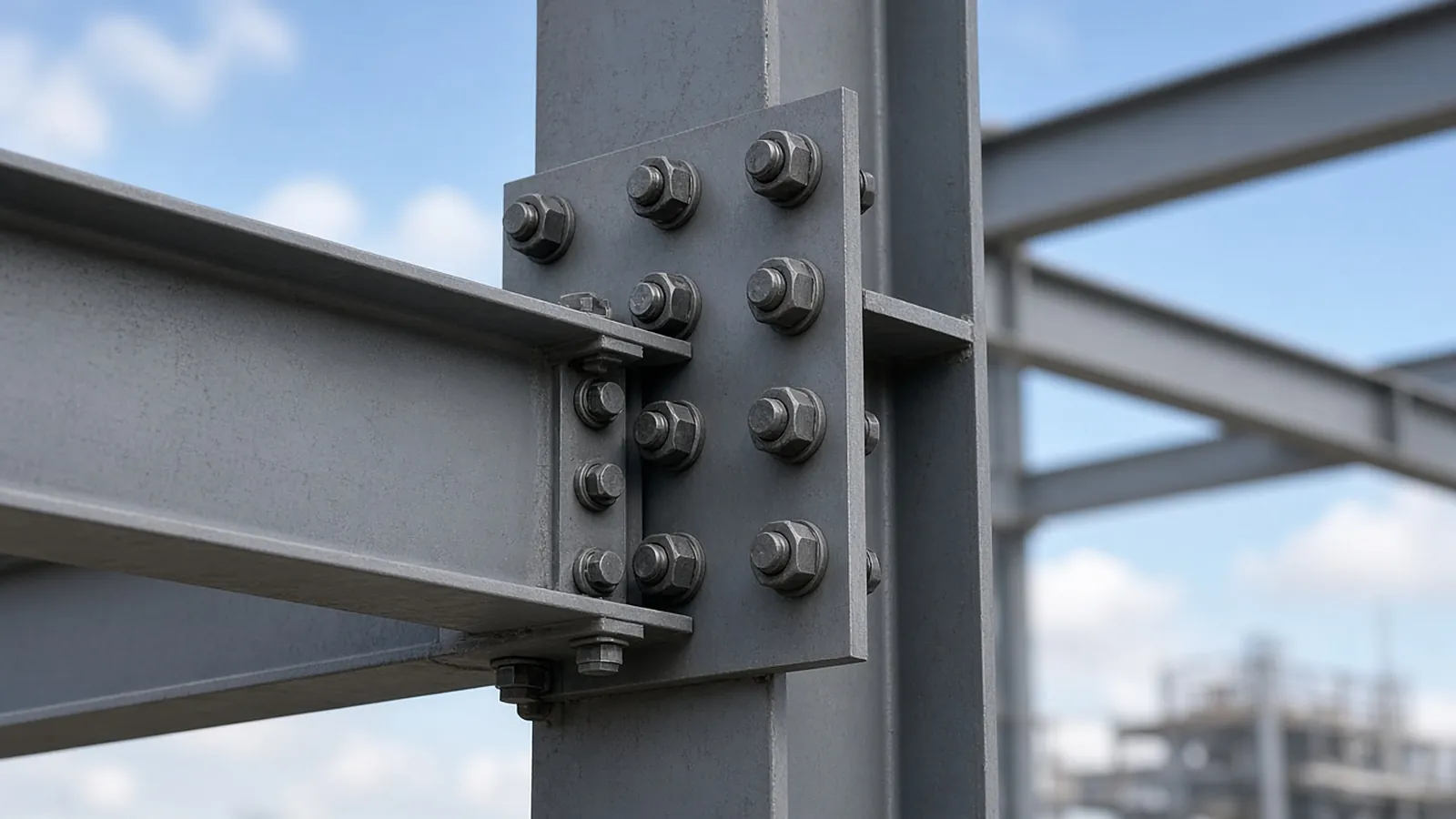
Strong, mixed and needs a human.
| Item on the drawing | AI first pass | Notes |
|---|---|---|
| Member callouts (W, HSS, L, C) | Strong on clean vector PDFs | Text-based callouts read reliably |
| Column and beam schedules | Strong | Read as tables, cross-checked to plans |
| Typical connection details | Mixed | Counts depend on how details are referenced |
| Scanned sets | Mixed | Quality matters; under ~150 DPI gets flagged |
| Scope only in general notes/spec | Needs review | Flagged rather than inferred |
The quantities a steel estimator actually needs
These are the items RenderDraw proposes from the drawings, each linked to the sheet it came from, for your estimator to accept, correct or reject.
| Item | What is measured or counted | Where it comes from |
|---|---|---|
| Members by shape | Beam, column and brace counts by size (W, HSS, L, C) with lengths | Framing plans, schedules, sections |
| Weights / tonnage | Length × weight per foot, rolled up by piece type | Member marks + AISC shape tables |
| Connections | Shear tabs, moment connections, base plates, embeds | Typical details, connection schedules |
| Misc. metals | Lintels, stairs, rails, ladders, embeds | Architectural sheets, details |
| Deck & joists | Deck area by gauge/profile, joist counts by designation | Roof and floor framing plans |
From plan set to reviewed quantities.
AI-powered, human-approved. Each stage records what ran, what changed and who approved it.
Send one plan set
Upload framing plans, column and beam schedules, typical connection details, the structural general notes and the spec sections for structural steel and misc. metals. Add an addendum if you have one.
AI proposes quantities
Counts, lengths and areas come back with the source sheet and location attached to every row.
Estimator review
Low-confidence items surface first. Your estimator accepts, corrects or rejects each one.
Map to your assemblies
Approved quantities map to your items, assemblies and estimating assumptions.
Price reviewed rows
Labor units, material pricing and supplier quotes apply only to rows that passed review.
Hand off with evidence
Approved quantities move on to pricing and visual CPQ with the evidence trail still attached.
Supported files and tasks depend on your trade and implementation. Confirm them in the free sample run.
The AI drafts. Your estimator decides.
Speed is easy to promise. Defensible numbers are the job, so RenderDraw keeps the estimator in control of every quantity that gets priced.
- Source on every row. Each quantity keeps its source sheet, location and reviewer decision.
- Lowest confidence first. The review queue shows the drawing tile with the detection highlighted and the extracted value.
- Uncertain items flagged, not hidden. Anything the AI can't confirm goes to the estimator rather than being guessed.
- Nothing priced before approval. Rows move on to pricing only after they are accepted.
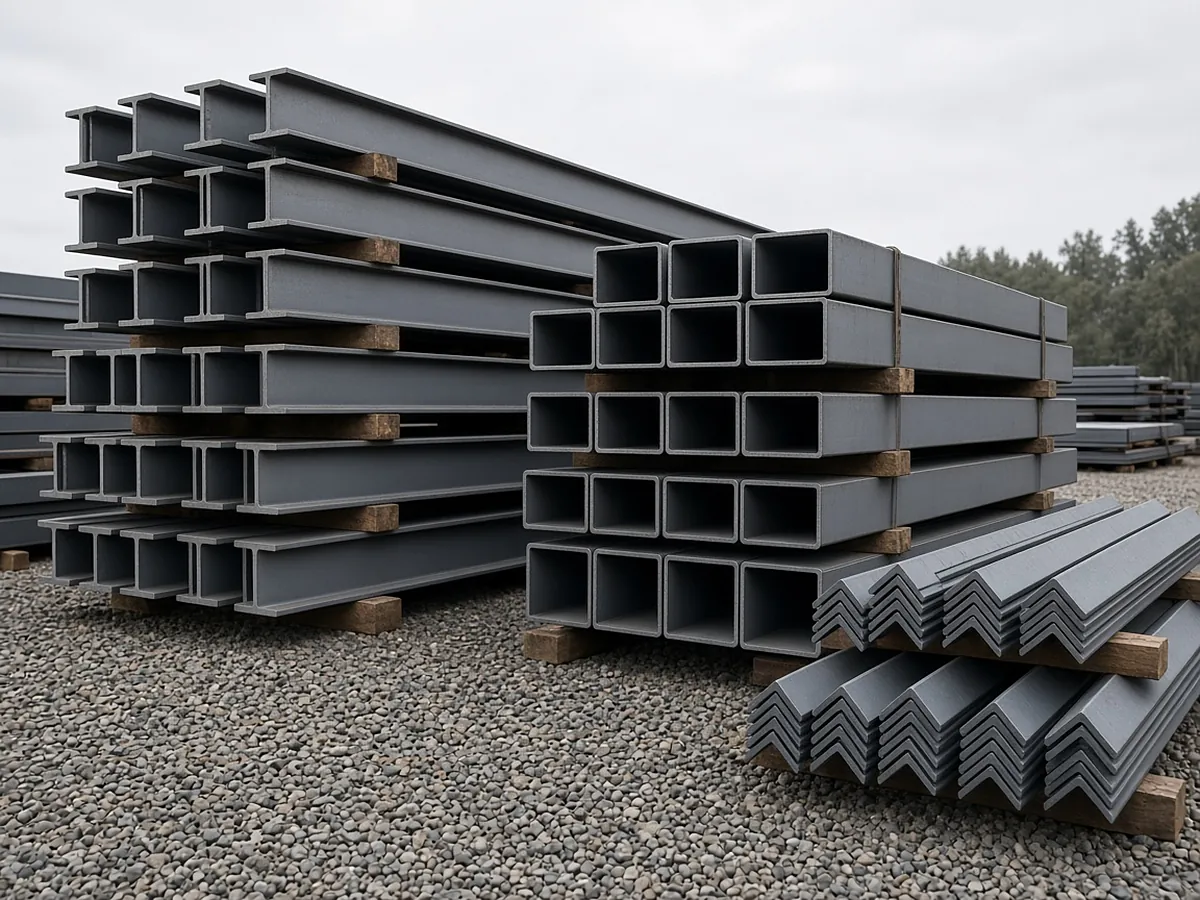
Where AI takeoff still needs you.
No AI reads every drawing perfectly. These are the known weak spots and how the workflow handles them.
Degraded scans
Scans under about 150 DPI, toner bleed or creases through annotations lose detail. Those sheets are flagged so you can request a better original.
Unfamiliar symbols
A highly custom symbol library starts at low confidence. Reviewed takeoffs with that client add the examples the knowledgebase needs.
Implied quantities
Scope stated only in spec language, not drawn, is flagged for estimator review instead of being inferred.
Verbal changes
Scope agreed in a meeting but never drawn cannot be read from drawings. Track it through your RFI process.
Questions estimators ask
Can AI read scanned steel drawings?
Often, if the scan is clean. Low-resolution or degraded sheets lose detail and are flagged so you can request a better original.
Does AI replace the steel estimator?
No. It removes counting and measuring time; the estimator reviews, resolves conflicts and owns pricing.
How do I know what the AI got wrong?
Every row links to its sheet and location, and low-confidence items are queued first with the drawing tile highlighted.
What file types work?
PDF drawing sets, vector or scanned. Send a representative set for a free sample takeoff.
See what the AI reads on your own drawings.
Send one representative steel plan set. RenderDraw reviews it and follows up with what the AI extracted and what it flagged for review. Your files remain private while the request is assessed, and there is no obligation.
- Upload framing plans, column and beam schedules, typical connection details, the structural general notes and the spec sections for structural steel and misc. metals.
- RenderDraw reviews the set and the scope you want tested.
- We follow up with extracted quantities, flagged items and next steps.