
Alternatives to PlanSwift and SketchDeck for steel takeoff.
General on-screen takeoff tools measure anything, which also means a steel estimator clicks every member and keys every size. Steel-specific AI tools count members for you but each has a focus. Before you switch, decide which job you're hiring the software for, then test it on your own drawings.
Send one plan set. See what the AI extracts and what it flags for review. No obligation.
- Four categories
- Published prices, Nov 2026
- Steel-specific test
- Your drawings, not a demo
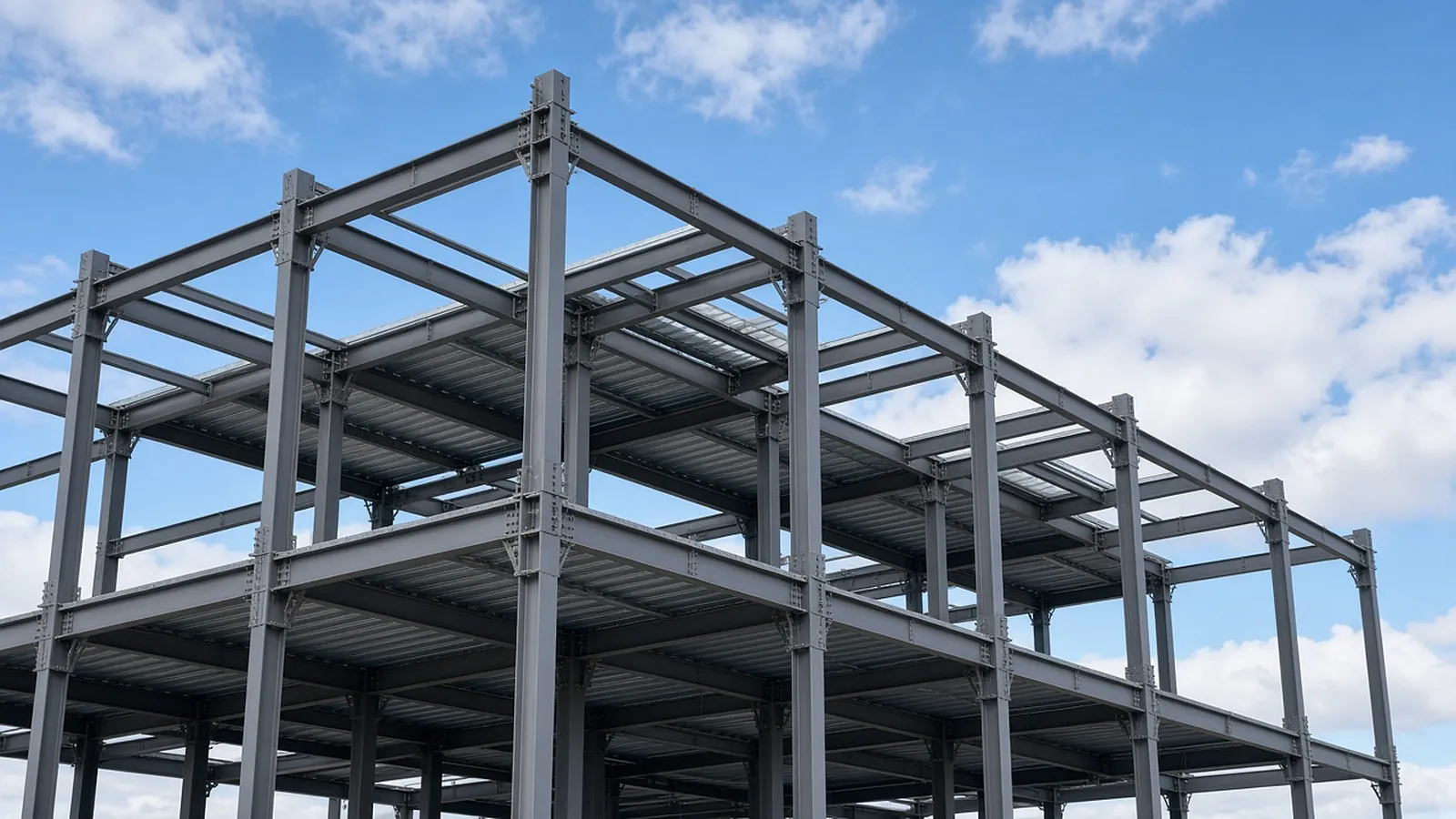
Four kinds of alternative
| Category | Examples | How members get counted | Best fit |
|---|---|---|---|
| PDF markup and measurement | Bluebeam Revu | You click and count; custom columns for size and weight | Shops already living in Bluebeam; mixed scopes |
| General on-screen takeoff | PlanSwift, On-Screen Takeoff, STACK | You click, with assemblies; newer AI count tools for symbols | Multi-trade estimators; GCs |
| Steel-specific AI takeoff | SketchDeck.AI, SteelFlo, RenderDraw | AI proposes members from PDFs, estimator reviews | Fabricators and erectors bidding from 2D PDFs |
| Fabrication management with estimating | Tekla PowerFab, STRUMIS | Estimates built from imported BOMs or models, priced with your labor standards | Pricing, purchasing and production after takeoff |
| Takeoff services | Outsourced estimators | Someone else clicks | Overflow capacity |
Most fabricators end up with more than one: a takeoff tool that produces the member list, and an estimating or fabrication system (often PowerFab or STRUMIS) that prices it with labor standards.
Published prices, checked November 2026
| Product | Published price | Notes |
|---|---|---|
| Bluebeam Revu | Basics $260, Core $330, Complete $440, Max $590 per user per year | Count and perimeter measurement start at Core; Quantity Link to Excel is in Complete. Revu desktop runs on Windows. |
| PlanSwift | Essential $2,000 per year (1 seat); Core $3,000 per year | 14-day free trial. Essential includes Auto Count, Auto Scale and Auto Bookmark; Core adds Auto Takeoff. |
| SteelFlo | Free (3 takeoffs); Pro $399/month (10 takeoffs, 1 seat); Business $599/month; Enterprise from $1,499/month | Published on its site; also a $99 one-job pass. |
| SketchDeck.AI | Not published; demo-based | Exports to Tekla PowerFab, STRUMIS, E.J.E., FabTrol and Excel. |
| Tekla PowerFab, STRUMIS | Quote-based | Fabrication management suites; estimating is one module. |
| RenderDraw | Free sample takeoff, then quote | Multi-trade AI takeoff plus visual CPQ. |
Prices are list prices from each vendor's site at the time of writing. Confirm before you buy; vendors change plans often.
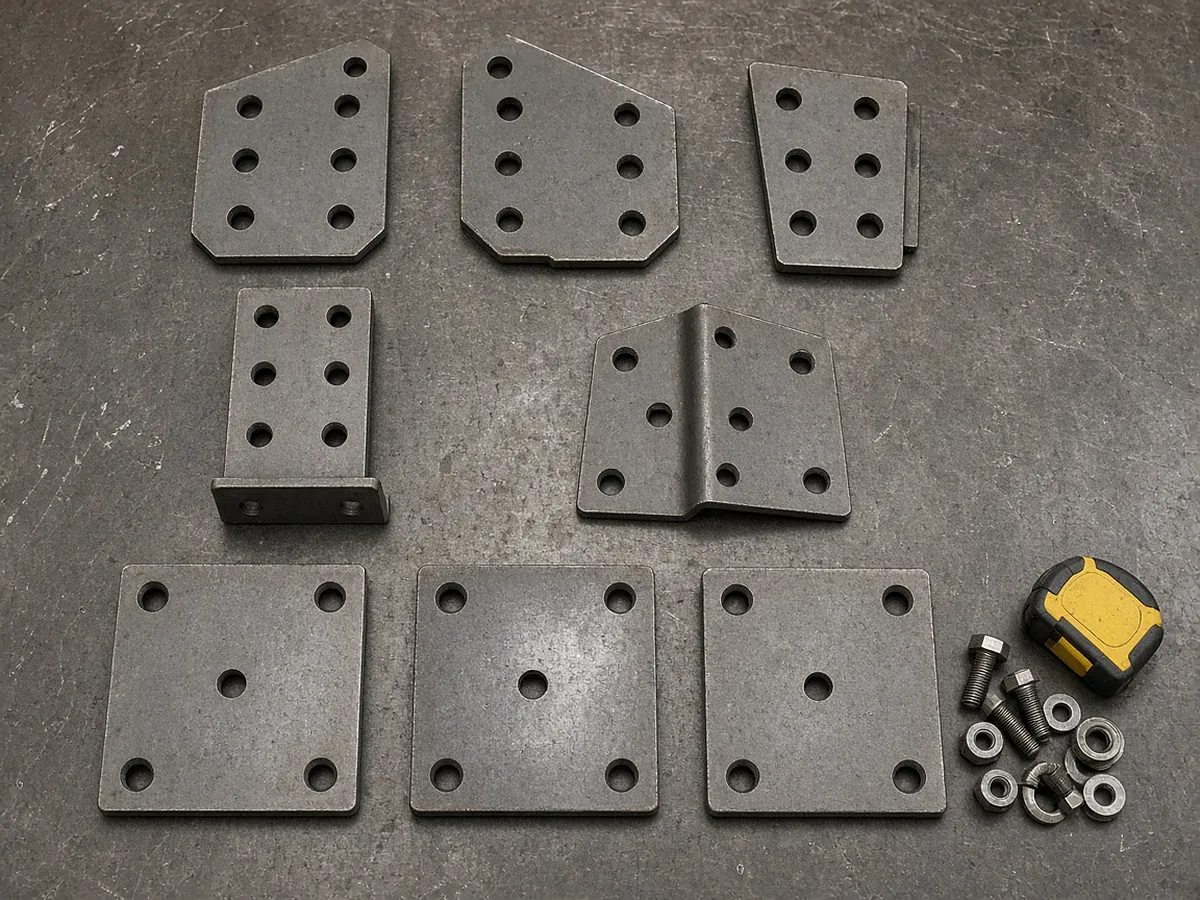
What to test
- Member detection by shape. W, HSS, angles, channels, pipe, built-ups. Does it read sizes from callouts and from beam schedules?
- Column schedules. Graphical and tabular schedules with tiers and splices. Many tools handle beam callouts well and column schedules poorly.
- Connections. Does it count beam ends by framing condition (beam-to-girder, beam-to-column flange or web, skewed, moment)? Shop hours follow connections.
- Misc. metals. Lintels, embeds, stairs, rails on architectural sheets. SketchDeck says misc. and ornamental metals aren't its focus today; ask every vendor the same question.
- Revisions. Can it show members added, changed and deleted between two sets, with the weight difference?
- Export. Into your estimating or fabrication system's import format, or a spreadsheet template you already trust.
- Traceability. Every row clickable back to its location on the sheet.
One job, side by side
- Pick a recent bid you've already taken off: framing plans, schedules, details, and at least one addendum.
- Send the same set to each vendor or trial. Don't let the vendor choose the drawings.
- Record, per tool: members missed, wrong sizes, duplicate counts, connections counted, misc. items found, and the time your estimator spent correcting the result.
- Run the addendum through and compare the change list to what you know changed.
- Check the export lands cleanly in your pricing system.
The number that matters is your estimator's total time to an approved takeoff, not the vendor's processing time.
From plan set to reviewed quantities.
AI-powered, human-approved. Each stage records what ran, what changed and who approved it.
Start with your bid package
Drawings, specs and addenda together: framing plans, column and beam schedules, typical connection details, the structural general notes and the spec sections for structural steel and misc. metals.
AI proposes quantities
Counts, lengths and areas come back with the source sheet and location attached to every row.
Estimator review
Low-confidence items surface first. Your estimator accepts, corrects or rejects each one.
Map to your assemblies
Approved quantities map to your items, assemblies and estimating assumptions.
Price reviewed rows
Labor units, material pricing and supplier quotes apply only to rows that passed review.
Hand off with evidence
Reviewed quantities move on to your estimate, catalog or quote workflow with the source trail still attached.
Supported files and tasks depend on your trade and implementation. Confirm them in the free sample run.
Questions estimators ask.
What are alternatives to PlanSwift for steel takeoff?
Bluebeam Revu for PDF markup and measurement, other on-screen takeoff tools such as On-Screen Takeoff and STACK, steel-specific AI takeoff tools such as SketchDeck.AI, SteelFlo and RenderDraw, and outsourced takeoff services.
How much does PlanSwift cost in 2026?
PlanSwift's site lists Essential at $2,000 per year for one seat and Core at $3,000 per year, with a 14-day free trial. Confirm on planswift.com before buying.
What is SketchDeck?
SketchDeck.AI is browser-based AI takeoff software for structural steel fabricators and erectors. It detects beams, columns, braces and joists on PDF drawings, codes connections, compares revisions and exports to fabrication systems. It says misc. and ornamental metals and residential work aren't its focus.
Do I still need Tekla PowerFab or STRUMIS if I use AI takeoff?
Usually yes, if you use them today. AI takeoff produces the member list; fabrication management systems price it with your labor standards and carry it into purchasing and production.
How should I compare steel takeoff software?
Run the same real bid set, with an addendum, through each tool and record misses, wrong sizes, connection counts, misc. metals found and correction time.
Is RenderDraw steel-only?
No. RenderDraw does AI takeoff across trades and visual CPQ. For steel it proposes member counts and lengths with the source sheet attached for your estimator to review. Get a free sample takeoff.
See what the AI reads on your own drawings.
Send one representative steel plan set. RenderDraw reviews it and follows up with what the AI extracted and what it flagged for review. Your files remain private while the request is assessed, and there is no obligation.
- Upload framing plans, column and beam schedules, typical connection details, the structural general notes and the spec sections for structural steel and misc. metals.
- RenderDraw reviews the set and the scope you want tested.
- We follow up with extracted quantities, flagged items and next steps.
Where these numbers come from
We checked this guide against the standards, manufacturer documents and industry references below (last reviewed November 2026). Figures marked as rules of thumb are typical ranges, not requirements; your project documents, local code and your own cost history govern.