
A bid sheet that shows how you got the number.
One line per item: quantity, unit, material cost, labor hours and rate. The template extends every line, then applies tax, contingency, overhead and profit in the order most estimators use. Change any input and the bid total follows.
- Line items by division
- Labor hours × rate
- Tax, contingency, OH&P
- Excel & Google Sheets
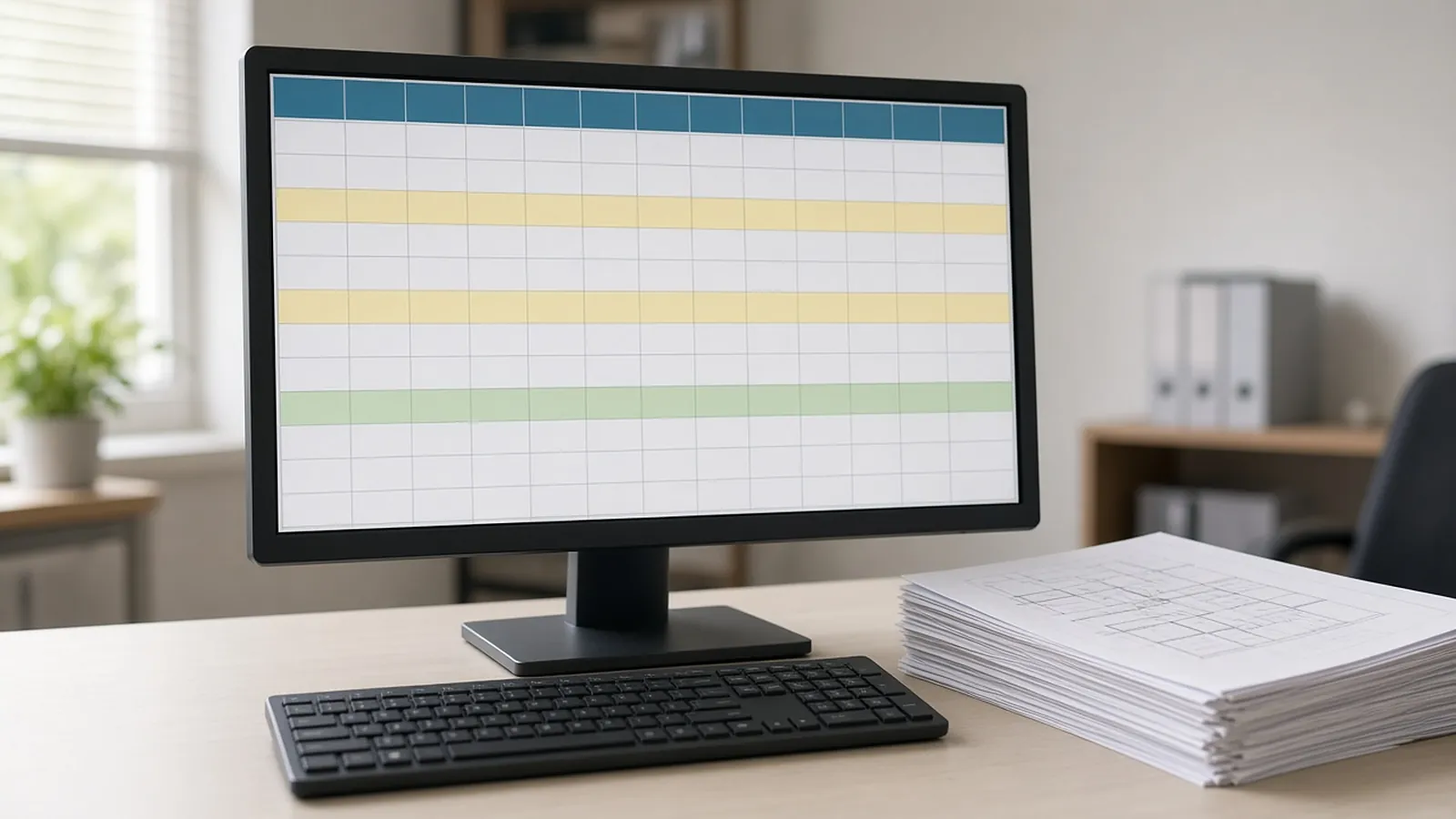
Get the template. Free, no sign-up.
Example values are placeholders. Replace them with your own rates, units and company details.
| Div. | Line item | Qty | Unit | Mat. $/unit | Labor hrs/unit | Total |
|---|---|---|---|---|---|---|
| 09 | Gypsum board partitions (example) | 4,200 | SF | $1.15 | 0.045 | $19,950 |
| 09 | Acoustical ceilings (example) | 3,100 | SF | $2.40 | 0.030 | $14,880 |
Files open in Excel, Google Sheets, Numbers, Word or Google Docs.
From takeoff to bid total.
Enter quantities
From your takeoff, one line per item, with the division for sorting.
Add unit costs
Material per unit, labor hours per unit and labor rate.
Add equipment and subs
Lump sums per line where they apply.
Set markups
Tax, contingency, overhead and profit on the Bid Total sheet.
Make the bid easy to check.
Keep labor in hours
Hours survive wage changes. Dollars do not.
One source per quantity
Note the sheet each quantity came from in a comment or extra column.
Contingency is not profit
Keep them on separate lines so you know what you are carrying.
Review before you send
Have a second person check the largest ten lines; that is where most of the risk sits.
A template organizes the numbers. RenderDraw fills them from the drawings.
RenderDraw proposes quantities from the drawings with the source sheet attached, your estimator approves them, and they flow into line items like these, so the bid is built from reviewed numbers.
- Source on every row. Each proposed quantity keeps the sheet and location it came from.
- Estimator approval before pricing. Your estimator accepts, corrects or rejects proposals; nothing is priced until it is approved.
- Addenda through the same review. Changed sheets go back through takeoff and estimator review.
- Your assemblies, your rates. Approved rows hand off to your assemblies, labor units and pricing inputs.
Contractor bid template, answered.
How do I make a contractor bid sheet?
List each scope item with quantity and unit, add material cost and labor hours per unit, extend each line, total the direct cost, then add tax, general conditions, contingency, overhead and profit.
What is the difference between overhead and profit?
Overhead covers the costs of running the company that are not tied to one job: office, insurance, vehicles, estimating. Profit is what is left after all costs.
Should labor be entered in hours or dollars?
In hours per unit times a rate. Hours stay valid when wage rates change, and they make crew planning easier.
Is this template free?
Yes. Download it, change it, and use it on as many bids as you like.
Does it work in Google Sheets?
Yes. It uses simple formulas and no macros.
Send one plan set. Judge the result yourself.
A focused, no-obligation evaluation on your own drawings. Your sample files remain private while we assess the request.
- Upload one representative plan set (a legible PDF set is the most reliable starting point), plus an addendum if you have one.
- RenderDraw reviews the set and the scope you want tested.
- We follow up with what was extracted, what was flagged for review, and the most useful next step.