
A takeoff sheet a reviewer can actually check.
Most takeoff spreadsheets record a quantity and nothing else. This template records where each number came from (sheet, revision, location and how it was measured) and whether a reviewer approved it. When an addendum lands, you know which lines to recheck.
- Net & order quantity
- Sheet + revision per line
- Review status
- Excel & CSV
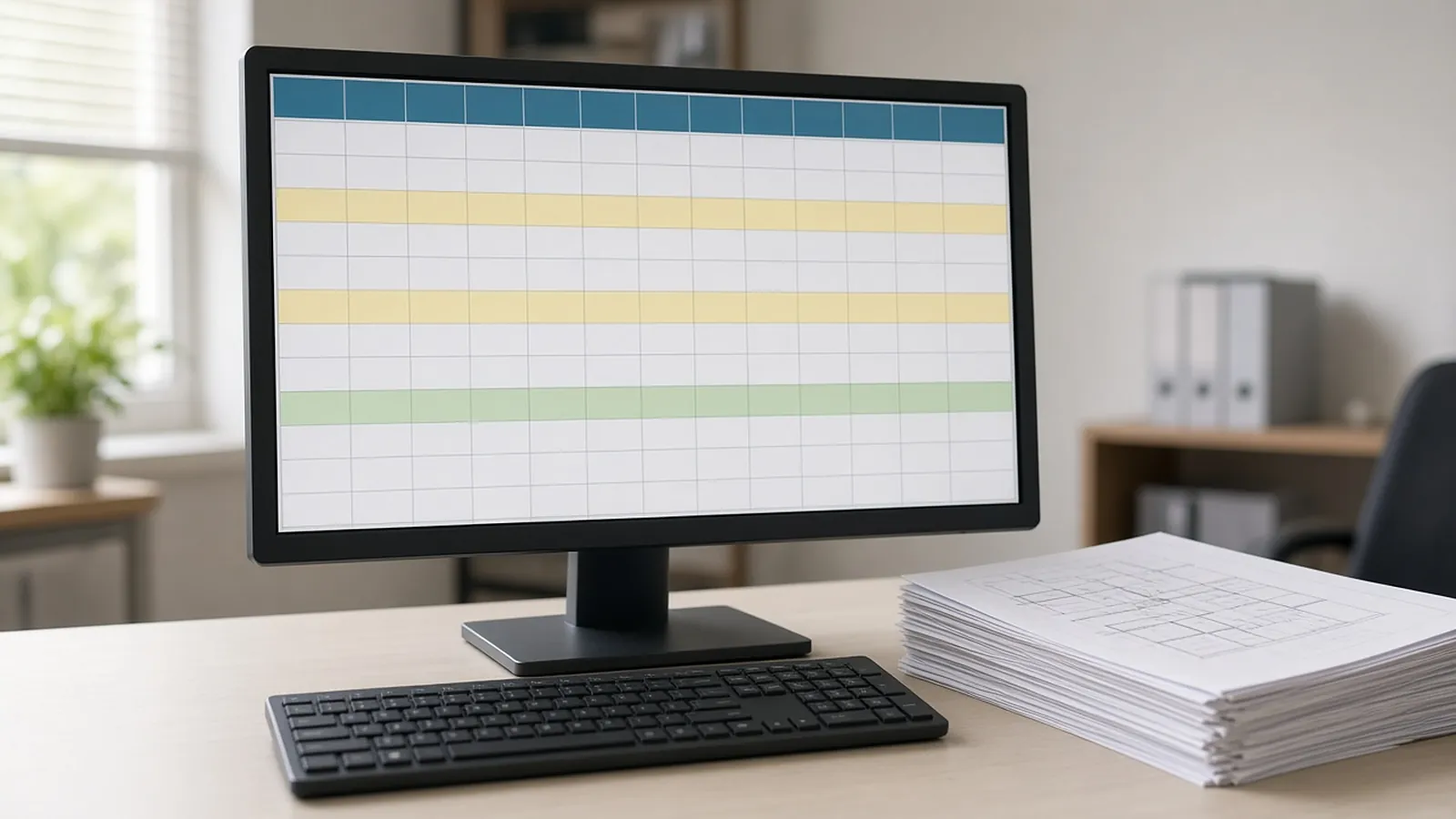
Get the template. Free, no sign-up.
Example values are placeholders. Replace them with your own rates, units and company details.
| Item | Measure | Net qty | Waste | Order qty | Sheet | Rev | Status |
|---|---|---|---|---|---|---|---|
| 5/8" type X gyp board (example) | Area | 6,800 SF | 10% | 7,480 SF | A-201 | 2 | Approved |
| LVT flooring (example) | Area | 4,200 SF | 8% | 4,536 SF | A-401 | 1 | Needs review |
Files open in Excel, Google Sheets, Numbers, Word or Google Docs.
A quantity without a source is a guess.
Sheet and revision
Lets anyone find the measurement again and spot lines affected by a revised sheet.
Measure type
Count, length, area, volume or weight, so units never get mixed.
Derivation
Wall height, typical floor multiplier, or schedule used. The assumption behind the number.
Review status
Needs review, approved, rejected or superseded. Nothing goes to pricing unreviewed.
Before the takeoff goes to pricing.
- Legend items excluded. Symbols in legends and keys are not installed quantities.
- Typical floors multiplied. And noted in the derivation.
- Schedules match plans. Door, fixture and finish schedules agree with plan counts.
- Latest revision only. Superseded lines marked, not deleted.
Same columns, filled from the drawings.
This is the same structure RenderDraw uses: every proposed quantity carries its source sheet and confidence, and goes to your estimator for approval before pricing.
- Source on every row. Each proposed quantity keeps the sheet and location it came from.
- Estimator approval before pricing. Your estimator accepts, corrects or rejects proposals; nothing is priced until it is approved.
- Addenda through the same review. Changed sheets go back through takeoff and estimator review.
- Your assemblies, your rates. Approved rows hand off to your assemblies, labor units and pricing inputs.
Material takeoff template, answered.
What is a material takeoff?
A list of the materials and quantities needed for a project, measured from the drawings and specifications: counts, lengths, areas, volumes and weights.
What should a material takeoff template include?
Item, trade or CSI code, measurement type, net quantity, unit, waste, order quantity, and where the number came from: sheet, revision, location and derivation. A review status column helps too.
How much waste should I add?
It depends on the material and layout. Use your company's standards by material; for example, flooring is often 5-15%, more for diagonal patterns.
Why track revision on each line?
When an addendum revises a sheet, you can filter for lines from that sheet and recheck only those.
Can I import the CSV into other software?
Yes. The CSV has plain columns that most estimating tools and spreadsheets can import. Map the columns on import.
Send one plan set. Judge the result yourself.
A focused, no-obligation evaluation on your own drawings. Your sample files remain private while we assess the request.
- Upload one representative plan set (a legible PDF set is the most reliable starting point), plus an addendum if you have one.
- RenderDraw reviews the set and the scope you want tested.
- We follow up with what was extracted, what was flagged for review, and the most useful next step.