
Digital twins: simulation, world models and BIM.
Digital twin means different things in different industries: a physics simulation of equipment, a learned "world model" in AI, or a BIM-based record of a building. RenderDraw Digital Twin focuses on asset visualization for Salesforce, connecting customers' installed assets to sales and service.
See configuration, pricing and quoting on one of your own products.
- Three meanings
- BIM vs. simulation
- Asset visualization
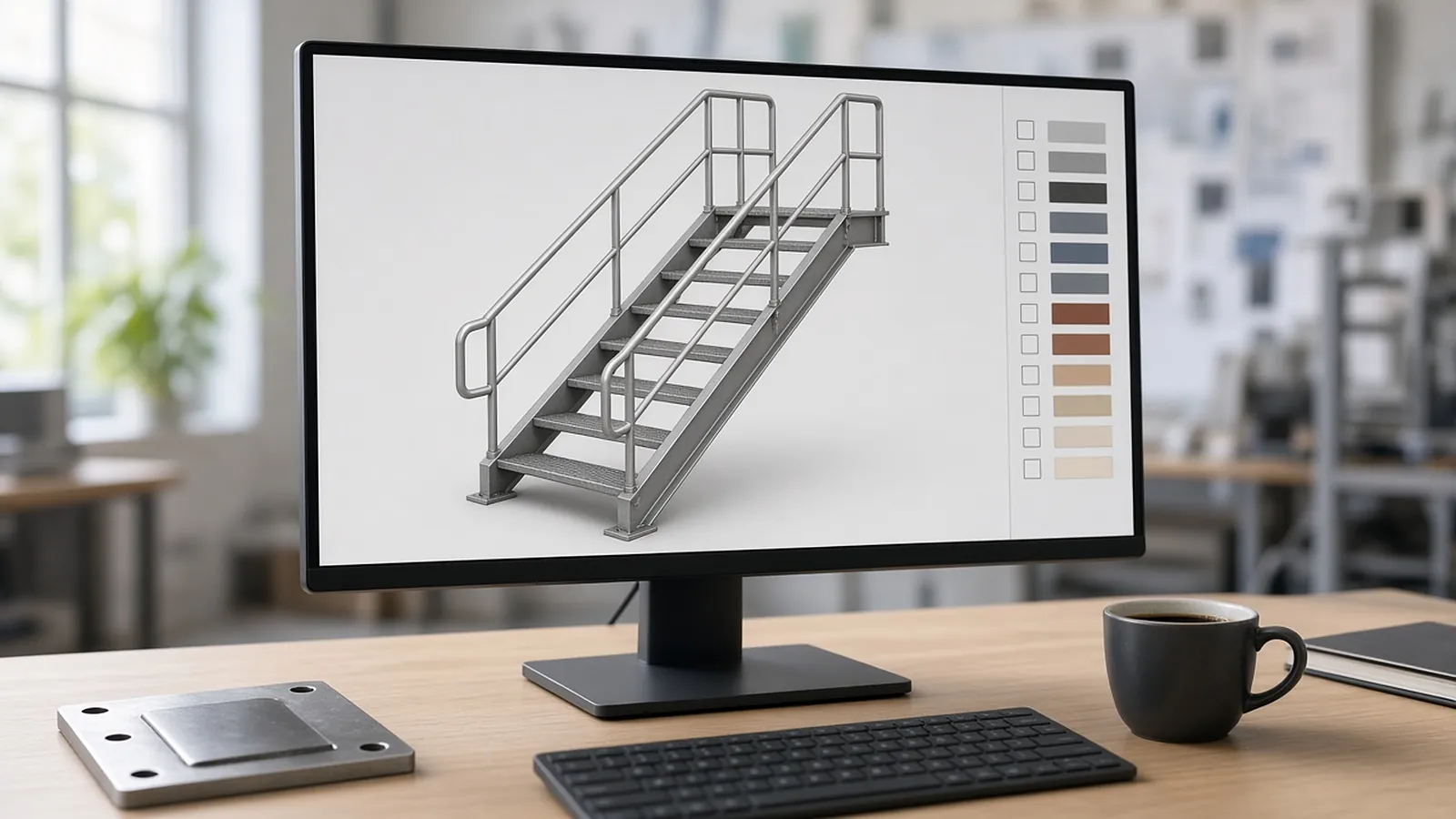
Which "digital twin" do you mean?
| Type | What it is | Typical use |
|---|---|---|
| Simulation twin | Physics or behavior model of an asset or process | Predict performance, test scenarios |
| World model (AI) | AI model that learns how an environment behaves | Robotics, autonomous systems research |
| BIM / building twin | Building model linked to operational data | Facilities management, renovations |
| Asset visualization twin | Visual record of installed products tied to customer records | Sales and service (RenderDraw Digital Twin for Salesforce) |
Test on one of your own sets.
Pick a representative bid
One you already priced, with an addendum if possible.
Run it in each tool
Time takeoff and review separately.
Compare outputs
Counts, lengths, flagged items and how fast you can verify them.
Check the handoff
How approved quantities reach your pricing.
Questions estimators ask
What is digital twin simulation?
Using a virtual model of an asset or system to simulate behavior and test scenarios.
Digital twin vs world model?
A digital twin mirrors a specific real asset; a world model is an AI's learned model of an environment.
Digital twin vs BIM?
BIM is the building information model; a twin connects it (or another model) to real-world operational data.
What does RenderDraw Digital Twin do?
Asset visualization for Salesforce.
See visual CPQ on your own products.
Book a demo to walk through configuring, pricing and quoting one of your products with rules enforced and every price explained.
- Pick one product line with real rules and pricing.
- Walk through configuration, pricing and the quote with RenderDraw.
- Decide with your own product, not a canned demo.