
Forma Takeoff (formerly Autodesk Takeoff), classification and where AI fits.
Autodesk Takeoff, now sold as Forma Takeoff under Autodesk's Forma construction brand, is a cloud tool for 2D sheet takeoff and automated quantities from 3D models, organized by classification systems. Autodesk lists it at $1,290 per user per year ($108 per month). This page covers what it does, the AI features Autodesk lists, and when a separate AI takeoff from PDFs makes sense.
Send one plan set. See what the AI extracts and what it flags for review. No obligation.
- Renamed Forma Takeoff
- $1,290/yr per user
- 2D + model quantities
- Automated Symbol Detection
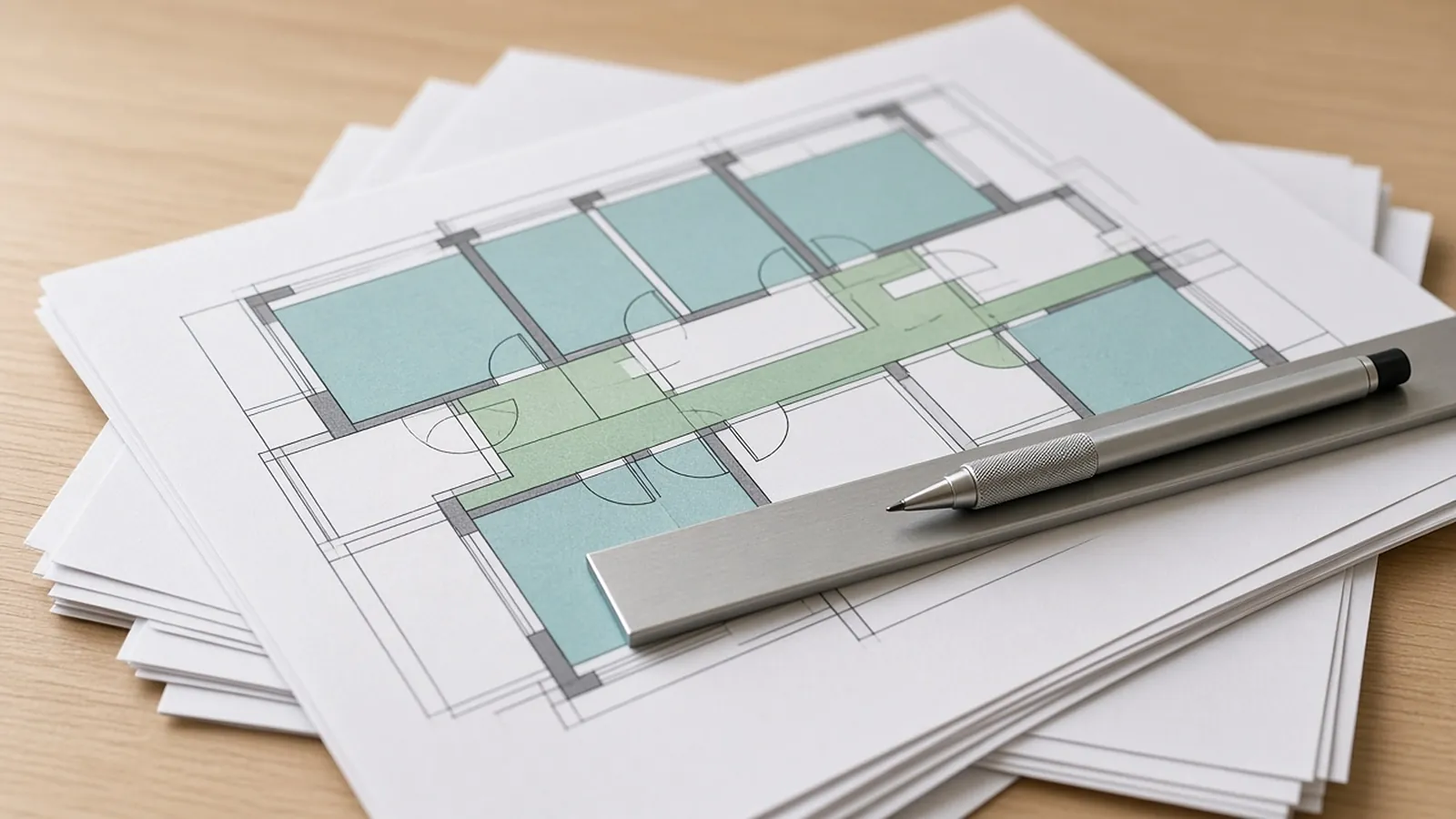
Forma Takeoff, formerly Autodesk Takeoff
Autodesk now markets the product as Forma Takeoff. Its pricing page lists $1,290/yr ($108/mo) per user, plus an unlimited-users option through sales. Autodesk describes it as:
- 2D takeoff: linear, count and area takeoff on uploaded sheets, with multiple quantity outputs and custom formulas.
- 3D takeoff: automated quantities from building information models (Revit and IFC models).
- Aggregated quantities: 2D and 3D quantities rolled up by classification, type and location, with export to Excel and other estimating tools.
- Multiple classifications: upload custom classification systems to standardize takeoffs.
- Conceptual estimates: apply unit costs to takeoff types.
- Document management: drawings and models kept on the latest version.
What Autodesk lists
On its product page, Autodesk lists these AI capabilities in Forma Takeoff:
- Automated Symbol Detection: trace one symbol, and matching symbols on the drawing are detected and counted.
- Autodesk Assistant: conversational access to information in published specifications.
- Specifications tool: breaks large spec books into searchable sections.
- Construction IQ: risk insights in preconstruction.
Symbol detection speeds up counts. Lengths, areas, and reconciling schedules against plans still take estimator time, as they do in any tool.
Why it matters
Takeoff tools organize quantities by classification so they roll up into estimate sections consistently, using MasterFormat, UniFormat or a company code list. Pick one system per company, map your takeoff types to it, and keep it stable. Changing codes mid-year breaks comparisons between jobs.
What each is built for
| Tool | How takeoff works | Good fit |
|---|---|---|
| Forma Takeoff | Manual 2D tools plus symbol detection; automated quantities from models | Teams in the Autodesk ecosystem, especially when design teams deliver models |
| RenderDraw | AI proposes counts, lengths and areas from PDF sets; estimator reviews each row with its source sheet | Trade estimators bidding from PDF sets who want proposed quantities to review |
Product names are trademarks of their owners. Features and pricing as listed on vendor pages in November 2026; confirm with each vendor.
Questions to ask
- Do you get models? If your designers deliver Revit or IFC models and you trust how they're built, model takeoff is a real advantage. Most trade bid packages are still PDFs.
- Do you already use Autodesk's construction tools? Forma Takeoff shares documents with the rest of that platform.
- What still takes the time? Time the takeoff and the review separately on one real bid in each tool.
- How do quantities reach pricing? Forma Takeoff exports to Excel and integrates with other estimating tools. Check the path to your system.
Limits
Model-based quantities are only as good as the model. Models often leave out connections, hangers, fittings and miscellaneous items that subcontractors price, so check model quantities against the drawings before you price them.
From plan set to reviewed quantities.
AI-powered, human-approved. Each stage records what ran, what changed and who approved it.
Start with your bid package
Drawings, specs and addenda together: the plan set, legends and schedules, the spec sections for your scope and any addenda.
AI proposes quantities
Counts, lengths and areas come back with the source sheet and location attached to every row.
Estimator review
Low-confidence items surface first. Your estimator accepts, corrects or rejects each one.
Map to your assemblies
Approved quantities map to your items, assemblies and estimating assumptions.
Price reviewed rows
Labor units, material pricing and supplier quotes apply only to rows that passed review.
Hand off with evidence
Reviewed quantities move on to your estimate, catalog or quote workflow with the source trail still attached.
Supported files and tasks depend on your trade and implementation. Confirm them in the free sample run.
The AI drafts. Your estimator decides.
Speed is easy to promise. Defensible numbers are the job, so RenderDraw keeps the estimator in control of every quantity that gets priced.
- Source on every row. Each quantity keeps its source sheet, location and reviewer decision.
- Lowest confidence first. The review queue shows the drawing tile with the detection highlighted and the extracted value.
- Uncertain items flagged, not hidden. Anything the AI can't confirm goes to the estimator rather than being guessed.
- Nothing priced before approval. Rows move on to pricing only after they are accepted.
Questions estimators ask.
Is Autodesk Takeoff now called Forma Takeoff?
Yes. Autodesk now markets it as Forma Takeoff, as part of its Forma construction offering.
How much does Forma Takeoff cost?
Autodesk's pricing page lists $1,290 per user per year, or $108 per month, with an unlimited-users plan through sales (November 2026).
Does Forma Takeoff have AI?
Autodesk lists Automated Symbol Detection for counts, Autodesk Assistant and a Specifications tool for spec books, and Construction IQ for risk insights.
Can Forma Takeoff do model-based takeoff?
Yes. It generates quantities from building information models and combines them with 2D takeoff by classification.
Should I use Forma Takeoff or RenderDraw?
Use Forma Takeoff if you work in the Autodesk ecosystem with models. RenderDraw is for teams that want AI-proposed quantities from PDF sets with the source sheet on every row. You can test it with a free sample takeoff.
See what the AI reads on your own drawings.
Send one representative trade plan set. RenderDraw reviews it and follows up with what the AI extracted and what it flagged for review. Your files remain private while the request is assessed, and there is no obligation.
- Upload the plan set, legends and schedules, the spec sections for your scope and any addenda.
- RenderDraw reviews the set and the scope you want tested.
- We follow up with extracted quantities, flagged items and next steps.
Where these numbers come from
We checked this guide against the standards, manufacturer documents and industry references below (last reviewed November 2026). Figures marked as rules of thumb are typical ranges, not requirements; your project documents, local code and your own cost history govern.
- Forma Takeoff pricing (Autodesk) — $1,290/yr ($108/mo) per user
- Forma Takeoff overview (Autodesk) — capabilities and AI features
- Construction takeoff software (Autodesk)