
How to measure a room with your iPhone.
Apple's Measure app is fine for a quick wall or a box. To capture a whole room (walls, openings, height and a plan you can export) use a room measurement app. Here's how both work and when to use which.
On the App Store · iPhone & iPad · iOS/iPadOS 17.6 or later · No account needed for local work.
- Measure app basics
- How AR measuring works
- Whole-room capture
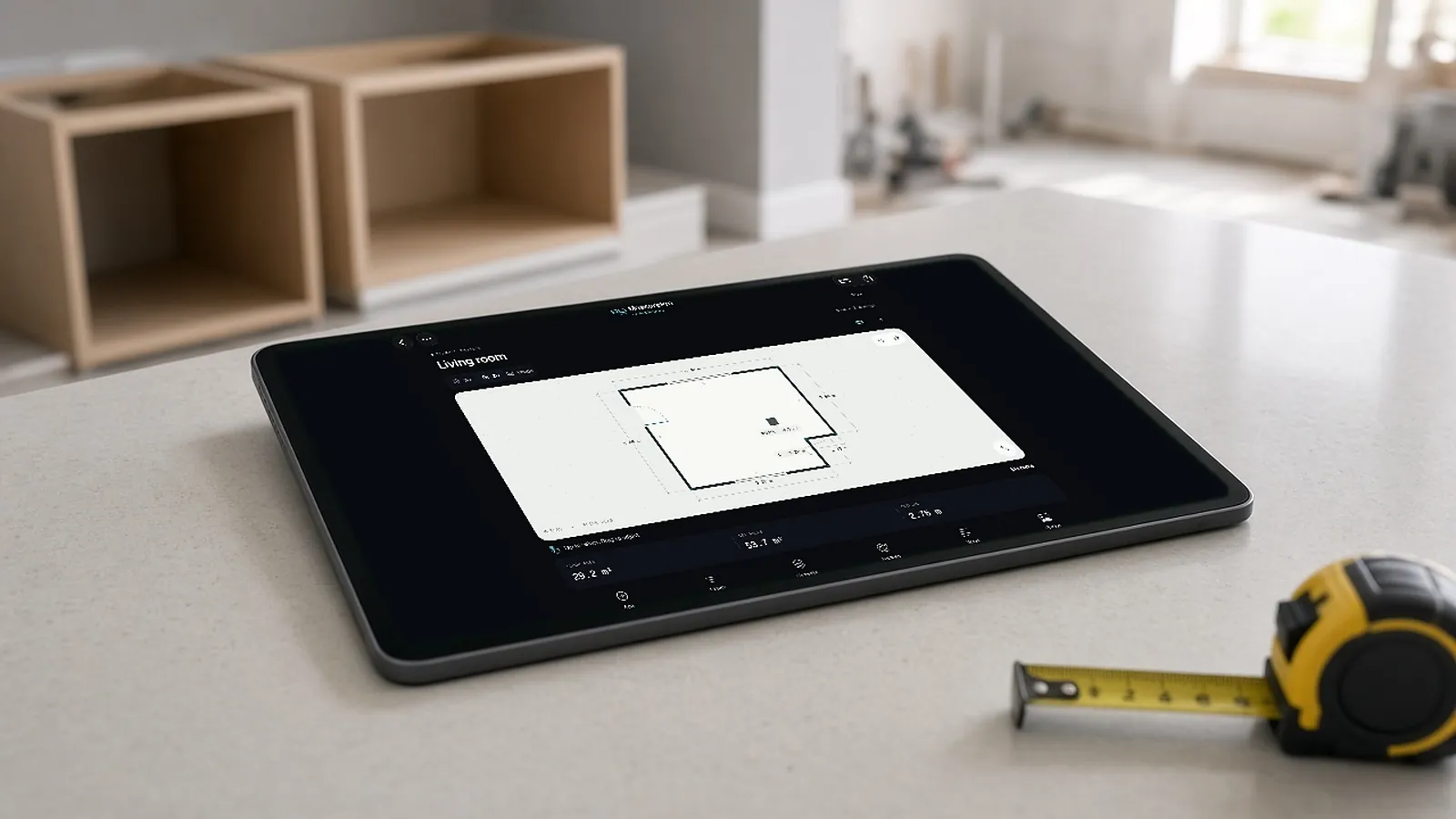
Which to use.
MeasureApple Measure app
- Point-to-point distances
- Quick checks of a wall or object
- Uses AR and LiDAR where available
- No floor plan or export of a room
MeasureProMeasurePro
- Whole-room capture to 2D plan and 3D room
- Corrections to walls, openings, heights
- Photos and notes per room
- PDF, CSV, JSON, USDZ export
How measure apps work: the phone tracks its position with motion sensors and the camera (augmented reality), and on LiDAR devices also reads depth directly, then calculates distances between points you place.
Measure the room. Hand off a measured plan.
On the App Store for iPhone and iPad (iOS/iPadOS 17.6 or later). Local capture, editing, notes and reports work on the device without an account.
- Capture on site. Scan with LiDAR on supported devices, tap to capture corners without LiDAR where supported, or trace linear runs for pipe and conduit work.
- Correct what changes the job. Adjust wall geometry and heights; add or edit doors, windows, openings and pillars; enter notches and bump-outs; undo and redo.
- Read dimensions in context. Move between a dimensioned 2D floor plan and a 3D room, in feet and inches or metric.
- Keep the evidence. Site photos, room notes, installation instructions and approximate finish references stay with the room.
- Export the handoff. PDF report, CSV quantities, JSON data or a USDZ model.
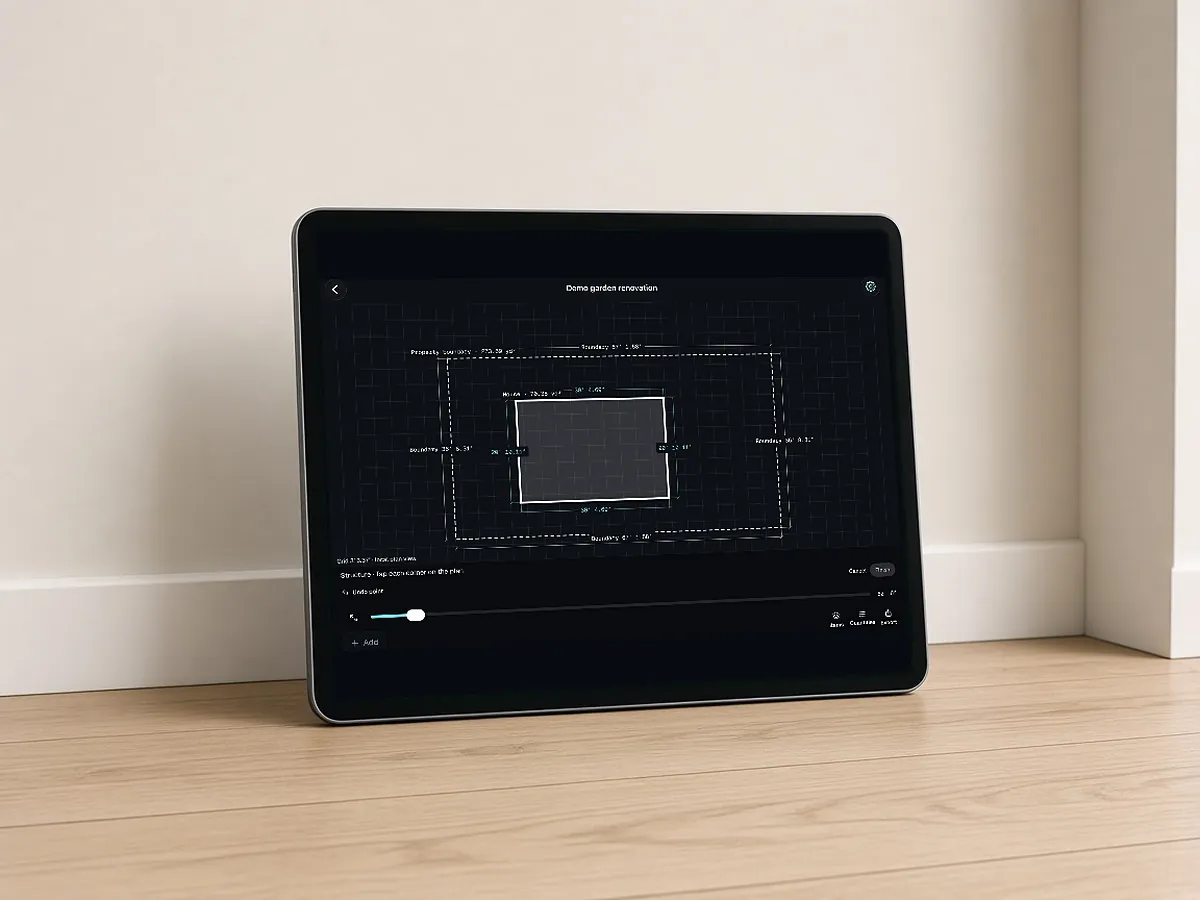
Questions estimators ask
How do I measure a room with my iPhone?
For single distances, use Apple's Measure app. For a whole room with a plan, scan it with a room app like MeasurePro.
How does a measure app work?
It uses AR tracking from the camera and motion sensors, plus LiDAR depth on supported devices, to measure between points.
Are iPhone measure apps accurate?
Good for estimates and planning; verify critical dimensions with a tape or laser.
What does MeasurePro cost?
See the App Store listing for current pricing. It runs on iPhone and iPad (iOS/iPadOS 17.6+).
Start with a room. Plan the work that follows.
Download MeasurePro for local work. When you want measurements to flow into takeoff review, pricing and proposals, evaluate the connected RenderDraw Platform workflow.
- Download MeasurePro from the App Store.
- Measure and correct one representative room.
- Bring it to RenderDraw to walk one quantity through review, pricing and output.