
SteelFlo compared: PowerFab, Bluebeam, PlanSwift, STACK and manual.
SteelFlo is an AI steel takeoff tool for fabricators. People compare it with very different products: fabrication management (Tekla PowerFab), general takeoff (Forma Takeoff, formerly Autodesk Takeoff; Bluebeam, PlanSwift, STACK) and plain manual estimating. Here's what each category is for and where RenderDraw fits.
Send one plan set. See what the AI extracts and what it flags for review. No obligation.
- Six comparisons on one page
- Category, not feature, claims
- Verify with each vendor
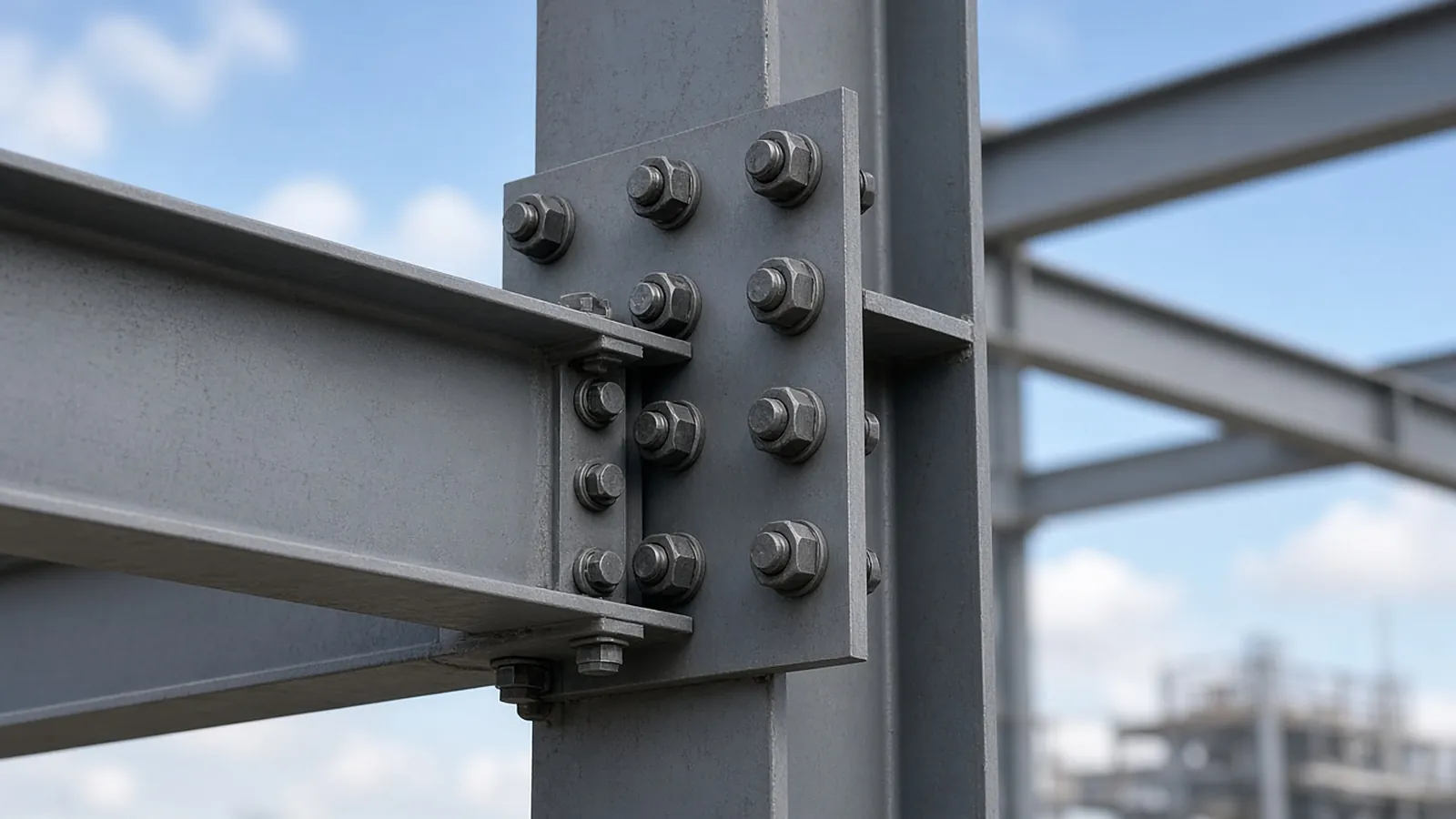
What each option is built to do.
| Option | Category | Steel takeoff approach | Notes |
|---|---|---|---|
| SteelFlo | AI steel takeoff and pricing | AI detects members on PDFs; estimator verifies | Publishes pricing on its website (verify current plans at steelfloai.com) |
| Tekla PowerFab | Fabrication management suite (Trimble) | Estimating module within a fabrication MRP/ERP | Different scope: purchasing, production, shipping |
| Forma Takeoff (formerly Autodesk Takeoff) | General 2D/3D takeoff | 2D measurement and model-based quantities | Strong when you have models |
| Bluebeam Revu | PDF markup and measurement | Mostly manual measurement with tool sets and custom columns; the Bluebeam Max plan adds AI review and comparison | See our Bluebeam steel takeoff guide |
| PlanSwift / STACK | General on-screen takeoff | Point-and-click with assemblies, plus newer AI counting (PlanSwift Takeoff BOOST, STACK Autocount) | Multi-trade, not steel-specific |
| Manual / Excel | Paper or PDF plus spreadsheet | Scale, count and key by hand | Full control, slowest |
| RenderDraw | AI takeoff to bid, multi-trade + visual CPQ | AI proposes members, weights and connections; estimator approves | Source link on every row; revision deltas; handoff to quoting |
Product names are trademarks of their owners. Descriptions are category-level as of Oct 2026; confirm features and pricing with each vendor.
Pick by the problem you actually have.
"Takeoff takes too long"
Compare AI-assisted tools (SteelFlo, RenderDraw and others) on your own set. Score review time, not just detection.
"We need shop control"
That is fabrication management (Tekla PowerFab and similar), a different purchase from takeoff.
"We bid many trades or sell configured products"
Multi-trade takeoff with a quoting handoff matters more than steel-only depth.
From plan set to reviewed quantities.
AI-powered, human-approved. Each stage records what ran, what changed and who approved it.
Start with your bid package
Drawings, specs and addenda together: framing plans, column and beam schedules, typical connection details, the structural general notes and the spec sections for structural steel and misc. metals.
AI proposes quantities
Counts, lengths and areas come back with the source sheet and location attached to every row.
Estimator review
Low-confidence items surface first. Your estimator accepts, corrects or rejects each one.
Map to your assemblies
Approved quantities map to your items, assemblies and estimating assumptions.
Price reviewed rows
Labor units, material pricing and supplier quotes apply only to rows that passed review.
Hand off with evidence
Approved quantities move on to pricing and visual CPQ with the evidence trail still attached.
Supported files and tasks depend on your trade and implementation. Confirm them in the free sample run.
The AI drafts. Your estimator decides.
Speed is easy to promise. Defensible numbers are the job, so RenderDraw keeps the estimator in control of every quantity that gets priced.
- Source on every row. Each quantity keeps its source sheet, location and reviewer decision.
- Lowest confidence first. The review queue shows the drawing tile with the detection highlighted and the extracted value.
- Uncertain items flagged, not hidden. Anything the AI can't confirm goes to the estimator rather than being guessed.
- Nothing priced before approval. Rows move on to pricing only after they are accepted.
Questions estimators ask
What is SteelFlo?
An AI steel takeoff and estimating tool for fabricators that detects steel members on PDF drawings for estimator verification. See steelfloai.com for current details.
SteelFlo vs Tekla PowerFab: which do I need?
They solve different problems. PowerFab is fabrication management with estimating; SteelFlo is AI takeoff. Many shops would evaluate them separately.
SteelFlo vs Bluebeam or PlanSwift?
Bluebeam and PlanSwift are general-purpose takeoff tools. Both now offer AI add-ons (Bluebeam Max for AI drawing review and comparison; PlanSwift Takeoff BOOST for auto takeoff and auto count), but neither is built around steel members. Steel-specific AI tools propose members for you to verify. Test both approaches on the same set.
How is RenderDraw different from SteelFlo?
RenderDraw is multi-trade AI takeoff with estimator review, source links on every row and a handoff into pricing and visual CPQ. Compare them on your own drawings.
Is manual steel estimating still viable?
Yes, for low volume. The cost is estimator hours and the bids you can't chase.
See what the AI reads on your own drawings.
Send one representative steel plan set. RenderDraw reviews it and follows up with what the AI extracted and what it flagged for review. Your files remain private while the request is assessed, and there is no obligation.
- Upload framing plans, column and beam schedules, typical connection details, the structural general notes and the spec sections for structural steel and misc. metals.
- RenderDraw reviews the set and the scope you want tested.
- We follow up with extracted quantities, flagged items and next steps.