
Reviewing 3D scanner apps for contractors, not for fun.
Most 3D scanner app reviews judge how good the model looks. For estimating, what matters is whether the measurements are right, whether you can fix what the scan missed, and whether the output fits your next step. Use these criteria, then try any app on a real room.
On the App Store · iPhone & iPad · iOS/iPadOS 17.6 or later · no account for local work
- Review criteria
- Test on a real room
- Exports that fit
- MeasurePro, honestly
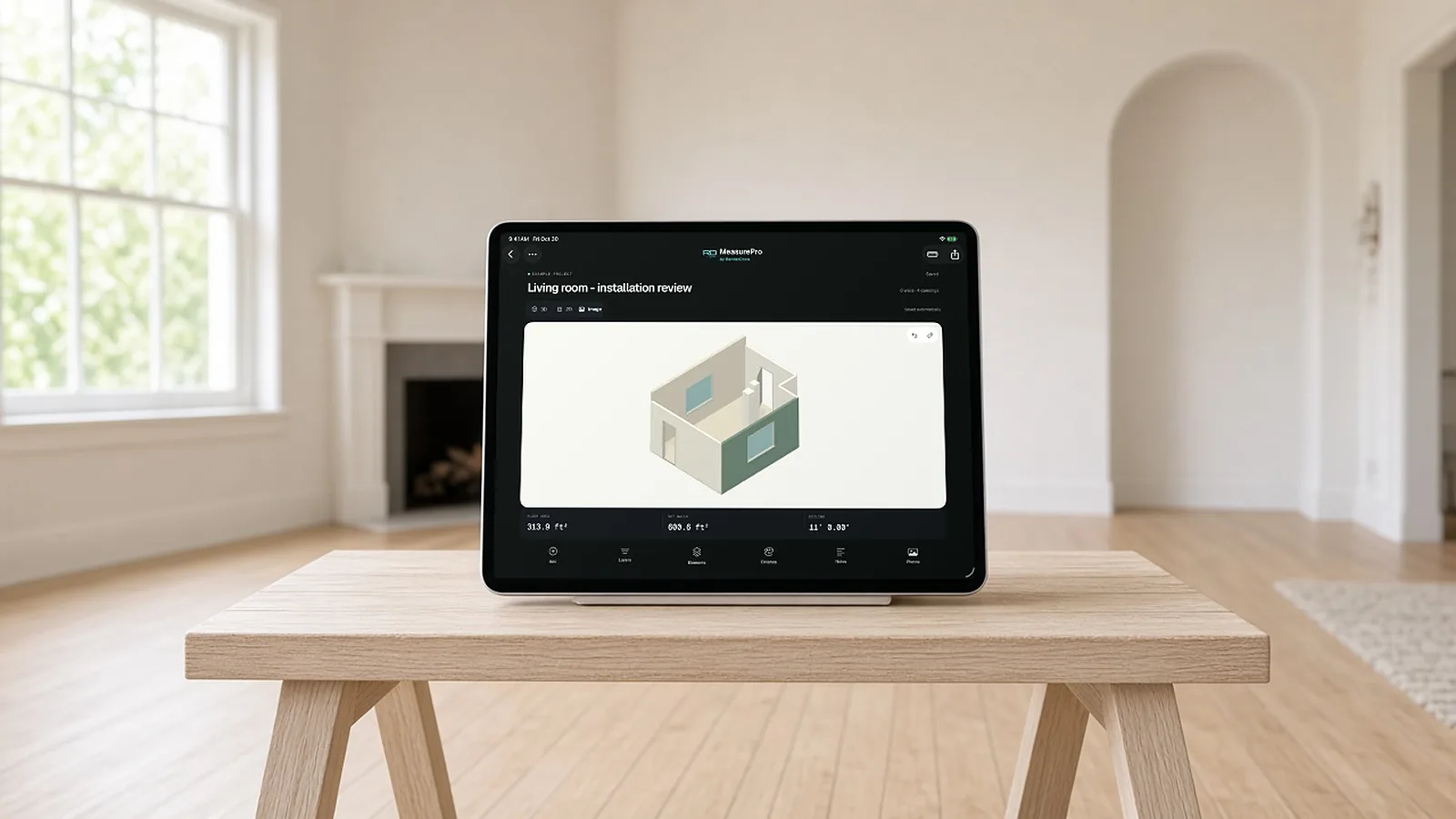
What to score in a review.
| Criterion | Why it matters | MeasurePro |
|---|---|---|
| Capture method | LiDAR, photos or manual tapping each have tradeoffs | LiDAR on supported devices; tap-to-capture without LiDAR; linear runs |
| Editing | Every scan misses something | Walls, heights, doors, windows, openings, pillars, notches, bump-outs |
| Measurements in context | Lengths, heights, openings and clearances you can read | 2D dimensioned plan and 3D room; ft-in or metric |
| Evidence | Photos and notes explain the numbers | Saved photos, room notes, installation instructions |
| Exports | Fits your estimate or your customer | PDF, CSV, JSON, USDZ |
| Offline and accounts | Basements and new builds lack signal | Local work offline; no account needed |
| Cost | Free tiers vary widely | No account for local work |
Review apps on the same room.
Pick a real room
With at least one odd wall, a door, a window and a column or bump-out.
Tape three dimensions
One long wall, one height, one opening.
Scan with each app
Same phone, same lighting.
Score
Error on your three dimensions, editing time, and whether the export works in your estimate.
Capture, correct, export.
Capture on site
Scan with LiDAR on supported devices, tap to capture corners where LiDAR is not available, or trace linear runs for pipe and conduit.
Correct what matters
Adjust walls and heights; add or edit doors, windows, openings and pillars; enter notches and bump-outs. Undo and redo as you go.
Check in 2D and 3D
Dimensioned floor plan and 3D room, in feet and inches or metric: wall lengths and heights, openings, clearances, window heights.
Export
PDF report, CSV quantities, JSON data or a USDZ 3D model, from the saved, corrected workspace.
What MeasurePro is, and is not.
- A room measurement app. It captures and documents existing rooms on iPhone and iPad.
- Not a quote generator on its own. Configuration, pricing, approvals and proposals belong to the connected RenderDraw Platform workflow, which is set up separately.
- Not drawing-based takeoff. Takeoff from plan sets is a separate RenderDraw workflow.
- Check before you order. Verify critical dimensions against site conditions before ordering materials. Saved wall colors are approximate references.
Take measurements into the estimate.
MeasurePro works on its own. When your team wants field measurements to reach takeoff review, product configuration, pricing approvals and proposals in Salesforce, RenderDraw Platform connects that workflow.
- Capture Measure and document the site in MeasurePro.
- Review Check corrected quantities, scope and evidence.
- Configure & price Apply approved products, pricing and assumptions in your configured workflow.
- Approve & propose Resolve exceptions, get approvals and prepare the quote.
Connected workflows need compatible accounts and organization setup. Platform access and commercial terms are separate from the app.
Evaluate the connected workflow Book a demo3d scanner app review, answered.
What is the best 3D scanner app for contractors?
The one that gets your dimensions right on your rooms and exports in a format your estimate can use. Test two or three apps on the same room against tape-measured dimensions before you choose.
Do I need LiDAR for a 3D scanner app?
LiDAR helps with fast, scale-correct capture. MeasurePro also offers tap-to-capture on supported devices without LiDAR.
Are 3D scanner apps accurate enough for estimating?
They can be a good starting point. Verify critical dimensions against the site before ordering materials, and use an app that lets you correct the plan.
What does MeasurePro cost?
MeasurePro is on the App Store; see the listing for current pricing. Local capture, editing, notes and reports work without an account. Connected RenderDraw Platform and Salesforce workflows are set up and licensed separately.
Does it work offline?
Yes, for local work. Capture, saved-plan editing, photos and notes work on your device without a connection. Connected workflows need a connection.
Start with one room.
Download MeasurePro and measure a room on your next site visit. When you want those measurements to reach takeoff review, pricing and proposals, we'll walk one quantity through the connected workflow with you.
- Download MeasurePro on iPhone or iPad. No account needed for local work.
- Capture, correct and export a room on your next site visit.
- Bring that room to a RenderDraw demo to see the connected workflow.