
Room scanner app built for estimators.
Scan a room with LiDAR, correct the walls and openings that change the job, and hand the office a measured plan with photos, notes and exports, not a camera roll.
Requires iOS or iPadOS 17.6 or later. LiDAR scanning requires supported hardware.
- App Store download, no account for local work
- LiDAR scan or tap-to-capture
- PDF, CSV, JSON & USDZ exports
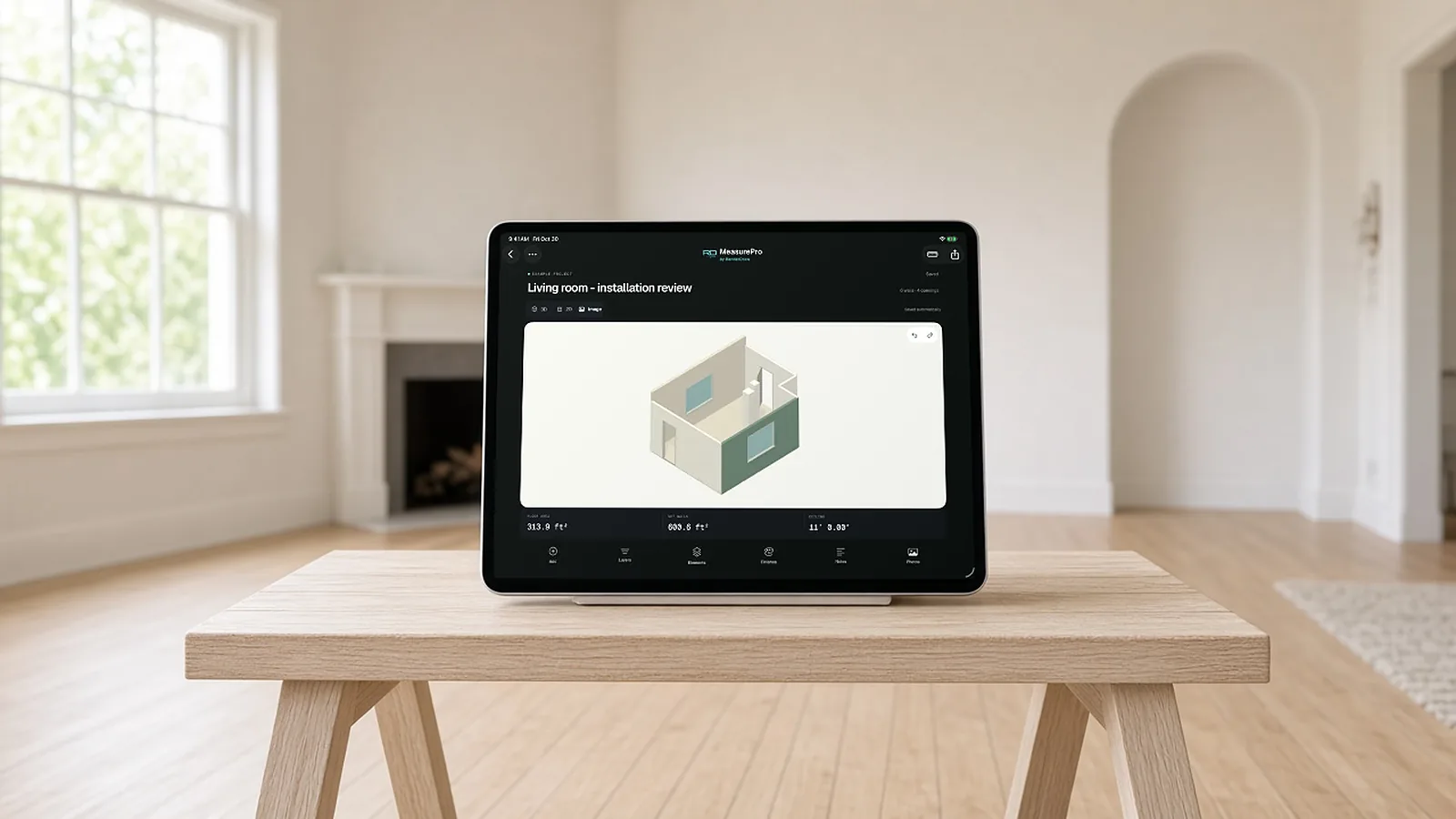
A measurement is only useful if the next person can trust it.
The room is in one place, the sketch in another, the photos on someone's phone and the numbers in a text message. Whoever builds the estimate has to translate between all of them.
Estimating & scope review
Review floor and wall quantities alongside photos and notes before applying material allowances, labor and prices.
Renovation & remodeling
Document existing rooms, openings and wall details before deciding what to keep or replace.
Field & sales teams
Give the office a measured plan and site context to review, then agree how it reaches your sales process.
From site visit to measured takeoff.
Five steps, all on the device in your pocket.
Capture the room
Scan with LiDAR on supported devices, tap to capture corners where LiDAR isn't available, or trace linear runs for pipe and conduit.
Correct what changes the job
Adjust wall geometry and heights. Add or edit doors, windows, openings and pillars; enter notches and bump-outs. Undo and redo as you refine.
Read dimensions in context
Switch between a dimensioned 2D floor plan and a 3D room. Check wall lengths, heights, opening sizes, clearances and window heights, in feet and inches or metric.
Keep the site visit with it
Save photos, room notes, installation instructions and approximate finish references with the room.
Share a measured takeoff
Review room quantities, then export PDF, CSV, JSON or USDZ for the next person.
Then hand it off
Send the corrected room to the office, or into a configured RenderDraw Platform workflow.
One room, four useful outputs.
Each export serves a different next step. Review quantities before you apply estimating assumptions and prices.
| Format | Use it to |
|---|---|
| Review scope: dimensioned plan, measurements, notes, finish references and photos in a shareable report | |
| CSV | Work with quantities in a spreadsheet (meters, m² and radians regardless of display units) |
| JSON | Hand off structured data: geometry, revision history, notes, finishes and embedded photos |
| USDZ | Inspect the corrected 3D geometry with openings, pillars and approximate colors |
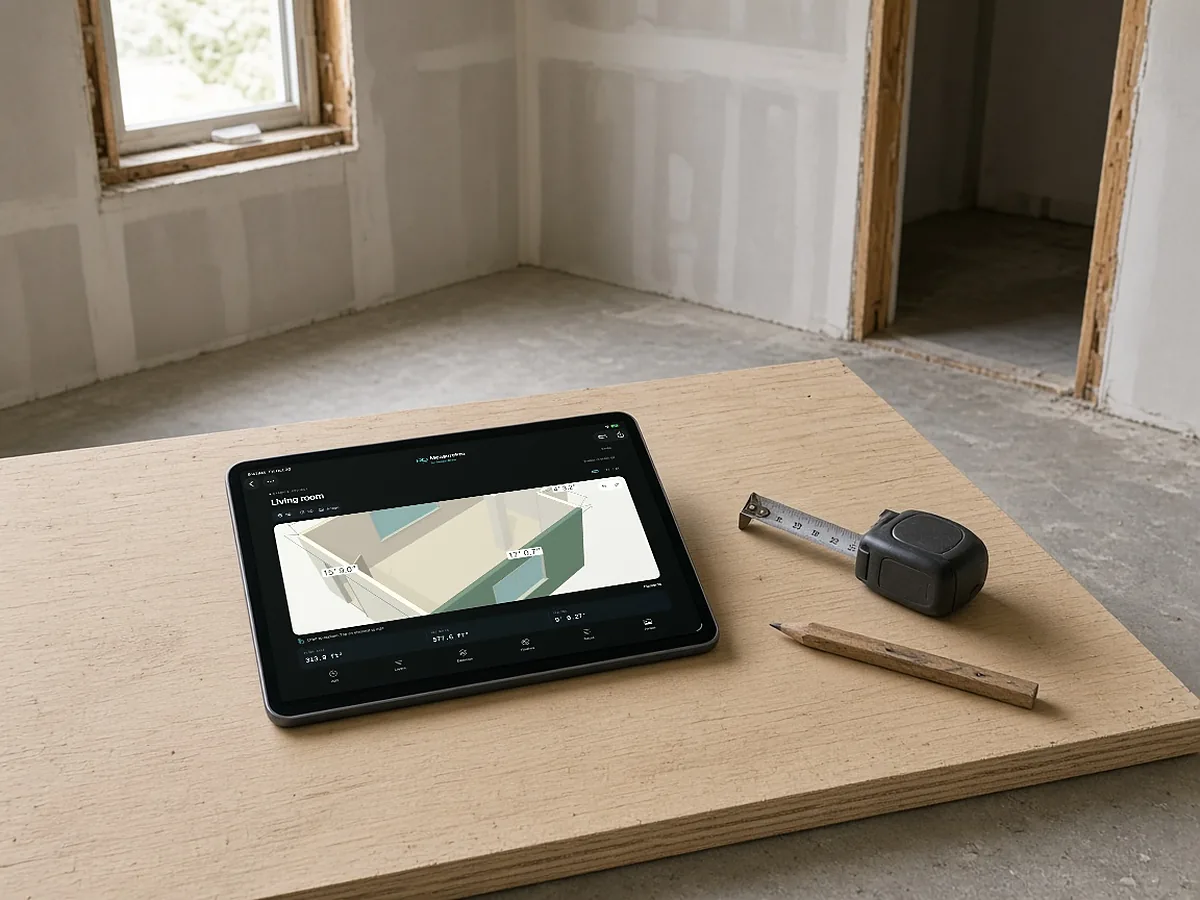
In the field. Connected when you're ready.
Field measurements are the starting point. RenderDraw Platform carries them through takeoff review, product configuration, approved pricing, human approvals and quote or proposal preparation in configured Salesforce and CPQ workflows.
Capture
Measure and document the site in MeasurePro.
Review
Check corrected quantities, scope and supporting evidence.
Configure & price
Apply approved products, pricing and estimating assumptions.
Approve & propose
Resolve exceptions, get approvals and prepare the quote or proposal.
Connected workflows require compatible accounts and organization setup. Platform access and commercial terms are separate from the app. Confirm imports, field mapping and outputs during setup.
Room scanner app questions.
What does MeasurePro cost?
MeasurePro is on the App Store for iPhone and iPad (see the listing for current pricing), and local work (capture, editing, notes and reports on your device) needs no account. Connected RenderDraw Platform and Salesforce workflows are separate and require compatible accounts and organization setup.
Which iPhones and iPads can scan a room?
MeasurePro requires iOS or iPadOS 17.6 or later. LiDAR scanning requires a device with LiDAR. On supported devices without LiDAR, you can tap to capture corners instead.
Is there an Android version?
MeasurePro is built for iPhone and iPad. There is no Android version listed today.
Can I work offline on site?
Yes. Local capture, saved-plan editing, photos and notes work on your device without an internet connection. Connected Salesforce and RenderDraw Platform workflows need a connection, so plan the handoff before your site visit.
What can I export?
A PDF report (dimensioned plan, measurements, notes, finish references and photos), CSV quantities, JSON data with geometry and revision history, and a USDZ 3D model. CSV numeric values are in meters, square meters and radians regardless of display units.
How accurate is a room scan?
Treat a scan as a measured starting point, not a final field verification. Correct walls, heights and openings in the app, and check critical dimensions against site conditions before ordering materials.
Can MeasurePro create a priced quote?
The app produces measurements and takeoff outputs. Product configuration, pricing, approvals and quote or proposal preparation happen in a configured RenderDraw Platform workflow.
Is this the same as AI takeoff from drawings?
No. MeasurePro documents existing site conditions on iPhone and iPad. RenderDraw also offers separate AI takeoff workflows that read plan sets. Use the source that fits the scope you are estimating.
Start with one room.
Download MeasurePro and scan a room on your next site visit. When you want those measurements to flow into takeoff review, pricing and proposals, we'll walk one quantity through the connected workflow with you.
- Download MeasurePro on iPhone or iPad. No account needed for local work.
- Scan, correct and export a room on your next site visit.
- Bring that room to a RenderDraw demo to see the connected workflow.