
Field measurements the office can actually use.
A field measure is only useful if the estimator can tell what was measured, where, and what the site looked like. This guide covers what to capture on a site visit, and how MeasurePro keeps dimensions, photos and instructions together on iPhone and iPad.
On the App Store · iPhone & iPad · iOS/iPadOS 17.6 or later · no account for local work
- Site visit checklist
- Dimensions + photos + notes
- Works offline
- Field measure app
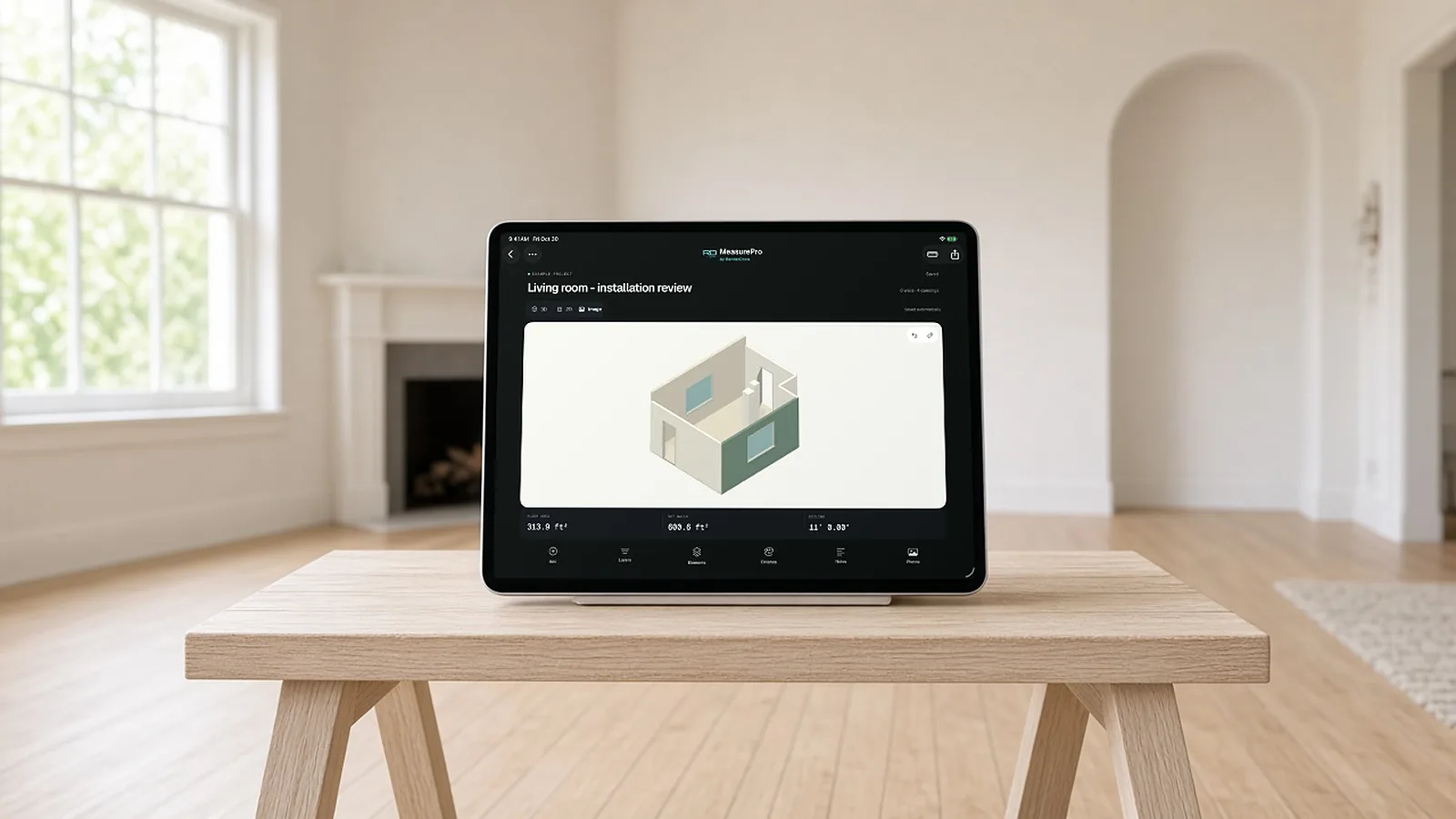
What to capture on every site visit.
- Room outline and wall lengths. Including notches, bump-outs and columns.
- Heights. Ceiling height, and soffits or changes in height.
- Openings. Doors and windows: size, location, swing, sill height.
- Clearances. Side clearances at openings and fixtures.
- Existing finishes. What is there now and what stays.
- Access and conditions. Stairs, elevators, occupied areas, anything that affects labor.
- Photos. Of every wall and every problem.
Measurements with context.
Measure once, in one place
Dimensions on a sketch, photos in a camera roll and notes in a text become three things to reconcile.
Note the reference
Finished face or framing, top of slab or finished floor.
Flag the critical ones
Dimensions you will order materials to need a second check.
Measuring so the numbers hold up later.
Measure each room in the same order every time: overall length and width, then each wall segment, ceiling height at more than one point, then openings with their sizes and heights. A consistent order makes missing measurements obvious before you leave the site.
Record what you measured to. Wall-to-wall at the floor and at the ceiling can differ in older buildings; baseboard, trim and finishes can change a dimension by an inch or more. Note whether a dimension is to the finished surface, the framing or a fixed reference, and take a photo with the measured surface visible.
For anything that will be ordered or fabricated, such as countertops, cabinets, glass or custom millwork, take a check measurement with a tape or laser and record both. Scans and quick captures are excellent for layout and quantities, and a second, direct measurement protects the order.
Capture, correct, export.
Capture on site
Scan with LiDAR on supported devices, tap to capture corners where LiDAR is not available, or trace linear runs for pipe and conduit.
Correct what matters
Adjust walls and heights; add or edit doors, windows, openings and pillars; enter notches and bump-outs. Undo and redo as you go.
Check in 2D and 3D
Dimensioned floor plan and 3D room, in feet and inches or metric: wall lengths and heights, openings, clearances, window heights.
Export
PDF report, CSV quantities, JSON data or a USDZ 3D model, from the saved, corrected workspace.
Four formats, four next steps.
| Format | What's in it | Use it for |
|---|---|---|
| Dimensioned plan, measurements, notes, finish references and reference photos | Scope review with the customer or office | |
| CSV | Room and element measurements (meters, m², radians) | Spreadsheets and estimating workbooks |
| JSON | Geometry, revision history, notes, finishes and embedded photos | Handing structured data to another system |
| USDZ | Corrected room geometry, openings, pillars, approximate colors | Viewing the room in 3D (no notes, photos or labels) |
Take measurements into the estimate.
MeasurePro works on its own. When your team wants field measurements to reach takeoff review, product configuration, pricing approvals and proposals in Salesforce, RenderDraw Platform connects that workflow.
- Capture Measure and document the site in MeasurePro.
- Review Check corrected quantities, scope and evidence.
- Configure & price Apply approved products, pricing and assumptions in your configured workflow.
- Approve & propose Resolve exceptions, get approvals and prepare the quote.
Connected workflows need compatible accounts and organization setup. Platform access and commercial terms are separate from the app.
Evaluate the connected workflow Book a demoField measurements, answered.
What are field measurements in construction?
Dimensions taken on site of existing conditions or installed work, used to estimate, order materials or fabricate to fit. They are especially important for renovation and finish trades.
What is the best field measure app?
One that keeps dimensions, photos and notes together and exports in a format your office uses. MeasurePro runs on iPhone and iPad and exports PDF, CSV, JSON and USDZ.
Should I trust phone measurements for ordering?
Verify critical dimensions with a tape or laser meter before ordering. Use the app for the layout and documentation.
Does it work offline?
Yes, for local work. Capture, saved-plan editing, photos and notes work on your device without a connection. Connected workflows need a connection.
How do I measure out-of-square rooms?
Measure both diagonals and each wall; if the diagonals differ, the room is out of square, which matters for tile, flooring layout and cabinets.
What should I photograph on a site visit?
Each wall, the ceiling and floor, every opening, existing damage, utilities and access routes, with a wide shot of each room for context.
Should measurements be shared with the customer?
Sharing a dimensioned plan with photos helps the customer confirm scope and reduces disputes about what was measured and included.
What does MeasurePro cost?
MeasurePro is on the App Store; see the listing for current pricing. Local capture, editing, notes and reports work without an account. Connected RenderDraw Platform and Salesforce workflows are set up and licensed separately.
Start with one room.
Download MeasurePro and measure a room on your next site visit. When you want those measurements to reach takeoff review, pricing and proposals, we'll walk one quantity through the connected workflow with you.
- Download MeasurePro on iPhone or iPad. No account needed for local work.
- Capture, correct and export a room on your next site visit.
- Bring that room to a RenderDraw demo to see the connected workflow.