
Restoration estimates: from field to estimator
Restoration estimates are only as good as what comes back from the site. When rooms are measured roughly, photos are unlabeled and notes are scattered, the estimator rebuilds the job from memory. A consistent field package fixes that.
- Field handoff
- Photo documentation
- Room measurements
- Estimate package
Where estimates go wrong
In restoration, the field tech or project manager sees the loss and the estimator often does not. Every gap in the field package becomes a guess: a room size estimated from a photo, a ceiling height assumed, a wall that was affected but not noted. Guesses either leave money on the table or create disputes with adjusters and owners. The fix is a field package with the same parts every time.
The field package
Room measurements
Every affected room: floor area, wall lengths, ceiling height, openings.
Photos by room
Overview, damage close-ups and context, labeled by room.
Affected areas
Which walls, floors and ceilings are affected and how high.
Scope notes
Materials, finishes, contents and access conditions.
Readings and logs
Moisture readings and equipment logs where your process requires them.
Room measurements
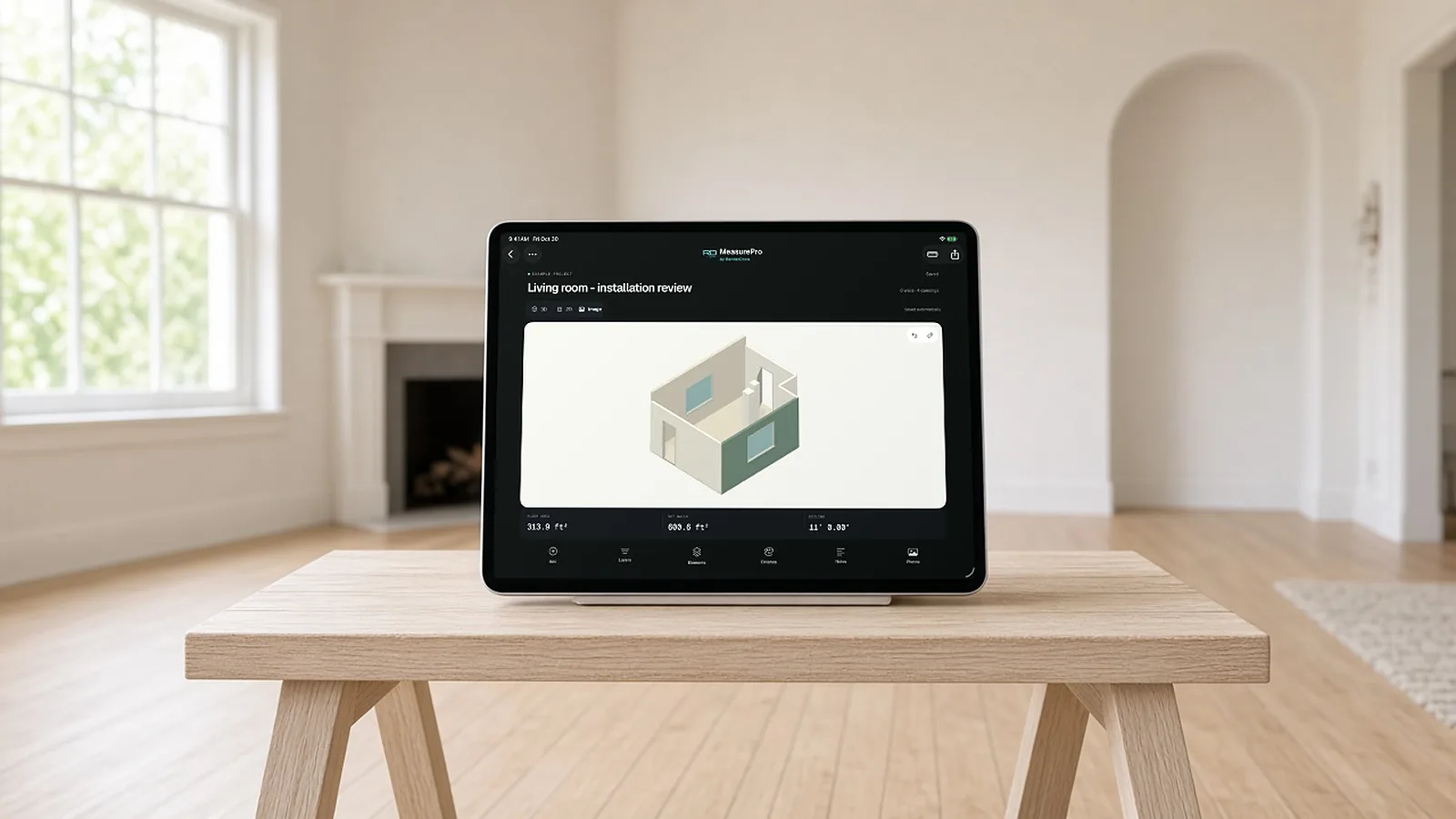
Measuring rooms with a tape takes time and invites transcription errors. RenderDraw MeasurePro is an iPhone and iPad app that captures rooms with LiDAR on supported devices or with tap-to-capture. You can correct walls, openings and heights, and export PDF, CSV, JSON or USDZ. CSV exports use meters and square meters, so convert if your estimating system expects feet. The app works on the device without an account.
| Field item | Captured with | Used for |
|---|---|---|
| Floor area | Room scan | Flooring, drying area |
| Wall lengths and height | Room scan, corrected | Drywall, paint, baseboard |
| Openings | Room scan, corrected | Deductions, trim |
| Photos | Phone camera, by room | Scope support |
MeasurePro requires iOS or iPadOS 17.6 or later. LiDAR capture needs a LiDAR-equipped device; tap-to-capture works without it.
That helps estimators
- Label by room to match the measurements.
- Overview first , then close-ups with a reference.
- Show extent : where damage stops matters as much as where it starts.
- Capture materials : flooring type, trim profile, cabinet style.
From a clean package
With a complete package, the estimator builds line items room by room, applies the correct measurements, and attaches photos as support. Questions back to the field drop, and the estimate is easier to explain to adjusters and owners.
Restoration estimating software
Restoration estimates rest on measured rooms and a documented scope. Whatever estimating system you use, it needs accurate room dimensions, ceiling heights and openings, with photos and notes as evidence.
MeasurePro, on iPhone and iPad, captures rooms with LiDAR on supported devices or by tapping corners, then exports PDF, CSV, JSON and USDZ. It sketches the floor plan of affected rooms; it does not replace your estimating system.
Two documents, two jobs
| Scope of work | Estimate | |
|---|---|---|
| Answers | What will be done, room by room | What it costs |
| Contains | Materials affected and actions, with photos and notes | Quantities × prices, labor, equipment, overhead and profit |
| Depends on | Inspection and measurements | The scope |
Measure the room on iPhone. Hand off a plan, not a camera roll.
MeasurePro by RenderDraw is an iPhone and iPad app for documenting rooms: LiDAR scanning on supported devices, tap-to-capture corners where LiDAR is not available, and exports to PDF, CSV, JSON or USDZ.
- No account needed for local work. Requires iOS or iPadOS 17.6 or later.
- Correct what matters. Adjust walls and heights; add doors, windows, openings and pillars.
- Photos and notes with the room. Keep site evidence next to the measurements.
- Connected workflow when you need it. RenderDraw Platform covers takeoff review, configuration, pricing and proposals.
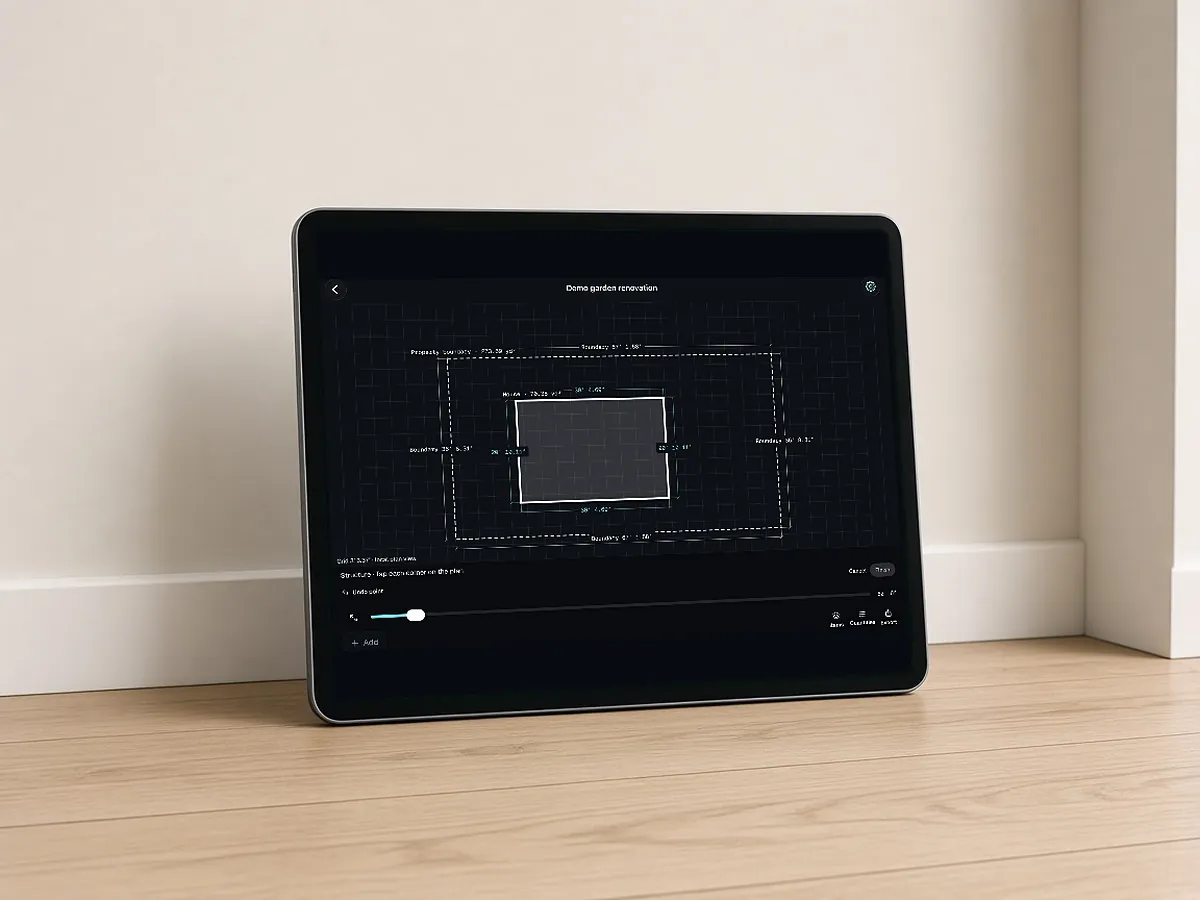
Built for estimating handoffs
Review dimensions against site conditions before ordering materials. Saved wall colors are approximate references, not paint matches.
RenderDraw does not publish accuracy percentages or time-saved claims. Test it on your own plan set.
Questions estimators ask.
What should a restoration field package include?
Room measurements, labeled photos, affected areas, scope notes and any readings or logs your process requires.
How can I measure rooms faster for restoration estimates?
Use a room measurement app. RenderDraw MeasurePro runs on iPhone and iPad and captures rooms with LiDAR or tap-to-capture.
What exports does MeasurePro support?
PDF, CSV, JSON and USDZ. Check the CSV units before importing.
How should restoration photos be organized?
By room, overview first, then close-ups, showing the extent of damage and materials.
Does MeasurePro need an account?
No, it works on the device without an account. Get MeasurePro on the App Store.
What is the difference between a scope of work and an estimate in restoration?
The scope describes the work; the estimate prices it. The estimate depends on an accurate scope and measurements.
What is floor plan sketching software for restoration?
Software that produces a dimensioned plan of affected rooms. MeasurePro builds a 2D plan and 3D room from a scan, with corrections, notes and photos.
Can MeasurePro export to restoration estimating software?
It exports PDF, CSV, JSON and USDZ; check your estimating system's import options.
How long should field documentation take per room?
Long enough to capture dimensions, ceiling height, openings, affected materials and photos from each wall. A consistent order (overview photo, each wall, ceiling, floor, damage close-ups) keeps it quick and complete.
Measure rooms on site, hand off a clean package.
MeasurePro runs on iPhone and iPad. Capture rooms with LiDAR or tap-to-capture and export PDF, CSV, JSON or USDZ.
- Download MeasurePro on iPhone or iPad (iOS 17.6+).
- Scan or tap-capture a room, then correct walls, openings and heights.
- Export PDF, CSV, JSON or USDZ, or plan the connected workflow with RenderDraw.