RenderDraw's AI vision reads your 2D construction drawings, PDFs, and CAD files — extracting every quantity, dimension, and material count automatically. What used to take two estimators two days now runs in under two hours.
Takeoff AI reads construction drawings, PDFs, CAD files, and specifications to extract quantities, dimensions, materials, and line items for estimating. RenderDraw turns those extracted quantities into priced, reviewable takeoff quotes by connecting them to approved knowledgebases, supplier catalogs, labor rates, and CPQ or ERP pricing.
The goal is not to remove estimator judgment. The goal is to move estimators from manual counting into review, exception handling, scope validation, and bid strategy.
Last updated: July 1, 2026. Reviewed by RenderDraw workflow automation specialists.
A construction takeoff is the process of reading project drawings and extracting every item that needs to be priced: linear feet of conduit, square footage of drywall, number of fixtures, cubic yards of concrete. It is the foundation of every accurate bid.
The traditional process requires a trained estimator to open drawings — often dozens of them — and count, measure, and record each line item by hand. Experienced estimators use digital highlighters and spreadsheets, but the core act of reading and measuring has remained fundamentally human for decades.
This is expensive, slow, and error-prone. A single missed specification sheet or misread dimension can turn a winning bid into a money-losing project. Estimators who do this work full-time report spending 40% or more of their total working hours on takeoffs alone.
Full Takeoff Guide →On a typical mid-size commercial project, a single takeoff may involve:
That's 12 to 40 person-hours per bid — multiplied across every project your team pursues.
RenderDraw uses multimodal AI models — trained on thousands of construction drawing formats — to read your submitted PDFs and CAD files the way a senior estimator does. The AI identifies component types, counts quantities, measures dimensions, and classifies every item into your preferred CSI divisions.
The AI reads drawing sheets as images, identifying symbols, annotations, line weights, and dimensions. It understands the visual grammar of architectural and engineering drawings.
Standard and custom symbols — electrical outlets, plumbing fixtures, structural connectors, HVAC equipment tags — are matched against your knowledgebase for accurate classification.
Linear, area, and volumetric dimensions are extracted from annotations, title blocks, and scale bars. Results are expressed in your preferred units automatically.
The system ingests specification sections alongside drawings, cross-referencing material grades, finish requirements, and substitution clauses to produce an accurate BOM.
Every extracted quantity carries a confidence score. Items below your threshold are flagged for human review — so your estimators spend time only where AI uncertainty warrants it.
Extracted items are matched against your historical pricing, supplier catalogs, and labor rate tables stored in your RenderDraw knowledgebase to produce a fully priced BOM.
Works with your existing drawing formats. RenderDraw accepts PDFs (scanned and digital), DWG, DXF, IFC, STEP, IGES, Revit exports, SolidWorks assemblies, and 30+ additional CAD formats. No re-export or conversion required.
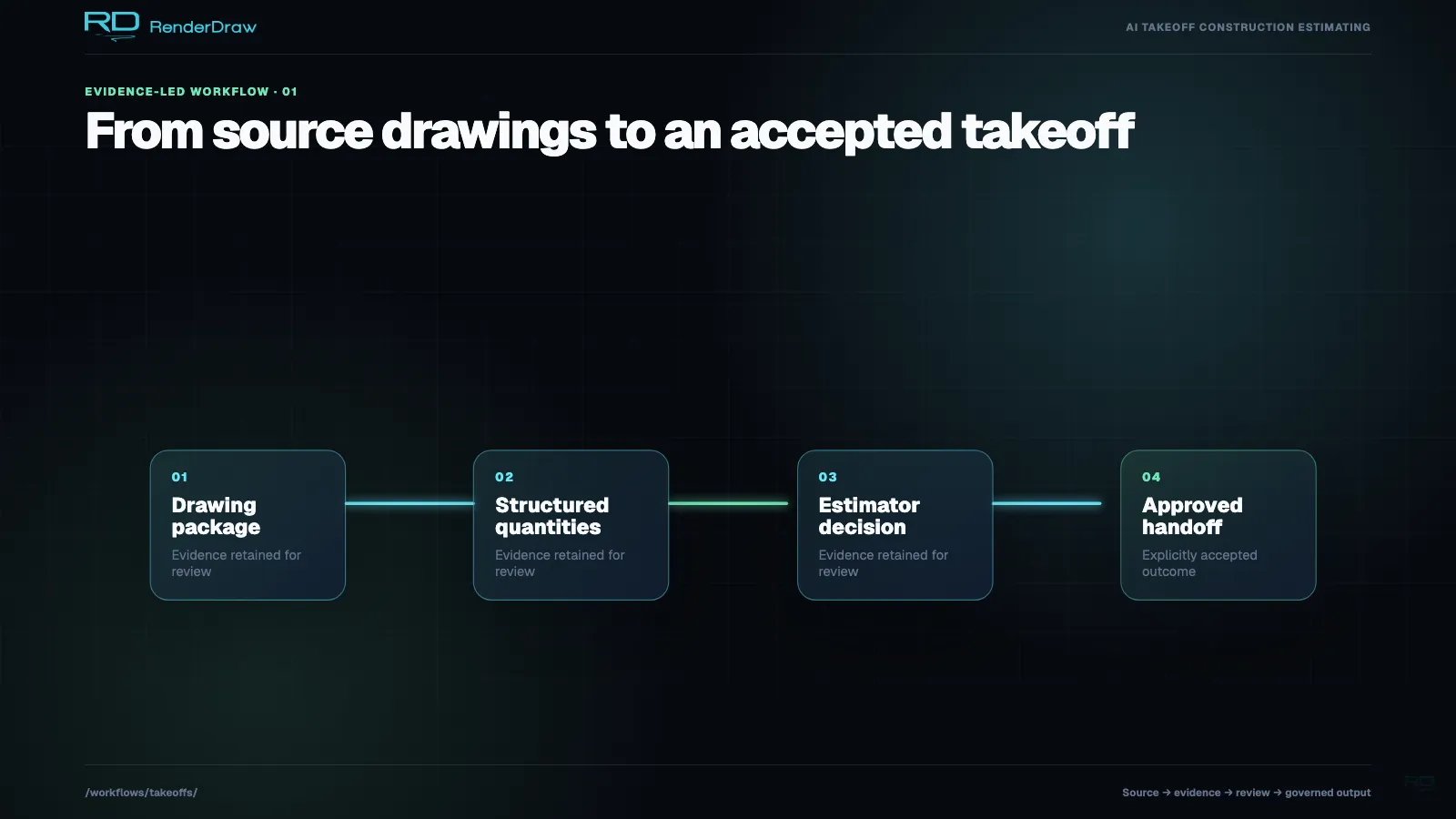
Each step in the takeoff process maps to a configurable workflow block in RenderDraw. You connect them once, and the workflow runs automatically on every new drawing submission.
Blocks can be reordered, branched on confidence thresholds, and extended with your own custom logic. The entire chain is auditable — every extraction decision is logged with source coordinates and confidence scores.
Email attachment, portal upload, or API submission triggers the workflow
Multimodal AI reads every drawing sheet and extracts items with coordinates
Items classified into CSI divisions or your custom taxonomy
Matched against knowledgebase supplier pricing and labor rates
Quantities and prices written to your standard bid workbook template
Populated workbook flows into your RFP or proposal response template
A RenderDraw knowledgebase is a structured repository of your past estimates, supplier catalogs, spec sheets, and pricing history. The AI consults it on every extraction — so the system gets more accurate every time you run a takeoff.
Start with zero historical data. RenderDraw can bootstrap your knowledgebase from existing Excel BOMs, PDF spec sheets, and past project files. Upload what you have and the system builds the rest as you run takeoffs.
Quantity extraction is only half the job. RenderDraw connects every extracted item to live pricing through your configured data sources — so the output of a takeoff is a fully priced bill of materials, ready for proposal.
Items are fuzzy-matched against your uploaded supplier price lists. Confidence scores reflect match quality. Multiple suppliers can be ranked by preference.
Labor hours are estimated from productivity factors in your knowledgebase, then multiplied by your crew rate tables — producing fully burdened labor costs per line item.
For complex engineered items, the workflow can query connected CPQ systems (Logik, Infor, Salesforce) or ERP price books to retrieve configured pricing in real time.
Quantity extraction is useful only when it reaches the quote. RenderDraw connects the takeoff output to pricing systems, estimating rules, and bid workbooks so each line item can move from source drawing to approved quote with traceability.
| Step | Input | AI Output | Quote Control |
|---|---|---|---|
| Drawing ingestion | PDF, DWG, DXF, IFC, Revit, STEP | Sheet index, scale, drawing type, scope areas | Estimator confirms included sheets and addenda |
| Quantity extraction | Plans, sections, schedules, specs | Count, length, area, volume, source coordinates | Confidence thresholds route exceptions |
| Pricing lookup | Supplier catalogs, labor tables, CPQ, ERP | Unit price, labor cost, lead time, margin basis | Approved price source is logged per line item |
| Quote workbook | Structured takeoff line items | Priced bid workbook and proposal-ready BOM | Human approval gate before export |
Traditional digital takeoff tools speed up measuring, but the estimator still clicks, counts, highlights, copies quantities, and prices the workbook manually. RenderDraw adds AI extraction, pricing integration, and approval routing so the same source documents can drive a complete quote workflow.
| Capability | Manual Takeoff Tool | RenderDraw |
|---|---|---|
| Quantity extraction | Estimator clicks and measures | AI extracts with source coordinates |
| Pricing | Spreadsheet lookup or copy-paste | Connected supplier, CPQ, ERP, and labor data |
| Review | Manual senior-estimator check | Confidence-based human gates |
| Audit trail | Highlights and spreadsheet notes | Line item, source document, price source, reviewer log |
Takeoff AI can create a quote-ready workbook when it has access to both source drawings and approved pricing data. RenderDraw extracts quantities from drawings, maps them to your item taxonomy, applies supplier and labor pricing, then requires human approval before export.
No. RenderDraw reduces manual counting and spreadsheet assembly so estimators can focus on scope judgment, exceptions, alternates, risk, and bid strategy. Human gates are built into the workflow for low-confidence extraction and quote approval.
Approved historical estimates, supplier catalogs, regional labor rates, scope templates, specification libraries, and past bid workbooks improve accuracy. RenderDraw uses this knowledgebase to classify extracted quantities and apply the right price source.
Dive deeper into any aspect of the automated takeoff process.
Stop losing bids to teams who can respond faster. RenderDraw gives your estimators AI superpowers — without replacing the judgment that wins projects.