
A floor plan with the photos attached.
Measurements without photos raise questions later; photos without measurements can't be priced. MeasurePro keeps both together: site photos, room notes, installation instructions and approximate finish references stay with each measured room and export in the report.
On the App Store · iPhone & iPad · iOS/iPadOS 17.6 or later · No account needed for local work.
- Photos per room
- Notes and finish references
- PDF report export
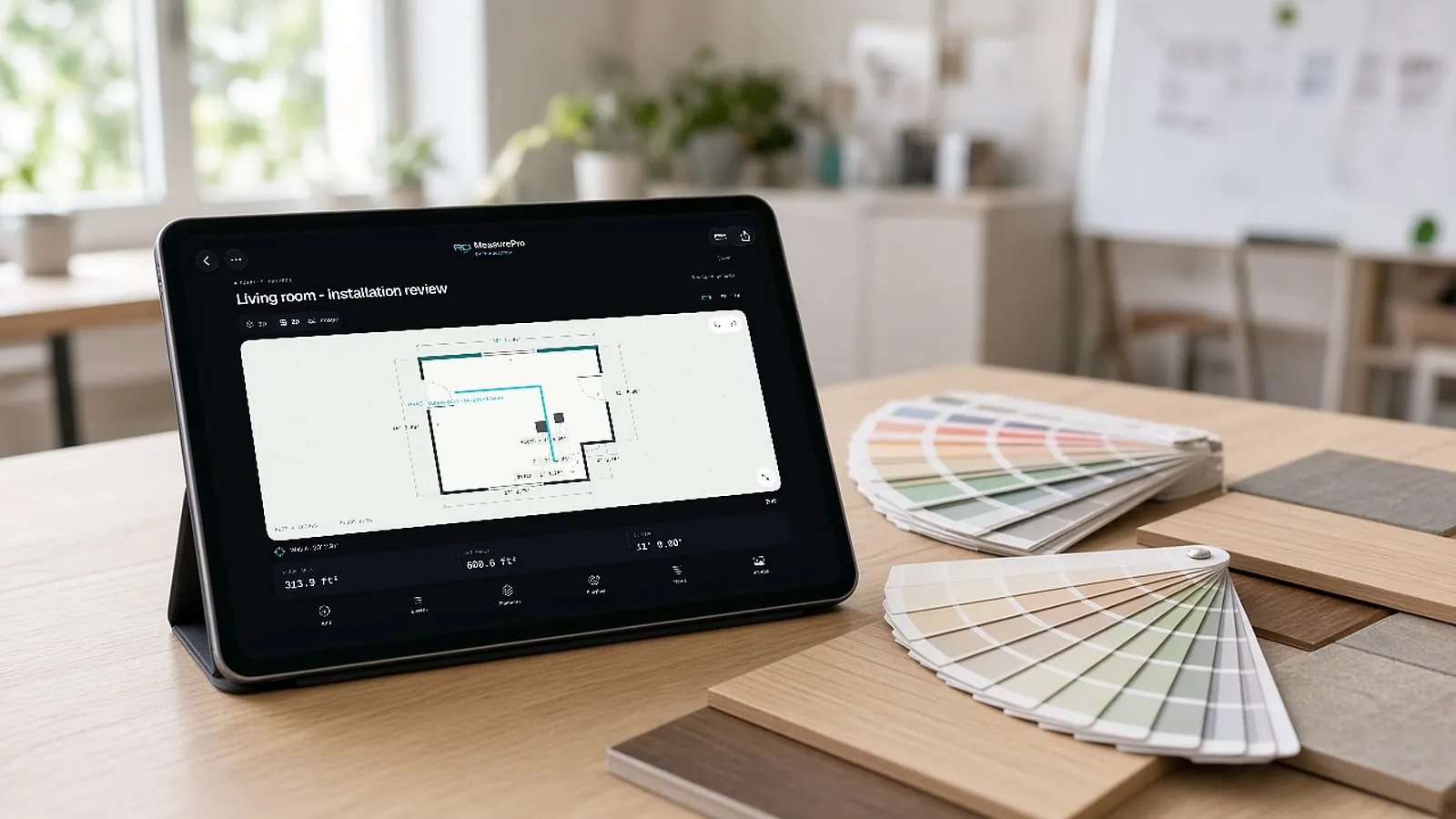
Evidence with every room.
Estimating
Photos show conditions that change price: damage, access, existing finishes.
Handoff
Installers see the room and the notes, not just numbers.
Disputes
A dated photo with measurements settles questions fast.
Measure the room. Hand off a measured plan.
On the App Store for iPhone and iPad (iOS/iPadOS 17.6 or later). Local capture, editing, notes and reports work on the device without an account.
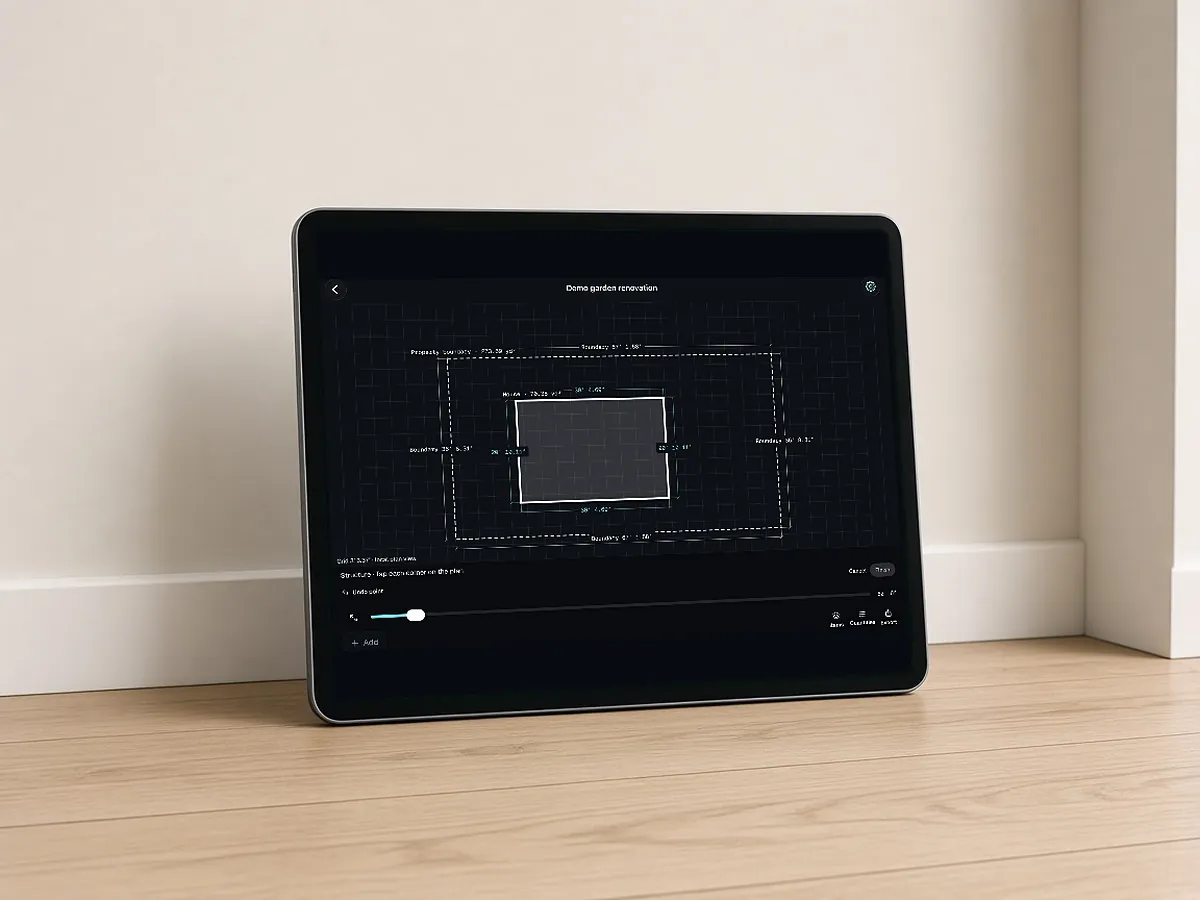
- Capture on site. Scan with LiDAR on supported devices, tap to capture corners without LiDAR where supported, or trace linear runs for pipe and conduit work.
- Correct what changes the job. Adjust wall geometry and heights; add or edit doors, windows, openings and pillars; enter notches and bump-outs; undo and redo.
- Read dimensions in context. Move between a dimensioned 2D floor plan and a 3D room, in feet and inches or metric.
- Keep the evidence. Site photos, room notes, installation instructions and approximate finish references stay with the room.
- Export the handoff. PDF report, CSV quantities, JSON data or a USDZ model.
Questions estimators ask
How do I make a floor plan with photos?
Scan or capture the room in MeasurePro, then attach photos and notes to the room; export a PDF report.
Are photos included in exports?
The PDF report includes room information; check export options in the app.
Does it need an account?
No account is needed for local work.
Which devices?
iPhone and iPad with iOS/iPadOS 17.6 or later; LiDAR on supported models.
Start with a room. Plan the work that follows.
Download MeasurePro for local work. When you want measurements to flow into takeoff review, pricing and proposals, evaluate the connected RenderDraw Platform workflow.
- Download MeasurePro from the App Store.
- Measure and correct one representative room.
- Bring it to RenderDraw to walk one quantity through review, pricing and output.